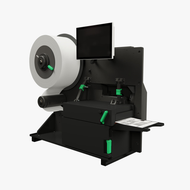
How to Keep Your Label Printers Running Smoothly for Years
28th Jan 2026
In warehouses, manufacturing plants, and logistics facilities, label printers operate continuously, producing thousands of labels each day. These labels track inventory, ship goods, and ensure traceability across industries. Over time, heavy use can lead to wear and inefficiency if printers are not properly maintained. Regular care and preventive maintenance not only reduce costly breakdowns but also enhance print consistency, accuracy, and equipment longevity.
For many facilities, high-quality thermal label printers are the backbone of their labelling operations. Known for durability and precision, these machines are designed for continuous, high-volume printing. Yet, like any industrial equipment, they require upkeep. From cleaning printheads to choosing the right ribbons and labels, every small step contributes to smoother performance and longer life.
In addition, consistent oversight of supply quality, firmware updates, and storage conditions can greatly influence performance outcomes. Dust buildup, subpar ribbons, or outdated software often go unnoticed but can quickly affect print speed and image clarity. Establishing routine checks and preventive measures ensures dependable results and helps maintain efficient labelling operations for years to come.
Cleaning: The Foundation of Preventive Maintenance
One of the simplest yet most effective maintenance practices for label printers is routine cleaning. Dust, adhesive residue, and ribbon particles can accumulate inside the machine and compromise print clarity or cause jams. Printheads, in particular, are delicate components that require attention.
Using manufacturer-approved cleaning swabs and isopropyl alcohol helps remove buildup without damaging sensitive parts. Printheads should be cleaned every time a new roll of ribbon or label stock is installed. Rollers and sensors also benefit from regular wiping to prevent feeding errors.
Ignoring cleaning can result in faded prints, streaks, or label misalignment. Over time, residue buildup may damage the printhead, requiring costly replacements. Consistent cleaning routines ensure thermal transfer mechanisms remain in top condition, delivering crisp, readable prints on every label.
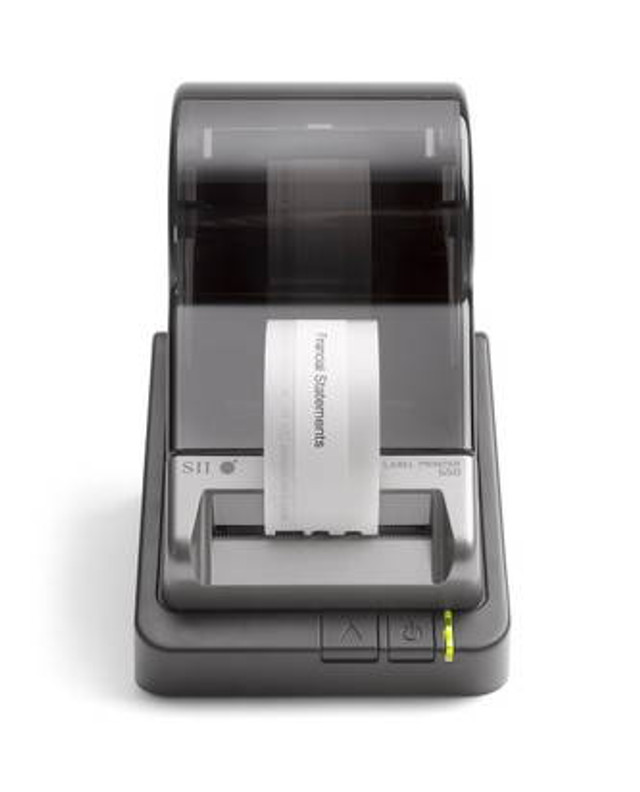
Using Quality Supplies for Better Printer Health
Supplies play a major role in extending the printer's lifespan. Poor-quality ribbons, labels, or adhesives can damage internal parts or clog sensors. For example, low-grade label stock may shed particles that interfere with print quality or cause jams. Similarly, incompatible ribbons can leave residue or uneven colour transfer on labels.
Opting for reputable consumables—such as Zebra ribbons or Datamax ribbons—ensures optimal print performance and less wear on components. These ribbons are manufactured to match printer specifications, reducing abrasion on printheads and producing consistent print density.
Using durable materials like thermal transfer labels for sale also prevents reprinting and waste. These labels are resistant to heat, moisture, and chemicals, maintaining readability even in demanding environments. By pairing reliable ribbons with long-lasting label stock, facilities minimize equipment strain while boosting output efficiency.
Proper Calibration and Alignment
Even the most advanced thermal label printers require occasional calibration. Misaligned sensors or incorrect print settings can waste labels, cause misprints, or reduce printhead life. Printer calibration aligns the sensors with the label and ribbon position, ensuring accurate tracking and precise print placement.
Performing calibration whenever switching to a new label size, thickness, or material helps maintain print consistency. Most high-quality thermal label printers come with built-in calibration functions, making it easy to adjust settings through the control panel or software interface.
Maintaining proper alignment also prevents unnecessary mechanical strain. When labels feed smoothly and evenly, printer motors operate with less resistance, reducing internal wear and extending component life.
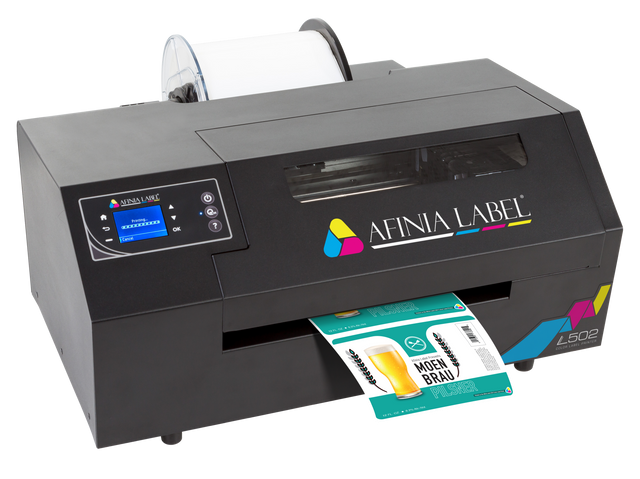
Managing Printhead Pressure and Temperature
The printhead’s temperature and pressure directly impact print quality and printer longevity. Excessive heat or pressure may produce dark, smudged prints and shorten the lifespan of the printhead. Conversely, low heat settings can cause faint or incomplete images.
Adjusting these parameters according to ribbon and label type is essential. Synthetic labels may require slightly higher temperatures for proper ink transfer, while paper labels perform well at moderate settings.
Operators should also avoid using excessive pressure on the printhead. Too much tension between the ribbon and label increases friction, leading to premature wear. Keeping settings balanced ensures crisp results without overworking printer components.
Routine calibration and temperature testing should be part of every maintenance schedule to ensure accuracy and consistency. Over time, environmental factors like humidity or dust can also affect how heat transfers to the label surface. Monitoring these conditions and making periodic adjustments helps maintain clear, professional prints while significantly extending the lifespan of high-quality thermal label printers.
Keeping Firmware and Software Updated
Manufacturers frequently release firmware updates that improve printer efficiency, enhance connectivity, and fix bugs. Updating firmware ensures the printer operates with the latest optimization tools and compatibility settings.
Software used for label design, such as BarTender label software or NiceLabel software, also plays a part in printer maintenance. Outdated software may send incorrect data, leading to misprints or communication errors. Keeping both firmware and software current streamlines operations and ensures consistent output quality.
Storage and Operating Conditions
Environmental conditions significantly affect the performance of label printers. Excessive heat, humidity, or dust can shorten the lifespan of mechanical and electronic components. To maintain reliability, printers should be stored in clean, climate-controlled spaces.
Thermal printers work best in environments between 15°C and 35°C with moderate humidity levels. Exposure to moisture can warp labels, clog feeding mechanisms, or corrode internal circuits. Similarly, storing labels and ribbons in sealed containers protects them from dust and humidity, preserving their print quality and shelf life.
If the printer operates in a high-dust environment, protective covers or enclosures can minimize exposure and reduce cleaning frequency.
Replacing Worn Components Before Failure
Like tires on a vehicle, printer parts wear over time. Rollers lose grip, sensors become less responsive, and printheads eventually wear down. Replacing components proactively prevents downtime and ensures uninterrupted production.
Common replaceable parts include platen rollers, printheads, and feed belts. Following the manufacturer’s maintenance schedule ensures parts are swapped before they fail, minimizing disruptions. Keeping spare components on hand allows quick replacements, especially for printers operating in high-demand settings.
Investing in authentic parts, such as Intermec thermal ribbons or certified maintenance kits, maintains compatibility and performance integrity. Generic or low-cost substitutes may not meet quality standards, leading to alignment issues or inconsistent prints.
Organizing Supply Management
A well-organized supply management system prevents printing delays and maintains workflow efficiency. Keeping track of consumable levels—ribbons, labels, and spare parts—helps avoid running out during production runs.
Many companies use inventory tracking systems integrated with barcode or RFID labels. Reliable barcode scanners, such as those from affordable barcode scanners online, ensure accurate data capture and real-time supply tracking. This approach reduces ordering errors and streamlines restocking processes.
Additionally, rotating stock prevents older supplies from deteriorating in storage. Thermal labels and ribbons should be stored in cool, dry areas and used before their expiration dates for the best results.
Image Caption: Protect your investment in high-quality thermal label printers with preventive care routines that enhance performance, print accuracy, and long-term operational efficiency.
Regular Performance Checks
Routine performance checks ensure that printers continue operating efficiently. Running test prints once a week helps identify emerging issues such as alignment errors, fading text, or ribbon wrinkles before they affect large print runs.
Monitoring print speed, quality, and consistency also allows operators to detect early signs of wear. Establishing a maintenance log helps track cleaning dates, part replacements, and firmware updates, ensuring accountability and long-term reliability.
Over time, this documentation becomes valuable for identifying usage patterns, predicting service intervals, and planning upgrades when needed.
Prolonging Performance with Proper Care
Keeping label printers running at peak performance is an ongoing process built on regular maintenance, quality supplies, and smart management. By investing time in preventive care, companies in Canada can dramatically extend the life of their high-quality thermal label printers while maintaining print accuracy and efficiency.
For those seeking long-term printing reliability, using compatible supplies and trusted equipment makes a measurable difference. Whether managing industrial workflows or high-volume packaging operations, pairing thermal transfer printers with dependable materials like thermal transfer labels and high-grade Zebra ribbons online ensures every print remains crisp and professional.
For businesses ready to improve equipment performance and minimize downtime, DuraFast Label Company provides the printing solutions needed to keep operations efficient. From high-performance printers to durable labels and ribbons in Canada, our products support lasting quality and reliability in professional environments. Contact us today.