Why Every Growing E-Commerce Business Needs a Dedicated Label Printer
28th Jul 2026
There's a point almost every online seller hits: orders are coming in faster than the printing setup can keep up. What worked fine at ten orders a week, printing a shipping label on the household inkjet, trimming it to size, and taping it down, starts to fall apart at fifty, and becomes unworkable at a few hundred.
A dedicated label printer solves a problem that's easy to underestimate until it's already costing you time and money. This is why so many growing e-commerce businesses eventually make the switch, and what actually changes once they do.
The Hidden Cost of Printing Labels the Wrong Way
Using a regular office printer for shipping labels seems harmless at low volume. The real cost shows up gradually: time spent formatting labels to fit the page, trimming excess paper, taping labels onto boxes, and occasionally reprinting because a label smudged or didn't align with the carrier's format.
- Formatting and trimming a label for every order adds minutes that multiply fast at higher volumes
- Ink and toner cartridges add an ongoing cost that direct thermal printing avoids entirely, since there's no ink to buy
- Paper labels from a standard printer are more prone to smudging, tearing, or peeling in transit than purpose-built shipping labels
- Mistakes at this stage, a smudged barcode or a label glued on crooked, tend to surface later as delivery problems, not immediately
None of these issues are dramatic on their own, but they compound. A seller shipping a hundred orders a week can lose hours to a process that a dedicated printer completes in a fraction of the time.
Why Thermal Printing Beats Inkjet and Laser for Shipping Labels
Thermal label printers, whether direct thermal or thermal transfer, are built specifically for this job in a way general-purpose printers aren't.
- No ink or toner: direct thermal printing uses heat-sensitive labels, so there's nothing to run out of mid-batch
- Faster output: dedicated label printers are designed to print one label after another without manual page handling
- Purpose-built label sizes: shipping labels print at the correct 4x6 size automatically, without resizing or trimming
- More durable in transit: labels made for shipping resist smudging, moisture, and handling better than standard paper
For sellers currently buying ink cartridges for printers just to keep up with shipping labels, switching to a direct thermal setup removes that cost and the downtime that comes with running out mid-shift.
Faster Fulfillment: What Actually Changes
The biggest shift growing sellers notice isn't the printer itself; it's how much faster the whole packing process becomes once labels stop being a manual step.
- Batch printing lets sellers print an entire day's shipping labels in one pass instead of one at a time
- Direct integration with shipping platforms and marketplaces means labels print straight from the order, without exporting or resizing a PDF first
- Consistent 4x6 output works with every major carrier format, so there's no guessing whether a label will scan correctly at the depot
- Less time at the packing station means more orders shipped in the same working day, especially during peak seasons
For sellers using e-commerce label printers connected directly to their store or marketplace account, the label is often ready before the box is even sealed, which removes an entire step that used to slow down order processing.
None of these pieces need to be built out all at once. Most sellers start with a single dedicated printer and add software, scanners, or branded labels as volume and budget allow.
Handling Peak Season Without Falling Behind
Order spikes around holidays, sales events, and promotions are exactly when a manual label process breaks down the fastest. A printer setup that's manageable at normal volume can turn into a genuine bottleneck the moment orders triple for a weekend sale.
- Batch printing becomes far more valuable during peak periods, when dozens of labels need to go out in a single session
- A printer that can run continuously without overheating matters more once volume climbs well beyond a typical week
- Having label rolls and ribbons in stock ahead of a known sales event avoids a mid-rush scramble for supplies
- Reliable barcode scanning keeps returns and exchanges processing smoothly even when order volume is elevated
Sellers who plan their labeling setup around their busiest week, rather than their average week, tend to handle peak periods with far less disruption. A printer that's merely adequate in a normal month can become the reason orders ship late during the one week that matters most for revenue.
Fewer Shipping Mistakes: Where Manual Printing Breaks Down
Mistakes in manual label printing rarely show up immediately. They surface later, as a returned package, a support ticket, or a customer asking where their order went.
- Mismatched labels: printing and cutting labels by hand increases the odds of the wrong label ending up on the wrong package
- Unreadable barcodes: smudged or low-contrast prints from general-purpose printers can fail to scan at carrier depots, delaying delivery
- Inconsistent sizing: hand-trimmed labels don't always match a carrier's expected dimensions, which can trigger manual handling and delays
- Lost inventory accuracy: without a barcode that scans cleanly, tying a shipment back to inventory records becomes guesswork
Pairing a dedicated label printer with reliable barcode scanners closes this gap. Clean, consistent labels scan correctly the first time, both at your own packing station and further down the shipping chain, which keeps inventory records and delivery tracking aligned.
Choosing the Right Printer for Your Growth Stage
Not every growing seller needs the same setup. The right printer depends on order volume and how much flexibility you need.
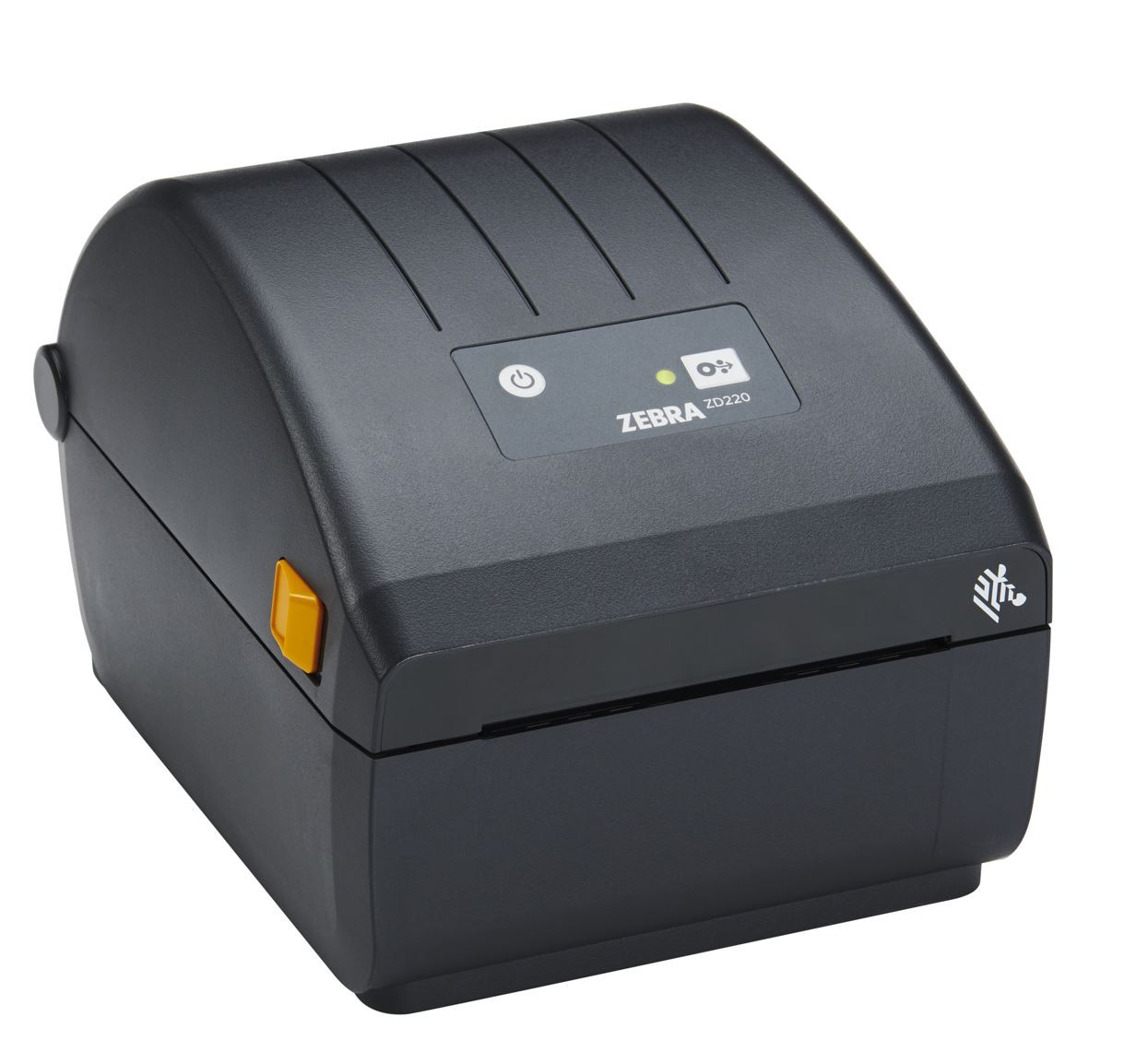
- Just starting to outgrow a home printer: an entry-level desktop model like the Zebra ZD230 offers a straightforward upgrade without a big investment
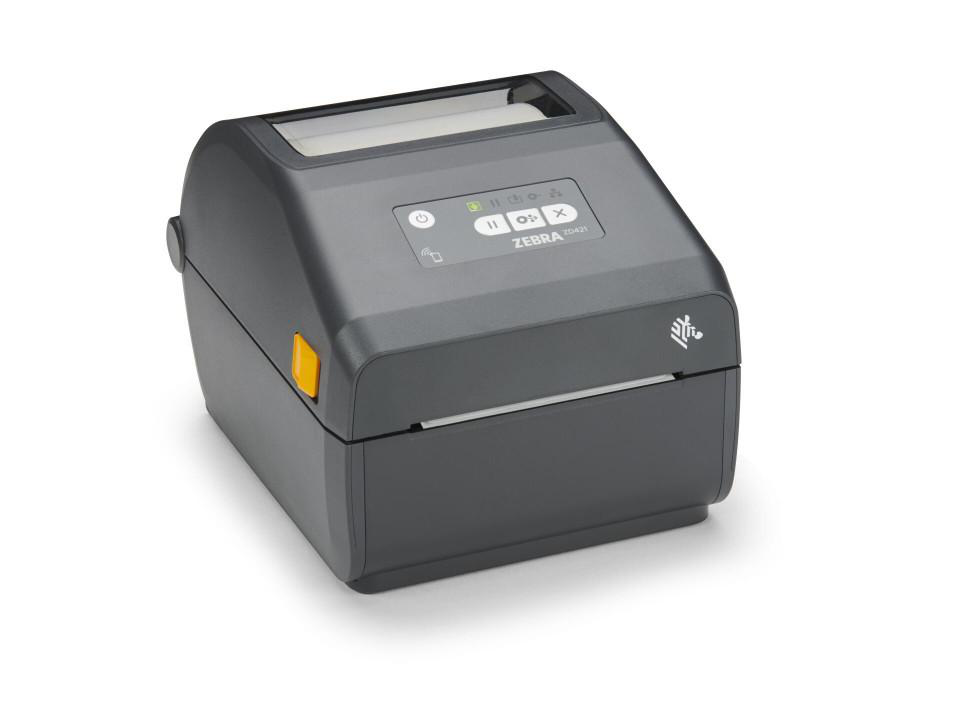
- Shipping dozens to hundreds of orders daily: a higher-throughput desktop printer with network or Wi-Fi connectivity keeps pace without becoming a bottleneck
- Selling at markets, pop-ups, or on the move: portable label makers let sellers print shipping or product labels away from a fixed desk
- Scaling into a small warehouse or fulfillment space: it may be worth stepping up to an industrial printer built for continuous, high-volume runs
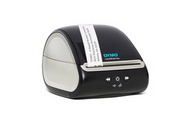
The Dymo LabelWriter 5XL remains one of the most common starting points for online sellers because it's purpose-built for 4x6 shipping labels straight out of the box, with no ribbon to manage. As volume grows, many sellers move up to a Zebra desktop model for faster batch printing and broader connectivity options.
Building a Complete E-Commerce Labeling Workflow
A printer alone solves part of the problem. The rest comes from tying labeling into the rest of your fulfillment workflow.
- Label design and automation software like BarTender or NiceLabel can pull order data directly into label templates, reducing manual entry
- Consistent 4x6 shipping labels keep every package uniform and easy to scan, regardless of which carrier handles it
- Barcode scanners speed up picking and packing accuracy before a label is ever applied
- Custom product labels help growing brands add a professional touch to packaging as they scale beyond a home-based operation
None of these pieces need to be built out all at once. Most sellers start with a single dedicated printer and add software, scanners, or branded labels as volume and budget allow.
FAQs
- At what order volume does a dedicated label printer make sense?
There's no exact threshold that applies to every seller, but most notice the difference once they're shipping more than a handful of orders a day. If formatting, trimming, or taping labels is eating into real time each week, or if mistakes are starting to show up at the packing station, it's usually already worth making the switch.
- Do I need thermal transfer, or is direct thermal enough for shipping labels?
For most e-commerce shipping, direct thermal printing is sufficient, since the label only needs to stay legible for the length of a shipment rather than for months or years. Thermal transfer printing is better suited to labels that need to last much longer, such as product, asset, or inventory labels that stay in use well beyond a single delivery.
- Can a dedicated label printer integrate with platforms like Shopify or marketplace accounts?
Yes. Most current desktop label printers work directly with shipping and e-commerce platforms, or through label design software, letting labels print straight from an order without manual formatting, resizing, or exporting a separate file first.
- Is a portable label printer a good fit for a growing online seller?
It depends on how you sell. Portable printers are useful for sellers who also do markets, pop-ups, or in-person sales where a fixed workstation isn't practical, but a desktop model is usually the better fit for day-to-day online order fulfillment where speed and batch printing matter more than mobility.
Growth is usually the whole point of running an online store, but growth is exactly what exposes the limits of printing labels on a shared office printer. A dedicated label printer doesn't just save time at the packing station; it reduces the mismatched labels, failed scans, and reprints that quietly cost money and customer trust as order volume climbs.
DuraFast Label Company offers e-commerce label printers and shipping supplies built for exactly this stage of growth, from entry-level desktop models to higher-volume systems for busier fulfillment operations. Our range includes thermal label printers from Zebra, Dymo, Brother, and other trusted brands, along with 4x6 shipping labels, ribbons, and label design software to keep every part of the workflow connected.
Whether you're printing your first hundred shipping labels or your ten-thousandth, our team can help you find a setup that keeps pace with your store.
Beyond Shipping: Where Else a Dedicated Printer Pays Off
Shipping labels are usually the reason sellers make the switch, but a dedicated printer ends up handling more than just outbound packages once it's in place.
- Return labels: printing pre-paid return labels on demand makes the returns process smoother for both the seller and the customer
- Inventory and bin labels: consistent, scannable labels make it easier to track stock accurately as product lines grow
- Product and packaging labels: as a brand matures, custom product labels add a more professional look than a printed insert or handwritten tag
- Order slips and packing notes: some sellers use the same printer for pick lists or packing slips alongside shipping labels
Once a dedicated printer is part of the workflow, most sellers find reasons to use it well beyond the original shipping label problem that prompted the purchase in the first place.
Contact us today to talk through the right label printing solutions in Canada for your growing e-commerce business.