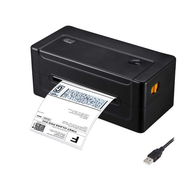
The Most Common Barcode Printing Mistakes and How to Avoid Them
3rd Aug 2026
A barcode that looks perfectly readable on your screen can still fail the moment it hits a scanner at a distribution center. It's usually one of a small handful of print-quality issues, such as contrast, sizing, resolution, or material, which are quietly working against the code.
Knowing which one is causing the failure is most of the battle, since each has a completely different fix. Here’s a look at the most common barcode printing mistakes to ensure you avoid them.
What Actually Causes a Barcode to Fail at the Scanner?
Barcode failures almost always trace back to one of four print-quality issues: insufficient contrast, incorrect sizing, low print resolution, or a label material that degrades before the code gets scanned. These aren't equally common; contrast and sizing errors tend to show up immediately during testing, while resolution and material problems often don't surface until a label has been sitting in transit or storage for a while.
Spotting barcode printing mistakes early, before labels ship out in volume, saves far more time than troubleshooting rejected shipments after the fact.
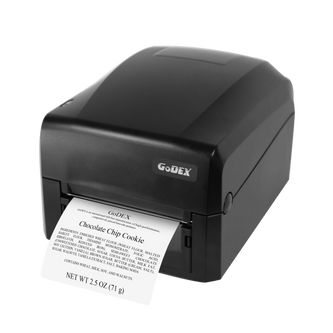
How Does Poor Contrast Cause Scan Failures?
Low contrast between the bars and the background is one of the most frequent reasons a barcode fails verification, because a scanner reads by detecting the difference between light and dark, not by recognizing shapes the way a human eye does. According to GS1's barcode verification guidelines, symbol contrast failure happens when the background is too dark, the print is too light, or both, often caused by worn print heads, poor ribbon-to-substrate pairing, or simply printing dark ink on a background that isn't light enough.
The safest combination remains dark bars on a solid white or light background; colored or patterned backgrounds might look fine to the eye but frequently fail scanner contrast checks. This is one reason retailers hold suppliers to strict standards, well above the minimum GS1 threshold.
What Happens When a Barcode Is Printed at the Wrong Size?
Sizing errors usually mean the bars are too narrow for the scanner to reliably distinguish, which happens often when a barcode is shrunk to fit tight label space. Industry guidance points to a practical floor: a barcode module narrower than about 0.125 mm becomes unreadable for many common scanners, and GS1 logistics labels are generally held to an even wider minimum than that.
Shrinking a barcode to make more room for branding or text is one of the most common design mistakes in label layout; the fix is almost always to resize the surrounding elements instead of the code itself.
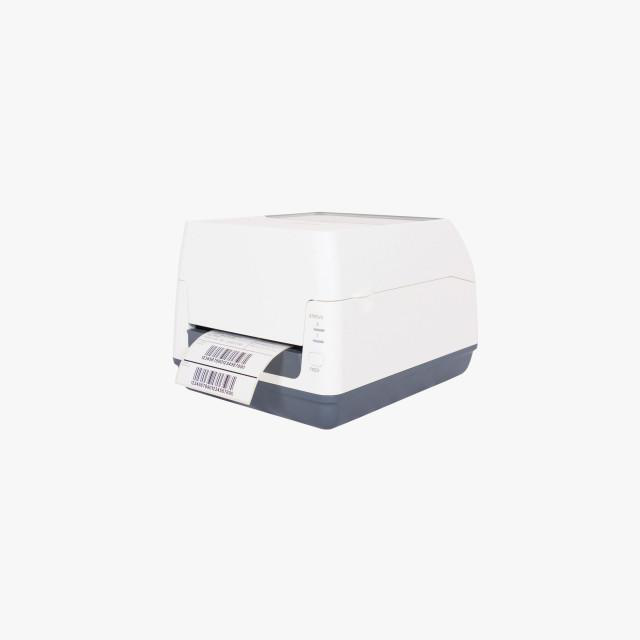
Does Print Resolution Actually Affect Whether a Barcode Scans?
Yes, though not always in the direction people assume; higher resolution isn't automatically better if it isn't matched to the barcode's physical size. For standard shipping labels and warehouse barcodes printed at a reasonable size, 203 dpi remains a perfectly reliable standard, and it prints faster with lower per-label cost.
Where resolution starts to matter is in small or dense codes; 2D barcodes, compact product labels, or anything shrunk to fit a limited space benefit from 300 dpi, since higher resolution lets more data fit into a smaller area without losing scan reliability. Choosing between a thermal label printer that shipping teams use for standard 4x6 labels and a higher-resolution model really comes down to how small and dense your barcodes need to be, not which printer sounds more advanced.
How Do the Wrong Label Materials Affect Barcode Readability?
Even a perfectly printed barcode fails once the label itself degrades: fading, smearing, or becoming brittle before it's scanned. Direct thermal labels are a common culprit here, since the printed image is created by heat rather than ink and fades when exposed to heat, light, or friction over time, which is why some retailers explicitly require thermal transfer printing instead.
Matching the material to the label's actual environment matters more than most businesses initially plan for: waterproof barcode labels or weatherproof labels for anything shipping outdoors, and durable vinyl labels for products like oil change labels that get handled repeatedly. Skipping this step is how a barcode that scanned perfectly on day one becomes unreadable by the time it reaches its destination.
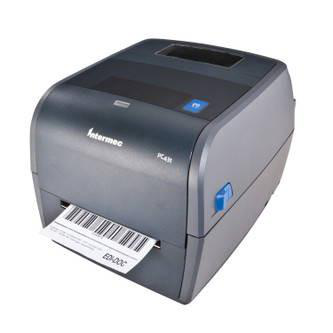
Most barcode failures aren't random; they trace back to one of these four issues, and each is fixable once you know where to look. Building a quick verification step into your workflow, rather than assuming a clean print scans just as cleanly, is the difference between catching a problem in-house and finding out about it from a rejected shipment.
Catching these issues consistently usually comes down to having the right printer, label stock, and verification tools in place from the start, rather than troubleshooting after a batch has already shipped.
DuraFast Label Company stocks equipment built to avoid each of the four failure points above: high-quality label printers with the resolution needed for clean, scannable barcodes, alongside printer options sized for everything from small print runs to full e-commerce label fulfillment volume.
If barcode failures are already showing up in your shipments, contact us today to fix the setup before the next print run.