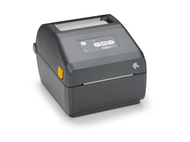
Setting Up a Professional Label Printing System for Small Businesses
13th May 2026
A label printing setup usually starts simple: one printer, a roll of labels, maybe a spreadsheet. Then orders increase, product lines expand, and suddenly that basic setup starts causing delays, errors, or inconsistent output. What worked in the beginning often doesn’t scale.
Building a professional label printing system for small businesses isn’t about randomly adding more equipment. It’s about creating a workflow where printers, labels, software, and scanners all work together without friction. Here’s a guide to help you build the ideal setup.
How to choose the right label printer for my business?
The first decision shapes everything else. Choosing a printer isn’t just about price; it’s about matching capability to how your business operates.
Start with three questions:
- What type of labels are you printing (shipping, product, compliance)?
- How many labels do you print daily?
- Do you need durability, colour, or both?
Small businesses often begin with compact desktop printers, but even at that level, differences matter. For example:
- Thermal printersare ideal for shipping and barcodes
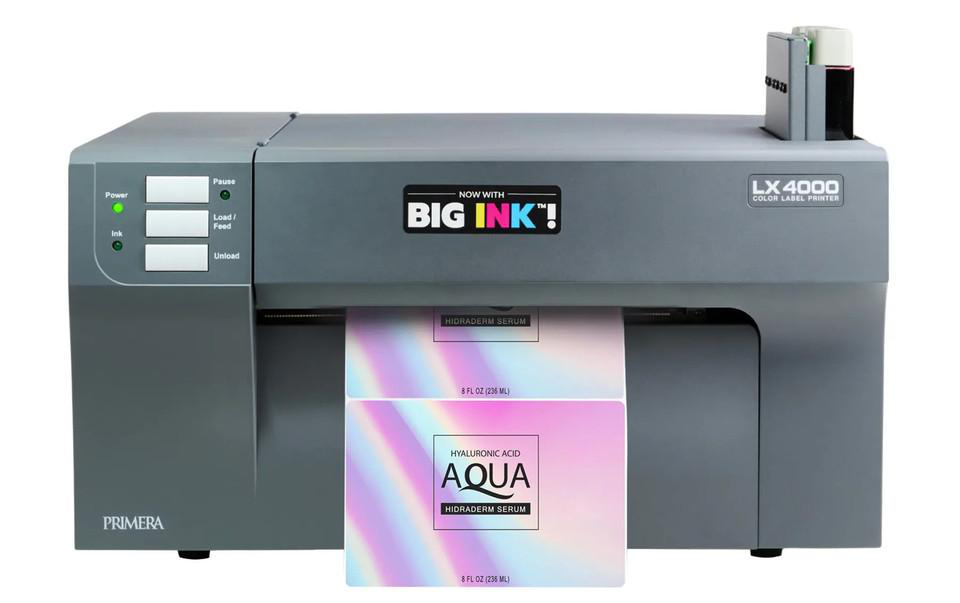
- Colour label printers are better for branding and product packaging
Manufacturers like Primera Technology, Afinia Label, and Honeywell offer a range of printers designed for different business sizes and use cases.
Printers are just the starting point.
A professional system doesn’t stop at the printer. It includes:
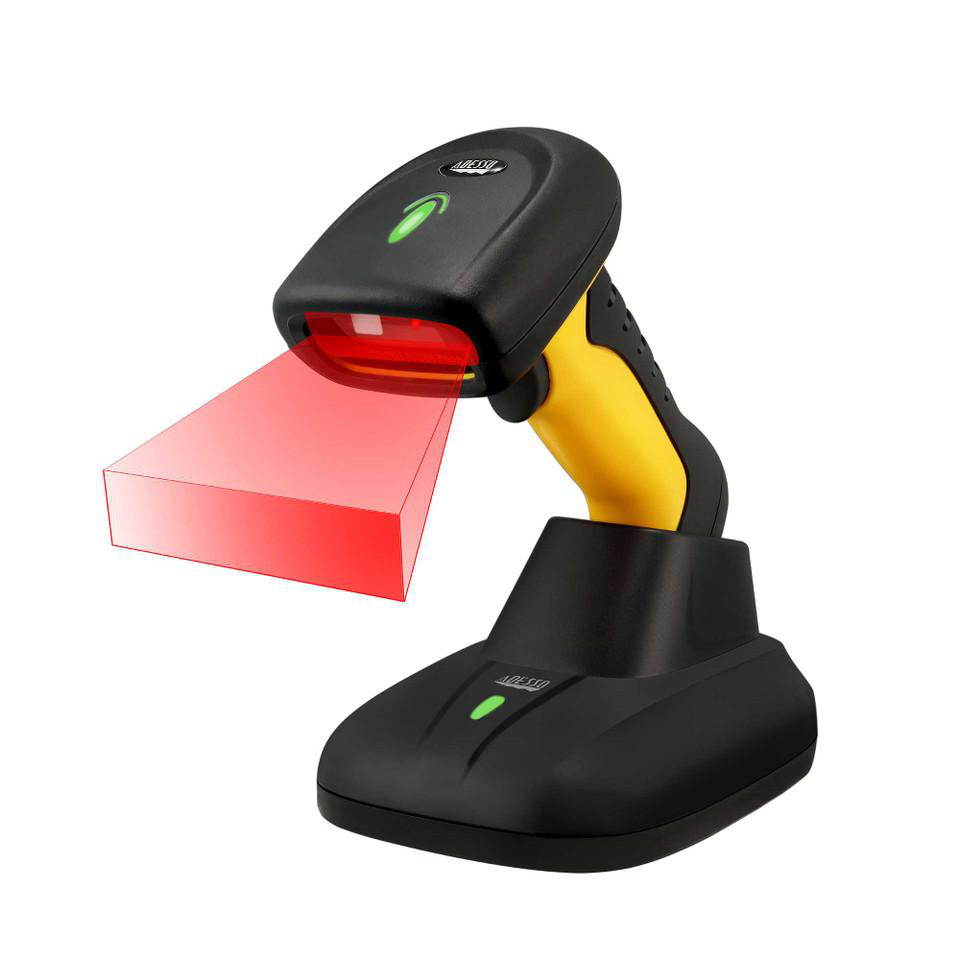
- Label materials (paper, synthetic, waterproof)
- Ribbons (for thermal transfer printing)
- Software integration
- Scanning and tracking tools
Each component affects performance. A high-end printer paired with low-quality labels can still produce poor results.
What is the difference between direct thermal and thermal transfer labels?
This decision directly impacts cost, durability, and workflow.
Direct thermal:
- No ribbon required
- Uses heat-sensitive labels
- Best for shipping and short-term use
- Lower upfront cost
Thermal transfer:
- Requires ribbon
- Produces long-lasting prints
- Resistant to heat, moisture, and abrasion
- Ideal for product labelling and industrial use
Thermal transfer labels significantly outperform direct thermal in environments with temperature variation and physical handling.
For small businesses, many setups include both:
- Direct thermal for shipping
- Thermal transfer for product or inventory labelling
Software: the control center
Without proper software, even the best hardware becomes inefficient.
Modern label printing systems rely on:
- Label design software
- Integration with e-commerce platforms
- Inventory management systems
This allows businesses to:
- Automate label generation
- Print in batches
- Maintain consistency across products.
Which label printer is best for e-commerce businesses?
E-commerce setups prioritize speed and simplicity.
Typical requirements include:
- Fast printing for shipping labels
- Compatibility with e-commerce platforms
- Easy setup and minimal maintenance
Direct thermal printers are often the go-to for this use case. However, businesses that also sell branded products may combine them with colour label printers for packaging.
The key is building a system that supports both fulfillment and branding without slowing either down.
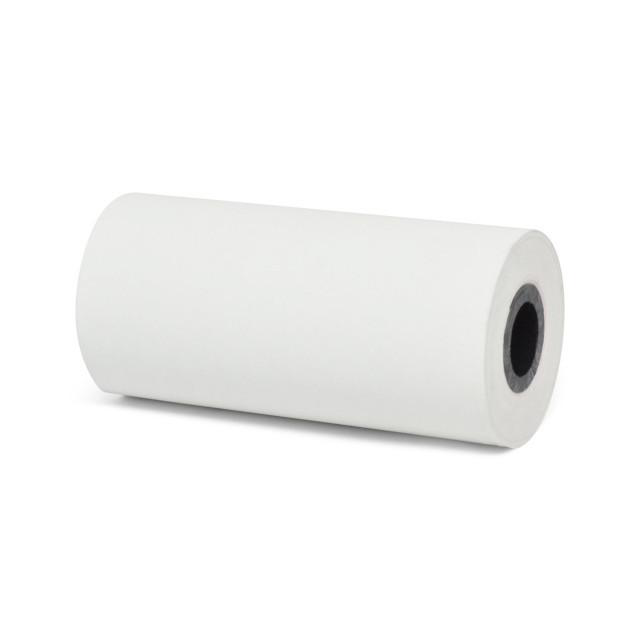
Adding barcode scanners to the system
Barcode scanners are often overlooked in small setups, but they quickly become essential as order volume increases.
They help with:
- Inventory tracking
- Order picking accuracy
- Faster checkout or fulfillment
Automated data capture technologies, such as barcode scanning, can reduce operational errors. When paired with properly printed labels, scanners create a closed-loop system where data flows automatically between physical products and digital records.
Choosing the right labels for your printer
Labels are not interchangeable. The wrong material can lead to:
- Poor adhesion
- Smudging or fading
- Printer jams
Common label types include:
- Paper labels: cost-effective, short-term use
- Polypropylene (BOPP): moisture-resistant
- Polyester (PET): heat-resistant
- Vinyl: flexible for curved surfaces
For colour label printers, compatibility with ink type (dye vs pigment) also matters, especially for waterproof or outdoor applications.
What are the advantages of using colour label printers?
Colour printers bring branding in-house.
They allow businesses to:
- Print labels on demand
- Avoid bulk ordering
- Update designs instantly
- Reduce label waste
Maintenance and long-term performance
A professional system stays reliable because it’s maintained properly.
Basic maintenance includes:
- Cleaning printheads regularly
- Using compatible labels and ribbons
- Storing supplies correctly
- Calibrating printers when changing media
As small businesses grow, labelling stops being a simple task and becomes part of the operational backbone. A well-structured printing system, where printers, labels, software, and scanners work together, removes friction from everyday workflows and makes scaling far more manageable.
That’s where DuraFast Label Company becomes part of the solution. Our ecosystem goes beyond just selling printers; we provide a full range of compatible supplies, including direct thermal labels for shipping, thermal transfer labels for long-term durability, and inkjet labels for high-quality product branding.
If you're serious about setting up a professional label printing system, now is the time to move beyond temporary fixes and invest in a setup that actually scales with you.
Contact us now to explore reliable labelling solutions and build a system where every print is accurate, consistent, and ready for growth.