Comprehensive Guide to Thermal Label Printers for Canadian Businesses (2026)
7th Jul 2026
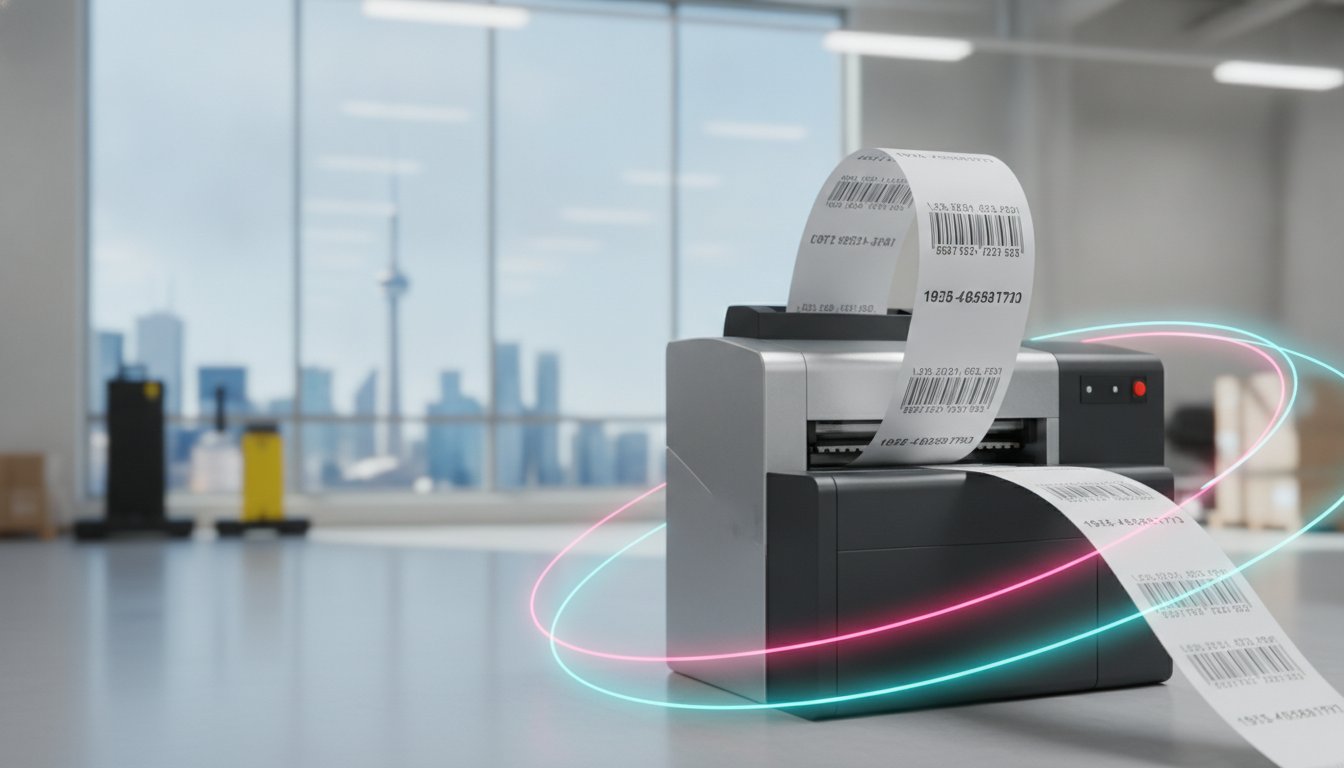
Why are your shipping labels arriving at their destination as unreadable, blank white squares? It's a common frustration for Canadian business owners who realize that a label that looks perfect in the warehouse might not survive the friction of a long-haul delivery or the condensation of a cold-storage facility. You've likely felt the sting of high outsourcing costs and the operational downtime that follows a technical error you can't quite diagnose. Bringing your production in-house is a strategic move, but the sheer variety of hardware makes it difficult to know which thermal label printer actually fits your specific workflow.
In this guide, you'll learn how to select the ideal equipment by comparing technical specifications like print speed and internal unwinder designs against your daily volume requirements. We'll examine the delta between direct thermal and thermal transfer technologies to ensure your barcodes stay durable and scannable. From meeting the 2026 front-of-package nutrition labelling regulations to optimizing your shipping workflow, we provide the clarity needed to make an informed, cost-effective investment for your business.
Key Takeaways
- Distinguish between direct thermal and thermal transfer technologies to select a solution that matches your label's environmental exposure and shelf-life requirements.
- Evaluate your daily print volume to choose between desktop and industrial models, ensuring your duty cycle supports long-term equipment reliability.
- Optimize your logistics throughput by selecting a thermal label printer with the appropriate DPI and IPS specifications for your specific barcode and fine-print needs.
- Master consumable management by pairing the correct wax, wax-resin, or full resin ribbons with your label material to prevent scuffing and fading.
- Implement professional label design software like Loftware or Bartender to automate your marking processes and maintain compliance with Canadian labelling standards.
Understanding Thermal Technology: Direct Thermal vs. Thermal Transfer
How do you determine which printing method will protect your operational bottom line? The answer lies in the fundamental science of thermal printing technology. While both methods use heat to generate an image, the specific mechanism of delivery determines the longevity and durability of the final label. Choosing the wrong technology can lead to unreadable barcodes and costly shipping delays.
A direct thermal label printer utilizes chemically treated, heat-sensitive media. When the printhead applies heat, a chemical reaction occurs within the leuco dyes of the paper, turning the targeted areas black. Because the "ink" is already inside the paper, you don't need ribbons, toners, or ink cartridges. However, this chemistry makes the labels vulnerable. Over time, exposure to UV light, heat, or even heavy friction will cause the image to fade or the entire label to darken, rendering it useless for long-term storage.
Thermal transfer printing operates on a different principle. The printhead melts a wax or resin-based ribbon onto the label surface, creating a permanent bond. This method is the industry standard for applications where durability is non-negotiable. It allows you to produce high-resolution images that won't smudge or degrade when exposed to environmental stressors.
This durability is the same reason why thermal transfer technology is used for long-lasting identification solutions; for instance, Imagin Products Ltd specializes in high-quality personalized name badges and photo identification products that utilize these robust manufacturing processes.
Initial hardware costs for a direct thermal printer are often lower because the internal mechanics are simpler. You'll also save on the ongoing cost of ribbons. However, direct thermal labels are typically more expensive than the standard paper used in transfer printing. For high-volume industrial environments, the long-term consumable expenses often balance out. This makes your choice more about the label's intended lifecycle and environmental exposure than the initial price of the unit itself.
When to Choose Direct Thermal Printing
Are you primarily processing high-turnover shipping labels or short-term retail tags? If your labels only need to remain scannable for a few days or weeks, direct thermal is the most efficient choice. You'll benefit from simplified maintenance and faster media changes since there are no ribbons to track. It's an excellent solution for e-commerce workflows, provided the packages aren't sitting in hot delivery trucks for extended periods where heat-induced scuffing might occur.
The Advantages of Thermal Transfer for Industrial Use
What happens when your inventory must sit in a warehouse for years or endure the harsh Canadian winter? This is where a thermal transfer thermal label printer becomes essential. It provides superior resistance to chemicals, oils, and extreme temperature shifts. This technology is compatible with diverse materials, including polyester, polypropylene, and textile labels. By using thermal transfer labels, you ensure that your asset tags and product identifiers remain legible through the entire product lifecycle, even in outdoor or industrial settings.
Choosing the Right Form Factor: Desktop, Industrial, or Mobile?
How do you determine if a compact unit is sufficient for your office or if your facility requires a ruggedized build? The decision starts with defining your duty cycle. This is the total number of labels your thermal label printer must produce during a standard shift without overheating or mechanical failure. Selecting a form factor based on physical footprint alone often leads to operational bottlenecks if the internal motor cannot keep pace with your logistics demands.
Desktop Label Printers for Small to Mid-Sized Operations
Desktop models serve as the baseline for most businesses. These units feature compact designs that fit easily on retail counters or office desks. They are typically rated for print volumes between 500 and 1,000 labels per day. While they lack the all-metal chassis of larger units, they offer user-friendly interfaces and simple media loading. If your daily output remains within this threshold, a desktop thermal label printer provides a cost-effective way to manage shipping and inventory without sacrificing desk space.
Industrial Label Printers for High-Volume Production
The main difference between desktop and industrial label printers is the delta in durability and throughput. Industrial units feature all-metal frames and high-torque motors designed for 24/7 operation. These machines reach speeds of 10 to 14 ips (inches per second), which is essential for maintaining logistics efficiency during peak seasons. You must also consider the media handling; industrial models often include internal label unwinders to accommodate larger rolls, which reduces the frequency of downtime for media changes. This is a critical advantage in dusty environments where protecting the media from airborne particles is necessary.
Mobile Printers for On-the-Go Labelling
Mobile units are the only choice for tasks like cross-docking, shelf-edge labelling, or field service. These printers prioritize wireless connectivity, utilizing Bluetooth and Wi-Fi to print in real time from a handheld scanner or tablet. The focus here is on ruggedness and battery life. A professional-grade mobile unit must survive multiple drops to concrete and provide enough power to last a full eight-hour shift. If you're unsure which duty cycle fits your specific production schedule, our specialists can help you calculate your requirements.
Key Technical Specifications: DPI, Speed, and Connectivity
How do you ensure your barcodes scan on the first try every time? Technical specifications like DPI and ips are not just abstract numbers; they are the primary factors that determine whether your logistics workflow remains fluid or grinds to a halt. When you select a thermal label printer, you must match these capabilities to the complexity of your label design and the speed of your production line. Selecting a unit with insufficient resolution or processing power often leads to unreadable labels and wasted media.
DPI, or Dots Per Inch, defines the resolution of the printhead. A higher DPI allows for sharper edges on barcodes and more legible text in small font sizes. If your labels include the 2026 Canadian front-of-package nutrition symbols or dense bilingual ingredient lists, resolution becomes a compliance requirement rather than just an aesthetic choice. Precise resolution ensures that even the smallest 2D barcodes remain scannable throughout the shipping process.
Resolution Requirements: 203 vs. 300 vs. 600 DPI
- 203 DPI: This is the baseline for standard 4x6 shipping labels. It's sufficient for large barcodes and standard text but may struggle with very small fonts.
- 300 DPI: This resolution is necessary for 4-point fonts, detailed corporate logos, and specialized jewellery and ring labels where space is limited.
- 600 DPI: Specialized for high-precision electronics and pharmaceutical labelling, this tier handles micro-text and intricate graphics without blurring.
Print speed, measured in inches per second (ips), is the main difference between a printer that handles occasional tasks and one that supports a continuous packing line. While a standard desktop unit might offer 4 to 6 ips, industrial models can reach 10 to 14 ips. This delta in performance is what allows a high-volume facility to process thousands of shipments daily without creating a backlog. Furthermore, your printer needs enough onboard memory to handle complex label designs without lag. If the processor is slow, the unit will pause between labels to load data, effectively reducing your throughput regardless of the rated ips.
Connectivity and Integration in the Modern Warehouse
Connectivity is the bridge between your warehouse management system and the physical label. While USB is standard for single-station setups, Ethernet is essential for networked printer management across a large facility. Wireless options like Bluetooth and Wi-Fi are becoming the preferred choice to reduce cable clutter in the shipping centre. For businesses with older systems, some models still offer legacy support for Serial or Parallel ports, ensuring you don't have to overhaul your entire infrastructure to integrate a new thermal label printer.

Managing Consumables: Ribbons, Labels, and Printhead Care
How do you ensure your labels remain legible when transitioning from a humid summer warehouse to a freezing delivery truck? Consumable selection is often the most overlooked factor in long-term operational reliability. For a thermal label printer, the chemistry between the ribbon and the substrate determines whether your barcode survives the friction of the supply chain or fades before it reaches the customer. In Canada, extreme temperature fluctuations and humidity levels can cause labels to peel or ink to smudge if the materials aren't precisely matched to the environment.
The Science of Thermal Transfer Ribbons
The main difference between ribbon types is the ratio of wax to resin in the ink formulation. Wax ribbons are the most cost-effective choice for standard paper labels and general shipping tasks where high durability isn't required. Other than this, wax-resin ribbons provide a balanced solution, offering superior smudge resistance on synthetic materials. For industrial applications requiring maximum resistance to chemicals, heat, and harsh Canadian winters, full resin ribbons are the only reliable option. These create a nearly indestructible bond that realizes your goals for permanent asset tracking and industrial marking.
Selecting the Right Label Material
Does your application require paper or synthetic media? Paper labels are sufficient for indoor, short-term use, but synthetic options like polypropylene or polyester are necessary for moisture-prone environments or outdoor exposure. You must also consider the adhesive properties. Standard permanent adhesives may fail in cold storage, which is why freezer-grade adhesives are essential for the Canadian food and beverage industry. Choosing the wrong combination often results in labels that fall off during transport or barcodes that become unreadable due to condensation. You can browse our full range of thermal transfer labels to find the specific match for your hardware and environmental needs.
Printhead Maintenance and Equipment Longevity
Equipment longevity depends on proactive care. Dust and environmental debris act as the "silent killer" of printheads, leading to premature failure and costly replacements. You can identify wear by looking for "dead pixels" or consistent white lines running through your barcodes. These gaps make labels unscannable and can lead to rejected shipments from major retailers. Regular cleaning with specialized swabs is a fiscal responsibility that prevents operational downtime and extends the life of your thermal label printer. If you need assistance selecting the correct cleaning supplies or matching ribbons to your specific labels, contact our team for a professional consultation.
Software and Final Selection: A Business Decision Framework
How do you transition from a manual labelling process to a fully automated logistics powerhouse? The hardware you select is only half of the equation; the software you implement determines how effectively that hardware communicates with your business data. A high-performance thermal label printer requires a robust software backbone to manage complex barcode generation and ensure compliance with Canadian retail and safety standards. Without this integration, your production line remains vulnerable to human error and data entry bottlenecks.
Leveraging Professional Label Design Software
Professional software packages like Bartender and Loftware NiceLabel serve as the command centre for your marking operations. Bartender is the industry baseline for many Canadian businesses, offering an intuitive interface and seamless database integration that allows you to pull product information directly from your spreadsheets. The main difference when moving to Loftware NiceLabel is the delta in cloud-based management. Loftware is designed for multi-site operations, allowing a central office to manage label templates for several warehouse locations simultaneously. This automation reduces the risk of incorrect data entry and ensures that every thermal label printer in your network produces consistent, accurate results.
Final Buying Checklist for Canadian Businesses
Before finalizing your procurement, you must evaluate how each model fits into your specific operational narrative. This framework helps you realize the best return on your investment:
- Confirm daily volume: Does the duty cycle of the printer match your peak season requirements?
- Environmental exposure: Will the labels be applied in a cold-storage facility or exposed to outdoor humidity?
- System compatibility: Verify that the printer drivers and software are compatible with your existing ERP or Warehouse Management System (WMS).
- Total Cost of Ownership (TCO): Analyze the long-term expenses, including the cost of replacement printheads and specialized ribbons.
If your workflow primarily involves short-term shipping tasks rather than permanent industrial marking, you might find that direct thermal technology is a more efficient fit for your budget. For a detailed comparison of these specific models, see our Direct Thermal Label Printers Guide.
As you plan for 2026 and beyond, consider how your needs might evolve. While thermal technology is the gold standard for durable barcodes, you may eventually require a delta in capability, such as RFID encoding for advanced asset tracking or colour label printers for prime product branding. Choosing a scalable platform today ensures that your labelling infrastructure can grow alongside your business without requiring a total system overhaul.
Optimizing Your Labelling Infrastructure for 2026
Selecting a thermal label printer is a strategic commitment to your operational longevity. You now understand the delta between direct thermal and thermal transfer technologies and how to match your duty cycle to the correct form factor. By prioritizing high-resolution DPI for compliance and implementing professional software like Bartender, you ensure your logistics workflow remains seamless and scannable. These decisions directly impact your fiscal responsibility and prevent the high cost of unreadable barcodes.
As an authorized dealer for Zebra, Toshiba, and Honeywell, we maintain an extensive Canadian inventory of labels and ribbons to support your production. Our team provides expert technical support to help you realize an efficient in-house printing setup that reduces operational downtime. Ready to modernize your marking and distribution processes for the year ahead? Browse our full selection of professional thermal label printers and speak with a consultant today. We're here to empower your business with the tools needed to achieve reliable, high-quality results.
Frequently Asked Questions
What is the main difference between direct thermal and thermal transfer printers?
The main difference is the requirement of a ribbon to create the image. Direct thermal printers use heat-sensitive paper that blackens when heated, making them ideal for short-term tasks like shipping. Other than this, thermal transfer printers melt ink from a ribbon onto the label, which results in a permanent, durable print that withstands heat, sunlight, and chemicals.
Do thermal label printers require ink or toner cartridges?
No, these units don't utilize liquid ink or powdered toner. Direct thermal models rely entirely on the chemistry of the heat-sensitive media, while thermal transfer models use solid wax or resin ribbons. This mechanical simplicity reduces your operational downtime because you don't have to manage clogged nozzles or complex cartridge replacements common with office inkjet printers.
How long do thermal labels last before they start to fade?
Direct thermal labels typically remain legible for six to nine months, provided they aren't exposed to extreme heat or direct UV light. If your application requires longevity, thermal transfer labels are the only reliable choice; they can last for several years even in harsh Canadian industrial environments. Matching the ribbon to your substrate ensures the image realizes its maximum possible shelf life.
Can I use any brand of labels in my thermal printer?
Most professional printers are open-platform, meaning you can use any brand of media as long as the physical specifications match your hardware. You must verify the roll's outer diameter, the core size, and the specific sensing type, such as black mark or gap. Using high-quality labels is a fiscal responsibility that protects your printhead from the abrasive debris found in cheaper, lower-grade materials.
What resolution (DPI) do I need for standard shipping labels?
203 DPI is the industry standard for 4x6 shipping labels and large barcodes. This resolution provides sufficient clarity for most logistics providers and carrier scanners. If you realize your designs require 4-point fonts or intricate corporate logos, upgrading to a 300 DPI thermal label printer ensures your text remains crisp and compliant with retail marking standards.
Why are my thermal labels printing blank or coming out light?
Light or blank prints are often caused by an incorrect darkness setting in the print driver or a mismatch between the ribbon and label coating. If you're using a thermal transfer unit, ensure the ribbon is loaded with the ink side facing the labels. You should also inspect the printhead for environmental debris, as even a small amount of dust can prevent the heat from transferring correctly to the media.
Is it cheaper to print labels in-house or outsource them?
In-house printing is generally more cost-effective once you reach a consistent daily volume of 100 to 500 labels. While outsourcing avoids the initial hardware investment, the high per-label markup and minimum order requirements quickly erode your margins. Producing your own labels gives you total control over your inventory and allows for immediate design changes without waiting for a third-party vendor.
Can thermal printers print in colour or only black and white?
Standard thermal technology is designed for monochromatic printing, typically black on a white or clear background. While you can use single-colour ribbons, such as red or blue, you cannot achieve full-colour photographic results. If your business requires vibrant product branding, you should evaluate inkjet colour label printers, which are designed specifically to handle high-resolution, multi-colour prime labelling requirements.