Afinia L801 Memjet Ink Cartridges in Canada: Compatibility, Ink Types and Replacement Guide
6th Oct 2026
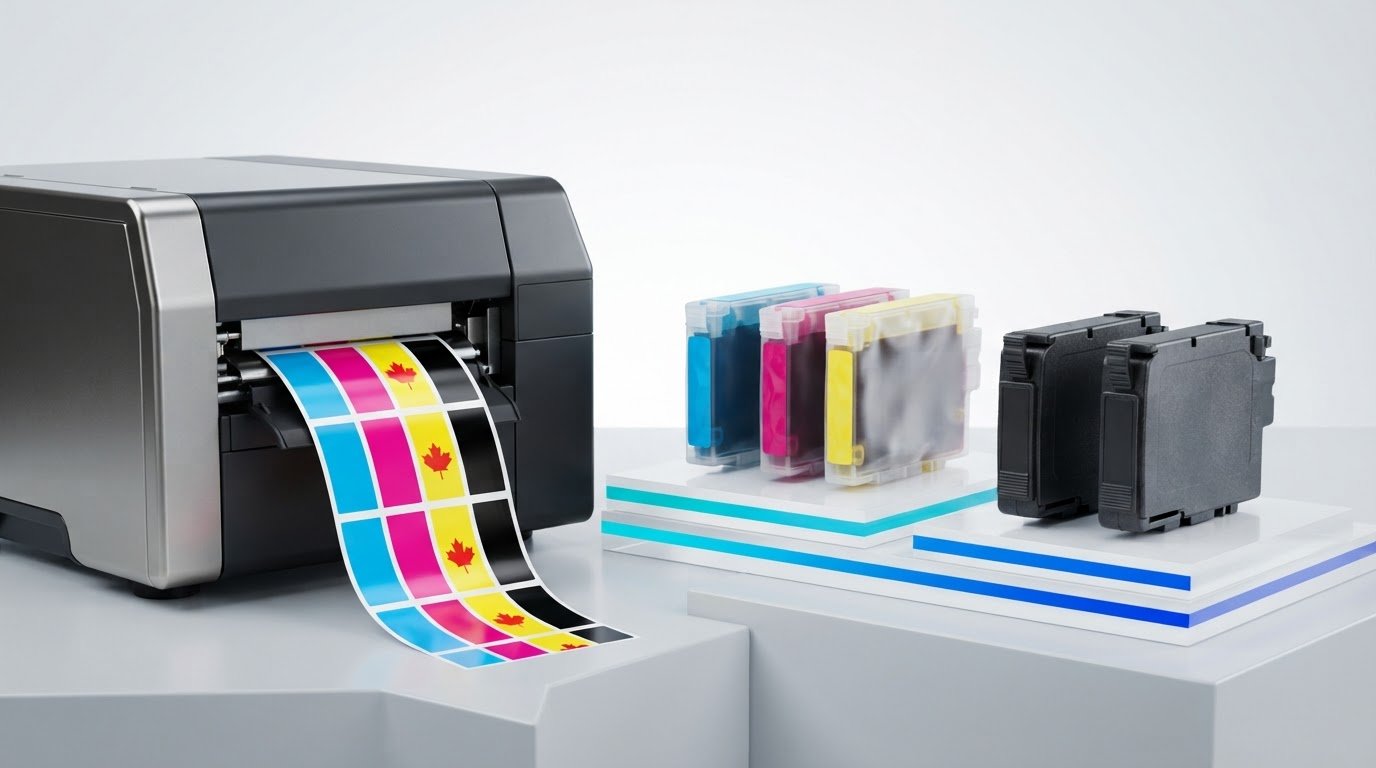
Could ordering the wrong ink bring a label run to a halt? It’s easy to mix up the Afinia L801 and L801 Plus because their names are similar, but they use different ink systems. For Canadian businesses sourcing afinia l801 memjet ink cartridges Canada, matching the cartridge to the exact printer model is the first step towards avoiding a mismatched order.
Check more than the printer name. The L801 uses standard dye ink, while the L801 Plus uses Watershield ink, and the two types aren’t interchangeable. The L801 also uses a five-cartridge configuration, so check each colour, including the black cartridges, when planning replacements.
This guide explains how to identify the right cartridge type for your printer, understand the standard-versus-Plus ink distinction and prepare for replacement. You’ll also learn what to check before ordering, so you can match the ink to your printer and plan label production with fewer avoidable delays.
Key Takeaways
- Start with the exact printer model, L801 or L801 Plus, before choosing an ink cartridge.
- Match the ink family and cartridge colour to your printer. Don’t assume the two models use interchangeable ink.
- Record the model, ink family, colour and verified part number to make replacement planning easier.
- When buying afinia l801 memjet ink cartridges Canada, compare your printer details with the current cartridge listing before ordering.
- DuraFast Label Company Canada carries Afinia ink cartridges and related label supplies.
Afinia L801 Memjet ink cartridges: what is in the printer?
To avoid ordering the wrong L801 ink, first identify the exact printer model, then match the ink family and cartridge colour to it. Memjet ink cartridges are the model-specific colour consumables that supply the printer’s ink system. This model-first check is a practical starting point when sourcing afinia l801 memjet ink cartridges Canada.
The Afinia L801 uses Memjet technology, a page-wide printing approach. For cartridge planning, the reported cartridge arrangement is cyan, magenta, yellow and two black cartridges. Check the printer’s model label before relying on a product description, especially if your equipment is an L801 Plus. Similar model names don’t mean the same ink is suitable for both.
The reported Afinia L801 configuration has five cartridges: cyan, magenta, yellow and two black, with a stated capacity of 250 mL per cartridge.
Which cartridge colours does the Afinia L801 use?
The reported five-cartridge setup includes one cyan, one magenta, one yellow and two black cartridges. When replacing ink, check which colour needs replacing rather than assuming you must order a complete set. Match the colour and printer model to the current listing, and verify the part number’s compatibility before using it to place an order.
What does 250 mL per cartridge mean for production?
Product information reports a capacity of 250 mL for each cartridge. This helps you understand cartridge size when organizing stock and planning replacements, but it doesn’t predict how long a cartridge will last in your operation. Ink use depends on production needs, so treat fewer cartridge changes as a possible workflow benefit, not a guaranteed outcome.
For context, five cartridges at a reported 250 mL each equal a calculated total of 1.25 L across the full configuration. That’s an arithmetic total, not a separate cartridge size. Confirm the individual capacity and five-cartridge arrangement against the current product listing for your exact printer before ordering. Keeping the model, colour and listing details together makes it easier to replenish the right ink and plan production supplies.
Afinia L801 vs L801 Plus: understand the Memjet ink difference
Before ordering a replacement, identify whether your printer is an Afinia L801 or an L801 Plus. The reported ink families differ, so use the complete model name to guide cartridge selection, not just the colour or the Memjet label. For anyone sourcing afinia l801 memjet ink cartridges Canada, this distinction helps avoid choosing a cartridge intended for the other printer.
| Printer model | Reported ink family | Reported distinction |
|---|---|---|
| Afinia L801 | VersaPass DG | Standard dye ink |
| Afinia L801 Plus | VersaPass DN, also described as Watershield | Reported to offer greater resistance to water and UV exposure |
In short, the Afinia L801 is reported to use VersaPass DG standard dye ink, while the L801 Plus is reported to use VersaPass DN Watershield ink, with greater water and UV resistance. Use these names and distinctions as a guide, and verify them against current Afinia documentation and the cartridge listing for your specific printer before ordering.
How does standard L801 dye ink differ from L801 Plus ink?
VersaPass DG is the reported ink family for the standard L801 and is described as dye ink. VersaPass DN is associated with the L801 Plus and the Watershield name. Its reported distinction is greater resistance to water and UV exposure compared with the standard ink. This describes the ink family, not a guarantee that every printed label will withstand moisture or sunlight. The label material and conditions also matter.
Keep the two ink families separate in your purchasing records. Don’t assume cartridges are interchangeable because both printers use Memjet technology or share the L801 name. Confirm the exact model and ink family against current Afinia documentation before selecting a listing.
How can you identify which L801 model you own?
Read the model label on the printer and compare it with the model name in your documentation. Look for the complete designation, including “Plus,” rather than relying on a shortened description or an earlier cartridge order. If the label or records are unclear, use current Afinia documentation for further identification steps. Don’t infer the ink type from cartridge colour alone.
Once you’ve identified the model, match it to the stated ink family and then select the required colour. This keeps model identification ahead of cartridge ordering. For help organizing your printer and cartridge details, visit DuraFast Label Company Canada’s contact page.
How to choose the right Afinia L801 cartridge in Canada
To choose the right cartridge, start with the printer’s exact model, then check the ink family and colour against the product listing. This straightforward process helps Canadian buyers avoid treating similar-looking L801 and L801 Plus listings as interchangeable.
Use this four-step compatibility check: identify the printer model, identify its ink family, select the required colour, then match all three details to the current cartridge listing.
What should you check before ordering an L801 ink cartridge?
- Identify the model. Read the complete name on the printer’s model label, including “Plus” if it appears. Compare it with the model named in the product listing.
- Match the ink family. Use the ink type associated with that exact model. Don’t assume standard L801 and L801 Plus cartridges can be swapped.
- Choose the colour. Check which cartridge needs replacing. The reported L801 configuration includes cyan, magenta, yellow and two black cartridges, so specify the colour you need.
- Compare the listing. Match the model, ink family and colour to the current product details. Verify any part number and compatibility information against the listing and current Afinia documentation.
If the model label or your records don’t make the printer type clear, pause before ordering. Don’t infer compatibility from cartridge colour or an earlier purchase. Taking a moment to match the details can help prevent an incorrect consumable from interrupting planned label production.
Should you replace one colour or keep a full set on hand?
Start with the cartridge colour that needs replacing. You don’t automatically need to order a complete set for a single-colour replacement. Match the individual cartridge to the printer and ink family first, so the purchase addresses the immediate need.
If a delay would affect planned production, keeping frequently needed consumables on hand may be a useful inventory choice. The right stock level depends on your workflow and purchasing plans, so don’t estimate cartridge life or print yield without reliable information for your use. Record the printer model, ink family, colour and verified part number, then use that record to compare listings when replenishing supplies.
Whether you’re buying afinia l801 memjet ink cartridges Canada-wide or organizing replacements for a Canadian production site, the same model-first check applies. DuraFast Label Company Canada offers Afinia ink cartridges and label supplies, helping you match consumables to your printer and production needs.
How to plan Afinia L801 ink replacement without disrupting label production
A simple inventory check can make cartridge replenishment part of routine production planning instead of a last-minute scramble. Review the cartridges on hand, note which colours are in use and keep the printer's exact model information with your purchasing records. This helps you spot a potential supply gap without relying on a fixed replacement interval or guessing how long a cartridge will last.
What information belongs in a cartridge replenishment record?
Keep a simple record for each printer. Include the model designation, whether it's an L801 or L801 Plus, the ink family, the cartridge colour and the verified product identifier or part number. Record stock received and used through your normal purchasing process. Your own usage history can then inform replenishment decisions without assuming a universal cartridge life.
Before ordering, compare your record with the current product listing. If the model, ink family or colour doesn't match, pause and recheck the printer's label and documentation. Keep cartridge selection separate from print-quality troubleshooting. A listing mismatch is a reason to verify compatibility, not to try unverified installation or repair steps.
What if a replacement listing or cartridge does not seem to match?
Use this quick check before placing the order:
- Confirm the printer's complete model name in its documentation or on the model label.
- Match the printer to the stated ink family. Don't treat standard L801 and L801 Plus listings as interchangeable.
- Check that the replacement is the colour you need, and compare any product identifier with the current listing details.
- Follow current Afinia documentation for cartridge handling, installation and storage rather than relying on instructions for another model.
If a cartridge you already have appears inconsistent with the printer's model or documentation, stop before installing it and recheck the match. If print quality is the concern, consult Afinia's current guidance for appropriate troubleshooting steps instead of assuming the cartridge is the cause or attempting unsupported maintenance.
Production planning also includes the media you print on. Review inkjet label media alongside your ink supply so you can plan for both consumables and label stock. For help discussing your afinia l801 memjet ink cartridges Canada needs, connect with DuraFast Label Company Canada.
Source Afinia L801 Memjet ink cartridges in Canada with a clear match
A reliable cartridge match starts with the printer, not just the colour name. Confirm whether your machine is an Afinia L801 or an L801 Plus, then use its ink family and the required cartridge colour to narrow your selection. These details give you a clear way to compare product listings and reduce the risk of ordering a cartridge intended for a different model.
What should a clear cartridge match include?
Before placing an order, make sure these details line up:
- Exact printer model: Check the printer label or documentation and note whether the designation includes “Plus.”
- Ink family: Match the ink family associated with that model. Don’t assume the L801 and L801 Plus use interchangeable cartridges.
- Cartridge colour: Select the colour required for replacement, rather than choosing based on a similar-looking listing.
- Product information: Compare the current listing’s compatibility details and verify any part number against current product information.
A listing that matches all four points gives you a more dependable basis for your purchase than the printer series name alone. If a detail conflicts, pause and recheck the model documentation before proceeding. Current cartridge listings provide product identifiers and model compatibility details. These can’t safely be inferred from colour or the word “Memjet.”
How can you get help selecting an L801 replacement?
DuraFast Label is a Canadian retailer of Afinia ink cartridges and related label supplies. If you’re comparing options, have the complete printer model and the cartridge colour you need ready. Those details help focus the selection on your printer, especially if you’re unsure whether you have an L801 or L801 Plus or which ink family the listing should match.
The same model-first approach applies to afinia l801 memjet ink cartridges Canada buyers are considering: identify the printer, match its ink family, select the colour, then compare the current product information. Taking these steps before ordering helps keep cartridge selection organized and supports more deliberate replenishment planning.
For help with the model and ink selection, contact DuraFast Label for help with cartridge selection. Include your printer model and the colour you need to keep the discussion focused on finding the right Afinia L801 replacement.
Make your next L801 ink order with confidence
The safest way to choose a replacement is to start with the exact printer model, then match its ink family and the cartridge colour you need. The standard Afinia L801 and L801 Plus are reported to use different ink families, so don’t assume their cartridges are interchangeable. Check current product information for compatibility and any part number before ordering.
When sourcing afinia l801 memjet ink cartridges Canada, a clear match helps you plan replenishment and avoid preventable ordering mix-ups. DuraFast Label sells Afinia label printers and inkjet ink cartridges, and its Canadian storefront lists individual Afinia L801 ink colours. This lets you focus your purchase on the colour you need while keeping your printer details close at hand.
For help selecting the right Afinia L801 ink cartridge, contact DuraFast Label with your complete printer model and the colour you need.
Frequently Asked Questions
Are Afinia L801 and L801 Plus ink cartridges the same?
No. The standard L801 is reported to use VersaPass DG dye ink, while the L801 Plus is associated with VersaPass DN, also described as Watershield ink. These are distinct ink families, so don’t assume their cartridges are interchangeable. Before ordering, match the complete printer model to the current cartridge listing and verify the ink-family details against current Afinia documentation.
What type of ink does the Afinia L801 use?
The standard Afinia L801 is reported to use dye-based VersaPass DG ink. The L801 Plus is reported to use VersaPass DN Watershield ink, with greater water and UV resistance as the stated distinction. These descriptions identify the reported ink families, not a guarantee of how a printed label will perform in every environment. Verify the ink name for your exact model before purchase.
How many ink cartridges does an Afinia L801 use?
The reported Afinia L801 configuration uses five cartridges, with a stated capacity of 250 mL per cartridge. Check the capacity and configuration against current product information for your printer before ordering. For inventory planning, record the model and colours you use, then track the cartridges on hand. This helps anticipate replenishment without assuming a fixed replacement interval or print yield.
What colours are available for Afinia L801 Memjet ink cartridges?
The reported L801 configuration includes cyan, magenta, yellow and two black cartridges. Black appears twice in the five-cartridge arrangement. DuraFast Label’s Canadian storefront lists individual Afinia L801 ink colours, so you can focus on the colour you need rather than automatically choosing a full set. Match the colour to the printer model and ink family shown in the current listing.
Can I use standard Afinia L801 ink in an L801 Plus printer?
Don’t treat standard L801 ink as suitable for an L801 Plus. The standard model is reported to use VersaPass DG dye ink, while the Plus uses VersaPass DN Watershield ink. Because the ink families are distinct, verify cartridge compatibility with the exact printer designation before ordering or installing a replacement. Current Afinia documentation and product-listing details are practical references for that check.
How can I make sure I order the correct Afinia L801 cartridge in Canada?
Start with the complete model name on the printer or in its documentation, including whether it says L801 Plus. Next, match the reported ink family and the required colour to the current listing. Check any part number against current product details rather than relying on an old order or colour alone. For afinia l801 memjet ink cartridges Canada, this model-first process helps reduce ordering mistakes.