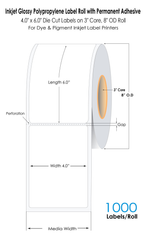
Tips for Selecting Blank Inkjet Labels That Actually Work
8th Jan 2026
Choosing the right inkjet labels can make a noticeable difference in how professional a product or package appears. Whether labeling bottles, packaging, folders, or promotional materials, the quality of inkjet labels determines not only appearance but also durability and print accuracy. Businesses and individuals often face problems like smudged prints, misaligned text, or peeling labels, which can all be avoided with the right selection. With a growing range of blank inkjet labels for sale available online, understanding how to choose the best ones ensures consistent results that truly represent a brand’s quality.
Understanding Inkjet Label Types
Inkjet labels come in different materials, finishes, and adhesive types. Each type is designed to suit specific uses and printing conditions.
Matte Finish Labels:
Matte inkjet labels are ideal for applications requiring a non-reflective surface. They provide a smooth, writable finish that is great for general-purpose labeling, office supplies, and product identification. The ink dries quickly, preventing smudging during handling.
Gloss Finish Labels:
Glossy inkjet labels, on the other hand, have a shiny finish that enhances color vibrancy. These are preferred for product labeling, packaging, or promotional materials where presentation matters. Gloss labels work particularly well with pigment-based printers that resist fading over time.
Weatherproof and Waterproof Labels:
For outdoor applications or products exposed to moisture, weatherproof labels offer added protection. These are made using synthetic materials that can endure humidity, water, and sunlight without fading or peeling.
When choosing labels, it’s important to match the finish and durability level with the intended application. For example, a candle business or beverage company benefits from waterproof labels, while office settings might rely on standard matte finishes for documentation.
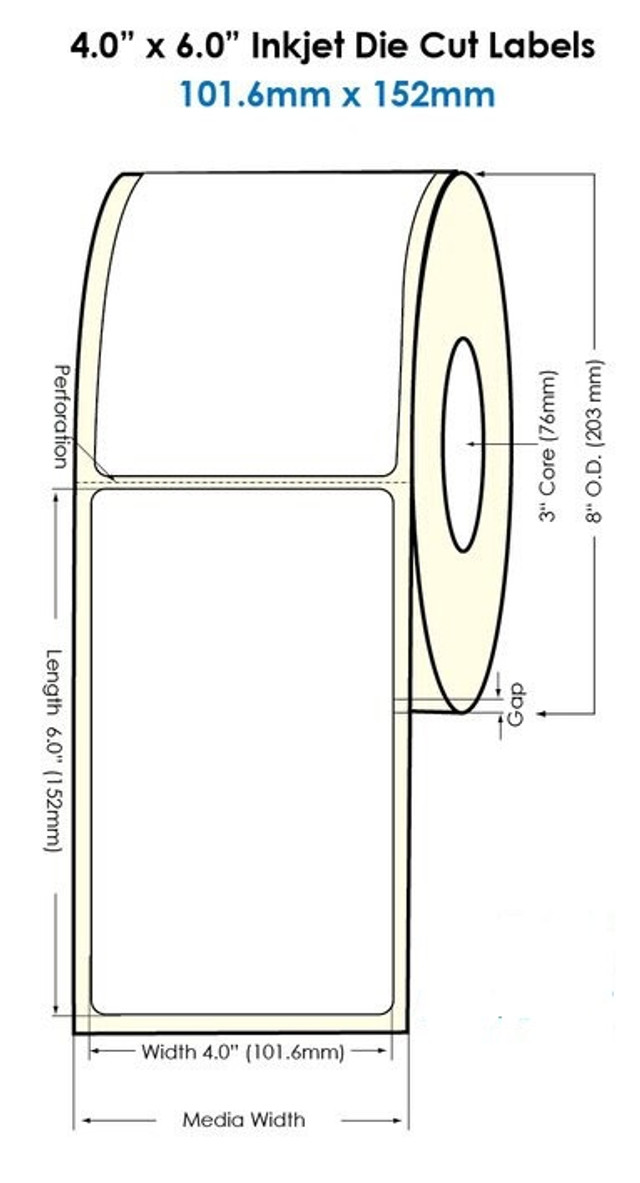
Step 1: Match Labels to the Printer Type
Inkjet printers require labels specifically designed for inkjet printing technology. The coating on these labels is engineered to absorb and hold ink precisely, preventing feathering and smudging. Using labels intended for laser printers often leads to blurred images or ink spreading across the surface.
Businesses using pigment-based ink printers, such as a pigment inkjet label printer, can achieve higher durability and water resistance compared to dye-based inks. Pigment inks bond better with coated surfaces, making them ideal for weatherproof or glossy labels.
Before ordering, always confirm that the labels are compatible with the printer model. This ensures smooth feeding, accurate print alignment, and lasting print quality.
Step 2: Consider Adhesive Strength and Surface Type
Adhesive performance is one of the most overlooked aspects when purchasing inkjet labels. The strength of the adhesive determines how well the label sticks to different materials.
For glass, plastic, or metal surfaces, a permanent adhesive is typically required to prevent peeling. For temporary applications, such as labeling reusable containers or short-term promotions, removable adhesives are more suitable.
Temperature and humidity also influence adhesive performance. For cold environments or refrigerated goods, selecting labels with a freezer-grade adhesive ensures they remain firmly attached. Testing a few samples before bulk purchasing can help avoid compatibility issues later.
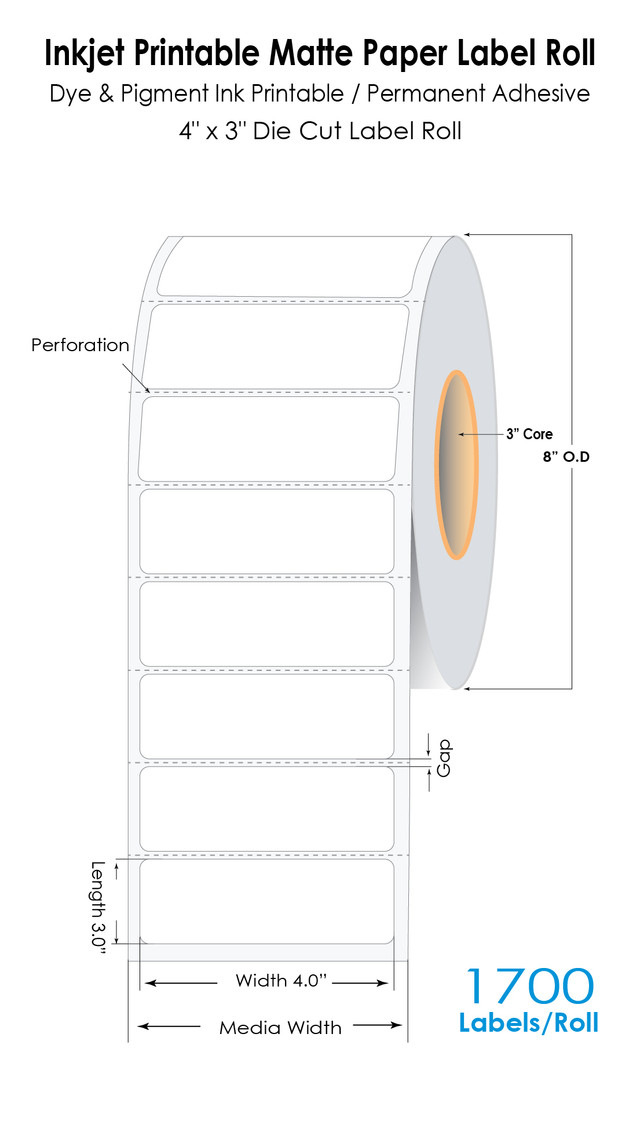
Step 3: Check Label Size and Alignment Compatibility
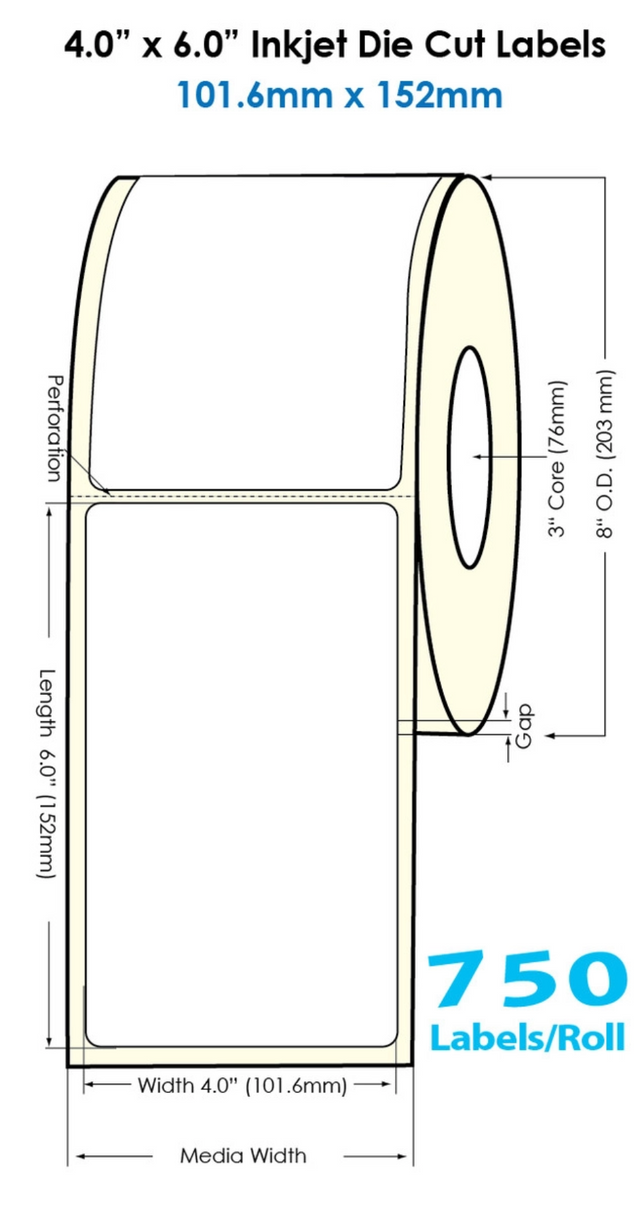
One of the most common issues with printing labels is misalignment. Misaligned prints waste both labels and ink, leading to frustration and additional costs. Ensuring that the labels are properly formatted to the printer’s template settings can prevent this.
Users can create and adjust templates using tools like Bartender label software or Nicelabel software, both of which help design accurate layouts and ensure perfect alignment every time. These software options support custom templates and allow users to preview the final design before printing.
Additionally, choosing the right sheet size—such as A4 or letter-size sheets—ensures compatibility with printer trays and reduces jamming during printing. For those running large-scale labeling operations, switching to roll labels compatible with high-quality thermal label printers can further streamline the process.
Step 4: Focus on Ink Compatibility and Smudge Resistance
The ink formulation plays a major role in determining how well a label performs. If the ink doesn’t bond properly with the label surface, smudging or running becomes a major issue.
Using genuine ink cartridges, such as ink cartridges for printers from trusted suppliers, helps maintain consistent results. Additionally, allowing sufficient drying time between printing and application reduces the risk of smudging.
Pigment-based inks provide better resistance to water and light, while dye-based inks produce brighter colors but are less durable. Matching the label material with the right ink type ensures sharp, professional-looking results that hold up over time.
Step 5: Choose Labels Based on Application Environment
The environment where the label will be used should influence the choice of material and finish.
- Indoor Applications:
Labels for office folders, product packaging, and general-purpose use don’t require weatherproofing but should offer clear print visibility and adhesive strength. - Outdoor or Industrial Use:
For areas exposed to moisture or UV light, synthetic labels with weatherproof coatings are more reliable. These work well for labeling equipment, containers, or outdoor signage. - Retail and Branding:
For retail packaging or promotional items, high-gloss or semi-gloss finishes enhance visual appeal and color saturation. Pairing these with color label printers can produce vivid, professional-quality results suitable for retail environments.
Step 6: Order in the Right Quantity and Format
Buying in bulk often reduces the cost per sheet, but overstocking can lead to waste if the labels are not stored correctly. Labels should be kept in a cool, dry place to prevent curling or adhesive degradation.
Online suppliers often allow buyers to purchase blank inkjet labels in various quantities—from sample packs to large rolls—making it easier to test before committing to bulk orders. Some even offer customization options, allowing businesses to order specific shapes or sizes that perfectly fit their labeling needs.
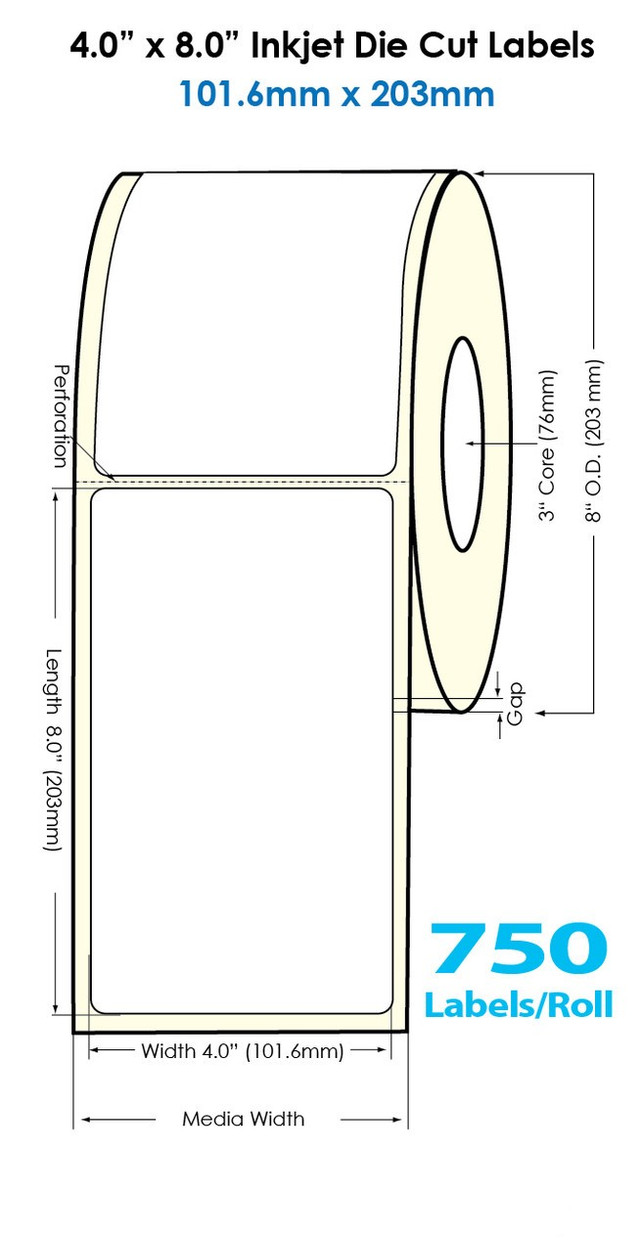
Step 7: Test Before Full Production
Even with the best specifications, testing is essential. Printing a few sample sheets ensures the printer settings, ink type, and label material are aligned for optimal performance. This step helps identify potential issues such as uneven color saturation, print smudging, or incorrect alignment before mass printing begins.
By using barcode printing software, businesses can simulate different layouts and test print quality digitally before running a full batch. This not only saves time but also prevents wasted labels due to design or setup errors.
Step 8: Maintain Quality with Proper Storage and Handling
Once labels are printed, proper storage helps maintain quality until they are applied. Labels should be stored flat and kept away from direct sunlight and humidity. Storing them in resealable plastic bags prevents dust accumulation, which can interfere with print adhesion.
Avoid stacking heavy items on top of label sheets, as this can cause curling or adhesive bleed. For roll labels, keeping them upright in a clean, dry space ensures the edges remain even for smooth feeding into printers.
Regularly cleaning printer rollers and heads also contributes to consistent print results. Accumulated dust or ink residue can affect print clarity and alignment, particularly when printing high volumes of labels.
Step 9: Compare Cost vs. Performance
Price alone should not determine the final decision. While cheaper labels may seem cost-effective initially, they often lack the coating or adhesive quality required for long-term reliability. Investing in affordable blank inkjet labels from reputable suppliers ensures consistent print performance and fewer misprints over time.
It’s also beneficial to review product specifications, user feedback, and compatibility notes when browsing blank inkjet labels for sale. Comparing brands side by side helps identify those offering the best combination of value and performance.
Step 10: Keep Labeling Systems Updated
Technology in label printing continues to advance, and staying updated can significantly improve output quality. Regularly updating software such as Bartender label software ensures compatibility with new printer models and helps avoid printing errors.
Additionally, upgrading to compatible devices like buy thermal transfer printers or high-quality color label printers can improve workflow for businesses handling multiple label types. An updated labeling setup not only boosts efficiency but also extends equipment lifespan.
Print Smarter, Label Better
Choosing the right inkjet labels involves more than just selecting a sheet size—it’s about understanding printer compatibility, adhesive strength, and material durability. By focusing on these details, businesses can avoid common problems like smudging, peeling, or alignment errors while maintaining a professional presentation across all labeling needs.
Those seeking long-lasting, high-quality solutions can benefit from blank inkjet labels for sale, print efficiently using thermal label printers, and pair them with affordable blank inkjet labels for the best combination of performance and value.
For businesses ready to improve labeling accuracy and quality, DuraFast Label Company provides a complete range of printing supplies, label materials, and support. Contact us to find products that make labeling simpler, sharper, and more reliable.