Shelf Edge Label Guide: Smart Printing Solutions for Retail and Warehouse Environments
21st Jan 2026
Key Highlights
-
Shelf labels are essential in retail environments for displaying product pricing and information, directly influencing the customer experience.
-
Moving from traditional paper to electronic shelf labels can significantly boost your operational efficiency by automating price updates.
-
Digital labels offer dynamic ways to show promotions and additional product details, capturing customer attention more effectively.
-
Choosing the right printer involves considering resolution, speed, durability, and compatibility with your existing systems.
-
Integrated software solutions streamline the entire process, from design to printing, ensuring accuracy and reducing waste.
-
Efficient labeling builds customer trust through accurate pricing and enhances the overall shopping experience in your store.
When it comes to retail and warehouse environments, shelf edge labeling can quickly become a major pain point. With constant price changes, promotions, and inventory updates, staff often spend hours replacing paper labels, only to risk errors that confuse customers and slow down checkout lines.
When prices on the shelf don’t match the register or product details are missing, it damages trust and frustrates shoppers. For retailers, these small mistakes add up to lost time, wasted materials, and reduced efficiency across the store. Inconsistent labeling also hurts compliance and makes inventory management more difficult.
This Shelf Edge Label Guide dives into how retailers can overcome these challenges. You’ll learn about different types of shelf labels, how to choose the right printing setup, and the role of smart software in creating consistent, accurate, and professional shelf labeling systems.
What Are Shelf Edge Labels and Why Do They Matter in Retail?
Shelf edge labels are the connection between your pricing systems, store operations, and customer experience. They go far beyond showing prices. When integrated with your POS and inventory systems, they ensure that every product, price, and placement is consistent across channels. This accuracy builds shopper confidence, supports compliance, and keeps your retail operations running smoothly.
Here’s why they matter:
-
They uphold price integrity and customer trust: Accurate shelf labels ensure the price customers see is the same as what scans at checkout. This consistency prevents disputes, maintains transparency, and protects your brand reputation.
-
They keep systems synchronized: By linking label data directly to your POS and inventory platforms, shelf edge labels help maintain real-time alignment during price updates and promotions, reducing manual errors and confusion.
-
They support planogram compliance: Clear and consistent labeling helps staff position products correctly according to store layouts. This makes aisles easier to navigate and ensures merchandising strategies are executed accurately.
-
They save labor time and improve efficiency: Automated or mobile printing reduces the time employees spend updating labels, allowing them to focus on customer service and other high-value tasks.
In essence, shelf edge labels are a critical operational tool that helps retailers maintain accuracy, efficiency, and customer satisfaction across every store.
Types of Shelf Edge Labels: From Paper to Perforated
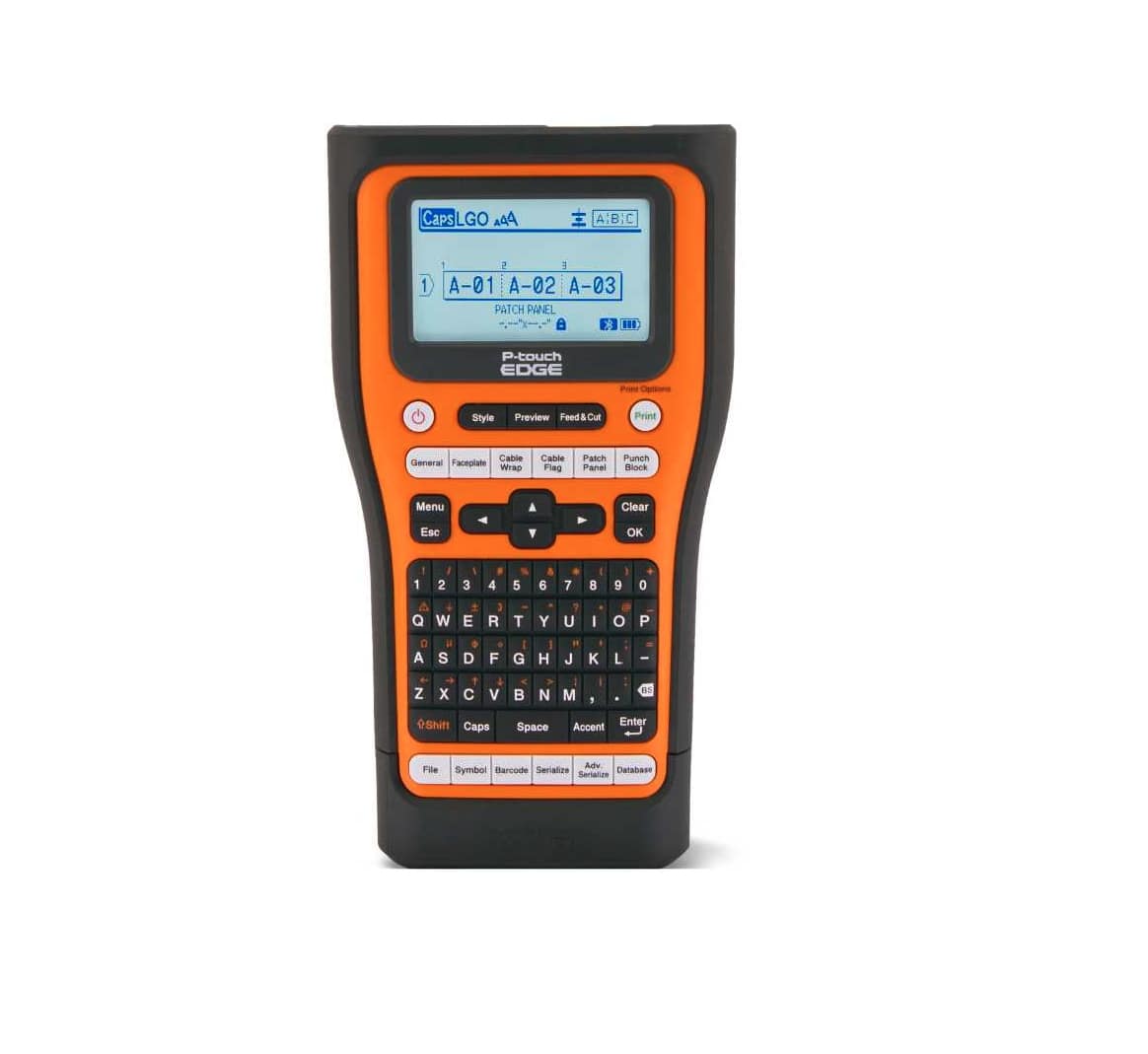
Shelf edge labels have come a long way, from simple paper tags to semi-digital systems and now advanced electronic shelf labels (ESLs). Each type offers different benefits in terms of cost, flexibility, and efficiency.
1. Paper Shelf Labels
Traditional paper shelf edge labels have long been the go-to choice for retailers due to their low cost and simplicity. They are printed and manually placed on shelves, making them easy to produce but labour-intensive to maintain. Whenever prices change or promotions are introduced, staff must physically replace or adjust each label, which increases the chance of human error and paper waste. Despite these drawbacks, paper labels remain common among small retailers and stores with limited budgets.
2. Plastic or Perforated Shelf Labels
A step up from traditional paper, perforated or plastic shelf labels offer a more durable and reusable option. These systems use clear plastic holders or perforated inserts where pre-printed paper strips can be slid in and out easily. This reduces the time and effort required to update pricing while cutting down on paper use. Perforated shelf edge labels are more resistant to damage from handling or moisture, making them ideal for busy retail environments and for stores that want a balance between affordability and efficiency.
3. Electronic Shelf Labels (ESLs)
Electronic shelf labels represent the modern, automated approach to shelf-edge management. These digital displays connect directly to a retailer’s central system, allowing real-time updates across thousands of products with just a few clicks. ESLs eliminate manual errors, ensure pricing accuracy, and can even display rich content such as promotions or stock alerts. Available in various formats (from simple e-ink screens to full-colour displays), they also support sustainability initiatives by removing the need for paper altogether.
How to Choose the Right Shelf Edge Label Printer?
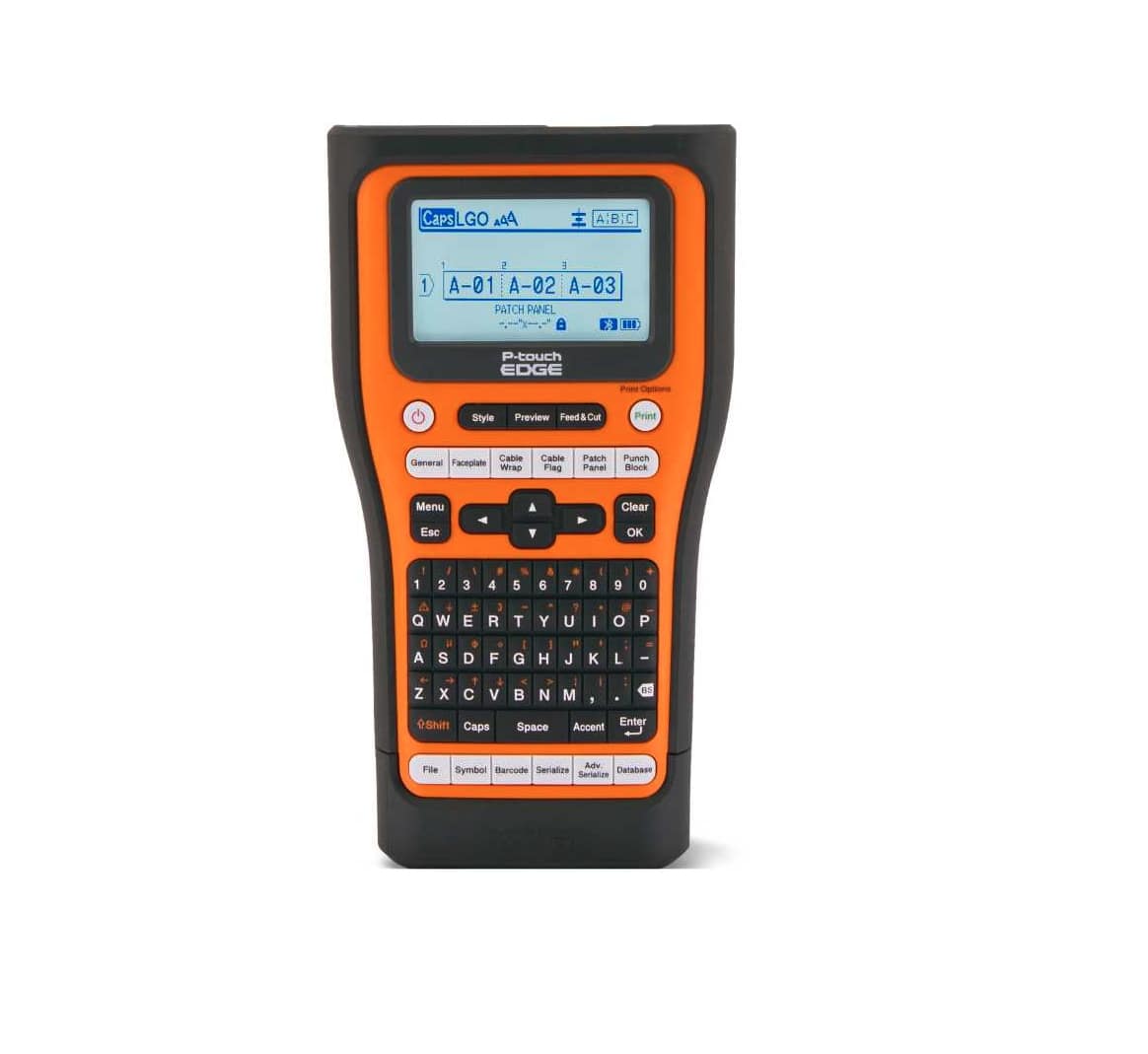
If you’re opting for paper or a hybrid shelf labeling system, choosing the right printer ensures fast, accurate, and cost-effective labeling. Here’s what to focus on:
1. Print Resolution
Print resolution determines how sharp your labels look and how easily barcodes scan. A higher DPI (ideally 300 or more) gives you cleaner text and images, which improves readability for both shoppers and scanners. This is especially useful for stores displaying fine print like ingredients or unit prices.
2. Speed
A printer’s speed directly affects how quickly your team can roll out price updates or promotional changes. High-speed printers help large retailers or supermarkets manage thousands of labels in minutes, keeping operations smooth even during peak sale periods.
3. Compatibility
Your printer should integrate seamlessly with existing POS and inventory systems to pull real-time data for each SKU. This ensures that shelf prices always match the checkout system, reducing pricing disputes and boosting accuracy across locations.
4. Durability
Retail environments can be harsh on equipment, so durability is a must. Choose printers built for continuous use, with sturdy construction and long-lasting printheads. Models designed for linerless labels also minimize waste and maintenance, making them a practical, sustainable choice for modern retail operations.
How Shelf Edge Label Printing Works?
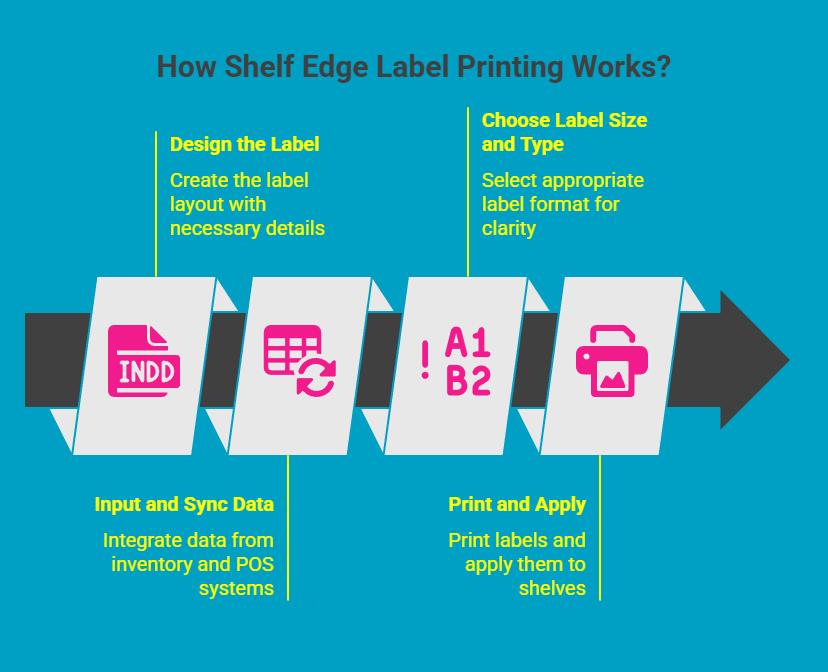
Shelf edge label printing combines digital design and automated data integration to keep product information accurate and consistent across your retail space. By connecting directly with your inventory and POS systems, these printers ensure that any price or product update is instantly reflected on the shelf, improving both efficiency and customer trust.
Step 1: Design the Label
The process begins with designing your label layout. This is where you define what details to include and how to present them. Price, product name, barcode, and unit information should be easy to read at a glance. Many retailers use label design software that offers built-in editors and templates. Once saved, these templates make future updates fast and consistent, especially during promotions or seasonal sales.
Pro Tip: Add color highlights or QR codes that lead shoppers to online reviews, nutritional facts, or special offers for better engagement.
Step 2: Input and Sync Data
After designing, it’s time to populate the label with accurate data. Manually entering SKUs and prices can be tedious and error-prone, which is why automation is key. Integrated label software can pull data directly from your inventory or POS system, automatically matching each product with its correct details. This ensures the shelf label always reflects the same price seen at checkout, which is vital for maintaining customer trust and compliance.
Step 3: Choose the Label Size and Type
Selecting the right label format ensures clarity and consistency across your store. Smaller labels suit compact aisles like hardware sections, while larger ones are ideal for highlighting discounts or new arrivals. You can also decide between paper and electronic shelf labels based on your operational needs. Paper labels are cost-effective and easy to print on demand, while electronic shelf labels allow real-time updates and are ideal for dynamic pricing environments.
Pro Tip: Many retailers use a mix of both, reserving electronic labels for high-turnover items or premium product zones.
Step 4: Print and Apply
The final stage is printing and applying the labels. For paper labels, this typically involves sending print jobs to a networked or mobile printer. Mobile printing has become increasingly popular because it allows staff to print labels directly on the sales floor, instantly correcting any missing or outdated tags. This on-the-spot flexibility reduces errors and saves valuable time.
Modern linerless printers are also reshaping shelf edge labeling by eliminating waste. They use special label rolls without backing paper, supporting sustainability goals while allowing you to print labels of variable lengths.
Pro Tip: Regularly calibrate your printers to ensure barcode clarity and avoid misreads at checkout.
Which Shelf Edge Label Printers Help Retailers Save Time and Reduce Errors?
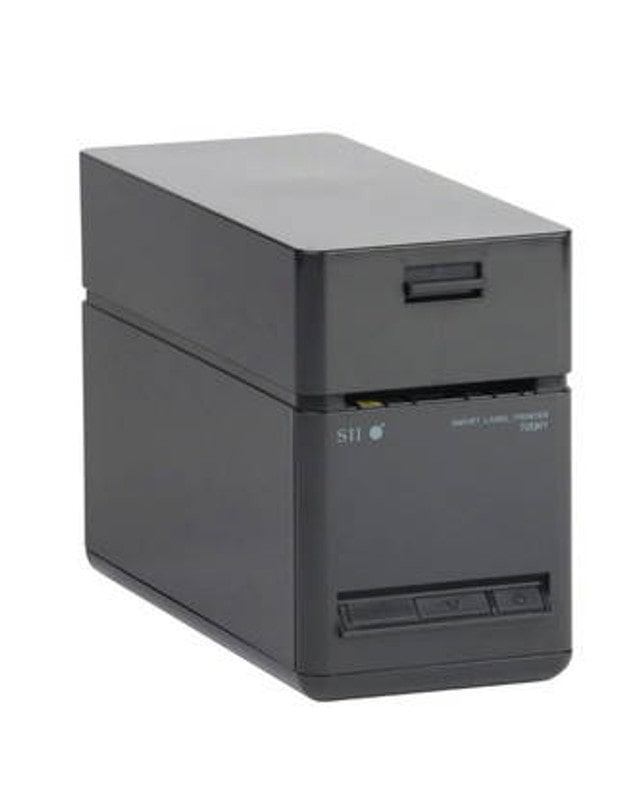
The Seiko SLP-720RT, SLP-721RT, and SLP-700 Series printers are designed to help retailers streamline their shelf labeling process while minimizing costly errors. Built for high-volume environments like supermarkets, warehouses, and retail chains, these printers deliver fast, precise, and consistent label output. Their thermal transfer technology produces sharp, durable prints that remain scannable and legible even in demanding conditions, ensuring barcodes, prices, and promotions stay clear over time.
By integrating seamlessly with shelf edge label printing software, these Seiko printers allow for on-demand, high-resolution printing that keeps pace with frequent price or product updates. Retailers can print accurate labels at scale without manual rework, reducing both downtime and waste. The result is a reliable, time-saving solution that supports efficient store operations, enhances shelf presentation, and ensures every label meets the highest standards of accuracy and durability.
How Does Shelf Edge Label Printing Software Ensure Consistent and Accurate Labels?
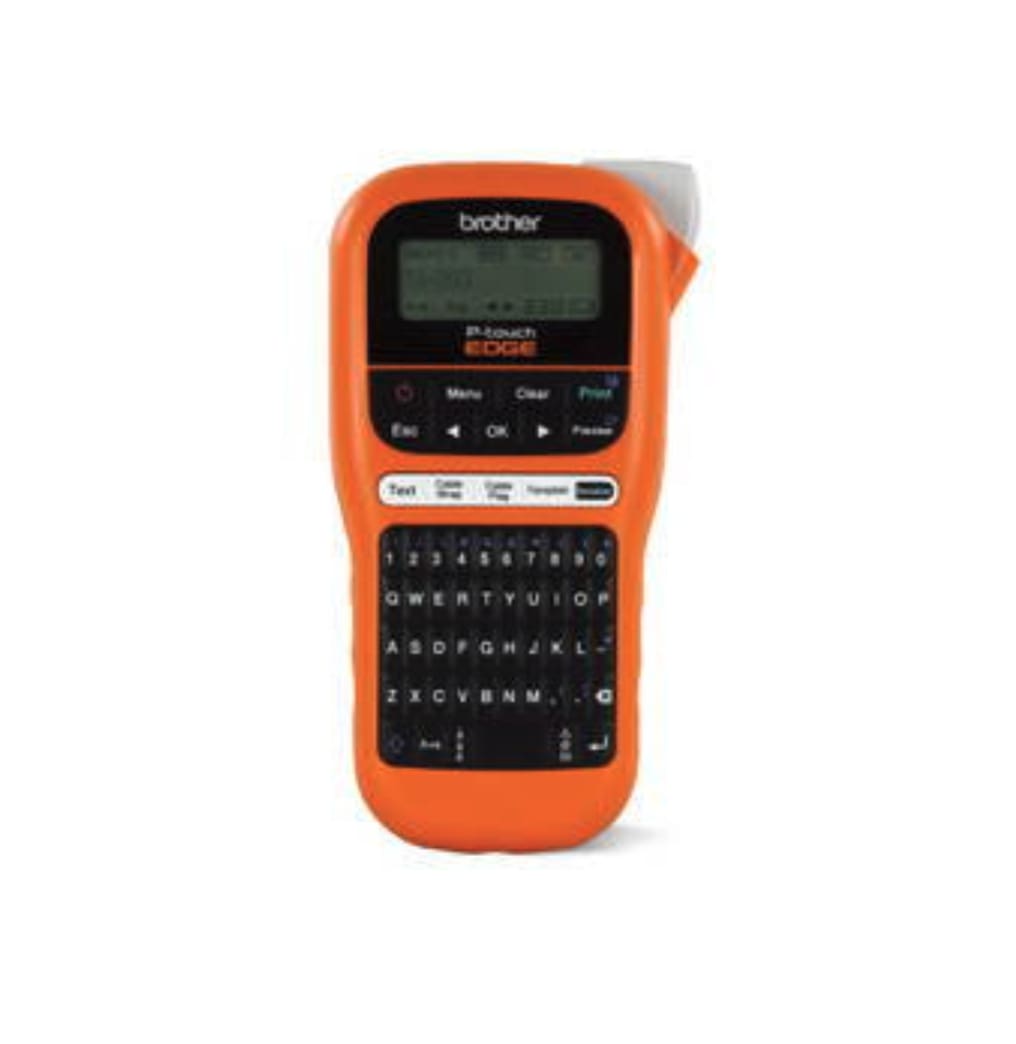
Instead of relying on manual updates, shelf edge label printing software synchronizes information directly from the retailer’s database, guaranteeing that product details, prices, and barcodes are always aligned. This technology not only enhances accuracy but also improves the overall speed and efficiency of label production. Below are the key ways this software maintains consistency and precision across every shelf:
1. Centralized Data Management
The software connects directly to your store’s inventory and POS systems, ensuring all label information comes from a single, verified source. This eliminates discrepancies caused by manual data entry or outdated files. Any change, whether it’s a new price, barcode, or promotion, automatically updates across all relevant labels, keeping information uniform throughout the store network.
2. Automated Label Design Templates
Shelf edge label software uses predefined design templates that lock in brand elements such as logos, fonts, and layouts. This guarantees visual consistency across departments and store locations, regardless of who prints the labels. It also reduces design time and prevents formatting mistakes, helping maintain a professional, cohesive appearance for every shelf tag.
3. Barcode and Product Accuracy Checks
Before printing, the system validates data to ensure each label matches the correct product, barcode, and SKU. This built-in verification process minimizes scanning errors at checkout and prevents incorrect product placement on shelves. Accurate labeling not only supports faster transactions but also strengthens overall inventory control.
4. Real-Time Updates and Version Control
The software allows real-time synchronization, meaning new prices, promotions, or regulatory changes are instantly reflected on labels. Built-in version control prevents outdated information from being printed, ensuring that every shelf always displays the most recent and compliant data. This dynamic updating process helps retailers stay agile while maintaining precision and consistency.
Benefits of Efficient Shelf Edge Labeling for Retailers
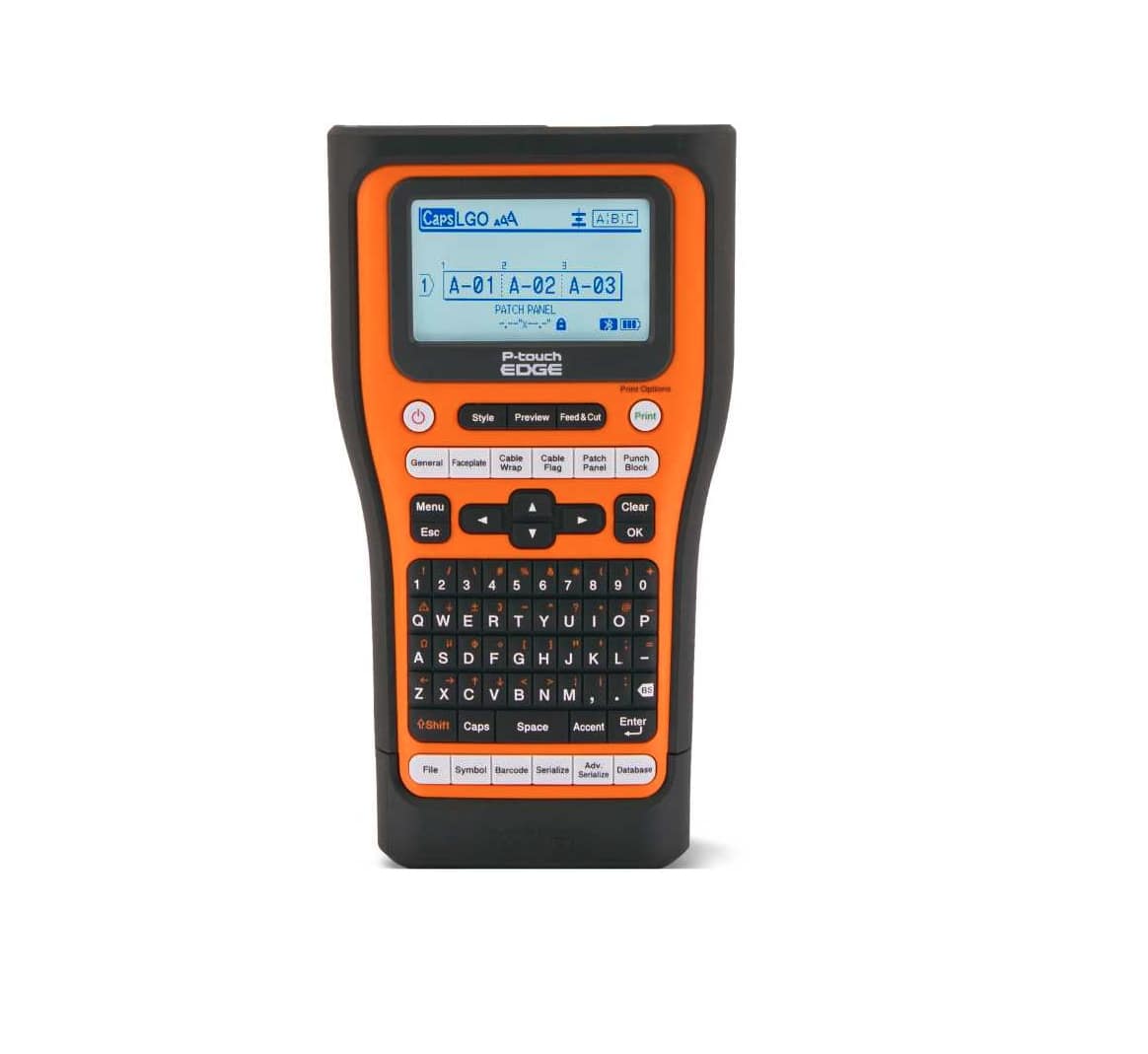
Efficient shelf edge labeling plays a vital role in how smoothly a retail store operates. It’s not just about showing prices; It’s about ensuring accuracy, compliance, and customer satisfaction. Below are some key benefits that make efficient labeling a critical part of modern retail operations.
1. Accuracy in Pricing and Promotions
An efficient shelf edge labeling system ensures that prices and promotions are always accurate, eliminating mismatches between shelf tags and checkout prices. Automated updates keep all pricing consistent across the store, reducing confusion and customer complaints. This real-time accuracy builds trust, supports compliance with pricing regulations, and allows retailers to run dynamic promotions confidently without manual errors.
2. Reduced Operational Errors
By automating label creation and updates, retailers can significantly cut down on human errors like misplaced or outdated labels. Integrated systems only print what’s needed and ensure data accuracy, reducing material waste and saving staff time. This not only streamlines workflows but also boosts productivity, allowing employees to focus more on customer service and less on repetitive manual tasks.
3. Better Compliance and Product Placement
Clear and accurate shelf labels help maintain store compliance by ensuring every product is correctly priced and placed according to planograms. Crisp barcodes improve scanning speed at checkout, while consistent labeling simplifies restocking and auditing tasks. The result is a more organized store layout that benefits both staff and shoppers through smoother operations and faster transactions.
4. Enhanced Customer Trust and Loyalty
When prices are accurate and information is easy to read, customers feel more confident and valued. Efficient labeling creates a seamless shopping experience that reinforces brand reliability and transparency. Modern digital labels can also engage shoppers with QR codes or extra product details, turning shelf tags into interactive touchpoints that foster stronger loyalty and repeat business.
Why Are Canadian Retailers Choosing Local Shelf Edge Label Printing Solutions?
Canadian retailers operate in a unique market and often find that working with local solution providers offers significant advantages. A local supplier like DuraFast Label Company understands the specific challenges and opportunities in North America, from regional pricing regulations to consumer expectations. So, when you partner with a Canadian company like DuraFast, you get support from a team that is in your time zone and understands your business environment. This makes communication easier and problem-solving faster.
Choosing local solutions also aligns with the growing focus on sustainability efforts. Sourcing equipment from a provider closer to home can reduce the environmental impact associated with long-distance shipping. Companies like DuraFast offer a range of modern printing solutions, including options that help reduce paper waste and energy consumption. Want tailored label printing solutions for your business? Contact us now.
Frequently Asked Questions
Can I integrate shelf edge label printing with my POS system?
Yes, integrating shelf edge label printing with your POS system is possible. This integration allows for real-time updates on pricing and inventory, ensuring accuracy and consistency across all sales channels. Many modern POS systems offer features that facilitate this seamless connection.
What is shelf edge label paper made of?
Traditional shelf edge label paper is typically a durable cardstock or a synthetic material designed to withstand wear and tear in a retail setting. However, there is a growing movement toward sustainability efforts in the industry. To reduce paper waste and environmental impact, many businesses are either switching to digital shelf labels or using printers that support linerless labels.
What is the difference between perforated and non-perforated labels?
The main difference lies in how the labels are separated. Perforated labels come on large sheets with small, tearable holes between each tag, making them easy to separate by hand. They are common in retail environments that print many paper tags at once. Non-perforated labels are often individual stickers or are cut by the printer.