Tips for Maintaining Color Accuracy in Your Label Printing
2nd Feb 2026
When it comes to product presentation, colour isn’t just a design choice — it’s a signal of quality, trust, and brand identity. In a competitive marketplace, the vibrancy and consistency of your labels can influence purchasing decisions, elevate your brand image, and communicate attention to detail. That’s why achieving precise colour accuracy in label printing is crucial, especially when using inkjet color label printers.
At DuraFast Label Company, we understand that maintaining consistent colour across multiple print runs can be a challenge. Variables like ink formulation, printer calibration, label materials, and even humidity can all affect how colours appear on the final print. Fortunately, with the right equipment, setup, and maintenance habits, you can achieve brilliant, repeatable results every time.
In this guide, we’ll share our expert tips for ensuring accurate, consistent colour in your label printing—whether you’re using dye-based or pigment-based inkjet printers.
Understanding the Importance of Colour Accuracy
Colour accuracy means that the colours you design on-screen are faithfully reproduced when printed. For brands, this is vital for maintaining recognition and professionalism. A shade that looks slightly off can create inconsistency across products, packaging, and marketing materials—something customers often notice subconsciously.
Achieving reliable colour reproduction requires a balance between hardware, software, and materials. Each component in your printing workflow—from the printer and ink type to the label stock—plays a role in determining the final outcome.
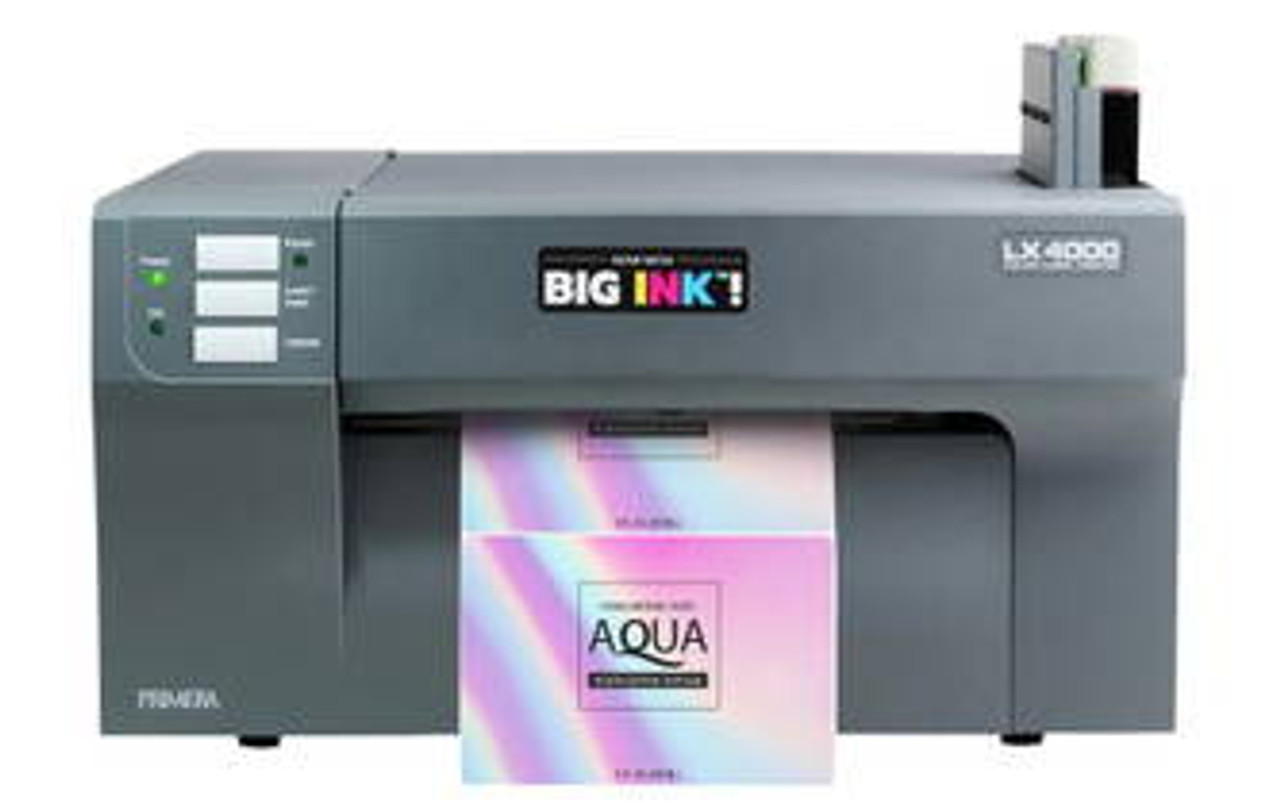
Inkjet label printers, especially high-performance models like the Primera LX4000 Dye Inkjet Color Label Printer and the Primera LX4000 Pigment Inkjet Color Label Printer, are designed to deliver professional-grade output. However, even the best printers need fine-tuning to maintain colour consistency over time.
Ink Types and Their Impact on Colour
Before adjusting printer settings or materials, it’s important to understand how your ink type affects colour accuracy and durability.
Dye-Based Inks
Dye inks produce vibrant, photo-like colours with smooth gradients. They’re ideal for labels requiring a premium, glossy finish—like cosmetics, gourmet food, or beverage packaging. However, dye inks can be more sensitive to UV light and moisture, meaning they may fade over time if not paired with protective materials.
Pigment-Based Inks
Pigment inks, on the other hand, use solid colour particles that bond to the label surface. While they produce slightly more muted tones, they excel in resistance to water, chemicals, and sunlight. Pigment-based printing is preferred for industrial, outdoor, or long-life applications.
For example, the Primera LX4000 Pigment Printer is perfect for durable labels that maintain consistent colour integrity even in challenging environments. Similarly, the Afinia L701 Inkjet Colour Label Printer with unwinder offers excellent pigment performance for long print runs where precision and endurance matter.
By understanding the strengths of each ink type, you can choose the right printer and materials for your application while maintaining optimal colour control.
Tips for Consistent Colour Reproduction
1. Calibrate Your Printer Regularly
Printer calibration ensures that the colours printed match your intended design. Over time, even slight shifts in temperature, humidity, or printhead performance can alter colour output. Most high-end printers include built-in calibration utilities that automatically adjust ink density and alignment for precise colour consistency.
At DuraFast Label Company, we recommend recalibrating your printer every few weeks or whenever you notice a deviation from expected output—especially if your printer operates continuously in varying conditions.
2. Use ICC Colour Profiles
ICC (International Color Consortium) profiles are digital settings that standardize colour reproduction between devices. They ensure that the colours you see on your monitor match what your printer produces.
By installing and selecting the correct ICC profile for your printer, ink type, and label material, you can dramatically improve accuracy. For instance, different substrates—like glossy, matte, or synthetic labels—absorb ink differently. Using the correct ICC profile compensates for these variations.
Our team provides support in setting up ICC profiles for printers like the Primera LX4000 and Afinia L701, ensuring clients achieve optimal results out of the box.
3. Choose the Right Label Materials
Label materials have a profound effect on colour appearance. Glossy materials enhance saturation and brightness, while matte finishes create softer tones. Synthetic materials like polypropylene or vinyl are ideal for pigment inks, offering excellent adhesion and durability.
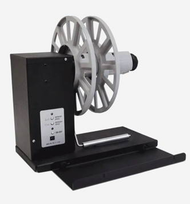
When printing with dye inks, we recommend coated inkjet label materials that enhance vibrancy and prevent ink bleed. If your printer includes accessories like the UW6000A Label Unwinder for Epson C6000A Inkjet Printer, it’s even easier to handle long rolls of coated or specialty materials without compromising consistency during extended print jobs.
The material you choose should align with both your product’s visual goals and its environmental exposure. For example, beverage labels benefit from waterproof synthetics, while boutique skincare products might call for textured, high-gloss finishes.
4. Maintain Consistent Environmental Conditions
Inkjet printers are sensitive to temperature and humidity. Variations can cause ink to dry differently, altering colour density. Ideally, maintain your print environment between 20–25°C (68–77°F) and 40–60% humidity.
Consistent conditions not only improve colour stability but also prolong the life of your printer components and printheads.
5. Perform Routine Cleaning and Maintenance
Dust, residue, or dried ink can interfere with nozzle performance and colour accuracy. Regular cleaning of printheads, rollers, and sensors prevents streaks, banding, and inconsistent hues. Most modern printers include automatic maintenance cycles, but occasional manual cleaning helps sustain long-term precision.
We also recommend running nozzle checks weekly to ensure all colours are firing correctly. This proactive approach saves time and prevents costly reprints.
6. Use Genuine Inks and Supplies
Third-party inks may seem cost-effective, but they can compromise colour consistency and even damage printheads. Genuine inks are formulated specifically for each printer model, ensuring proper viscosity, colour saturation, and chemical compatibility.
At DuraFast, we always advise using original consumables for your printer—especially when working with pigment systems, where even slight chemical differences can affect bonding and vibrancy.
7. Store Labels and Inks Properly
Exposure to heat or sunlight can alter both ink and label materials. Store ink cartridges in a cool, dark place, and keep unused label rolls in their original packaging until needed. Avoid stacking heavy boxes on top of labels, as this can cause deformation or uneven feeding during printing.
Achieving Colour Consistency Across Print Runs
Maintaining colour accuracy isn’t just about a single print—it’s about ensuring every batch matches perfectly. Here’s how to do it:
- Document your settings: Keep a record of ICC profiles, media types, and printer configurations used for each job.
- Run test prints: Before major production runs, print small batches to confirm colour accuracy.
- Compare visually: Use standardized colour swatches or a spectrophotometer to verify colour consistency across prints.
- Use unwinder systems: For long roll printing, accessories like the UW6000A Label Unwinder ensure even feeding and consistent tension—preventing drift in colour and alignment across large jobs.
Consistency builds trust. When customers see your brand’s colours replicated perfectly across all product lines, it reinforces your reliability and attention to detail.
The Role of Software in Colour Management
Professional label design software like NiceLabel and Bartender supports advanced colour management tools. These allow you to define CMYK or RGB colour values precisely and apply ICC profiles directly in your designs.
For businesses running multiple printers, centralized colour management ensures uniform results across all locations. Our experts assist clients in integrating their printers with software workflows that maintain consistent branding and compliance.
Why Colour Accuracy Matters for Compliance
While colour often serves aesthetic purposes, in many industries it also plays a regulatory role. For example:
- Chemical and GHS labels require specific hazard pictograms with standardized red borders.
- Pharmaceutical and food packaging must display clear, legible, and colour-consistent warnings.
- Retail labels use colour codes for inventory or category identification.
A small colour deviation can lead to compliance issues or consumer confusion. Investing in a colour-accurate printing setup not only ensures professionalism but also helps you meet industry standards effortlessly.
Troubleshooting Common Colour Issues
Even with the best equipment, colour discrepancies can occur. Here are a few common problems and how to resolve them:
- Colours look faded or dull: Check ink levels, printhead alignment, and ensure the correct media type is selected in settings.
- Banding or streaks: Perform a nozzle check and cleaning cycle. Replace damaged cartridges if necessary.
- Inconsistent hues: Verify ICC profiles and calibrate the printer. Ensure environmental stability during printing.
- Shifting colour tones between runs: Recreate the same settings and paper type as the previous job, and store media properly to avoid chemical changes.
Our Recommended Colour Label Printers
At DuraFast Label Company, we offer a wide range of professional inkjet and pigment-based printers designed to deliver precise, repeatable colour every time.
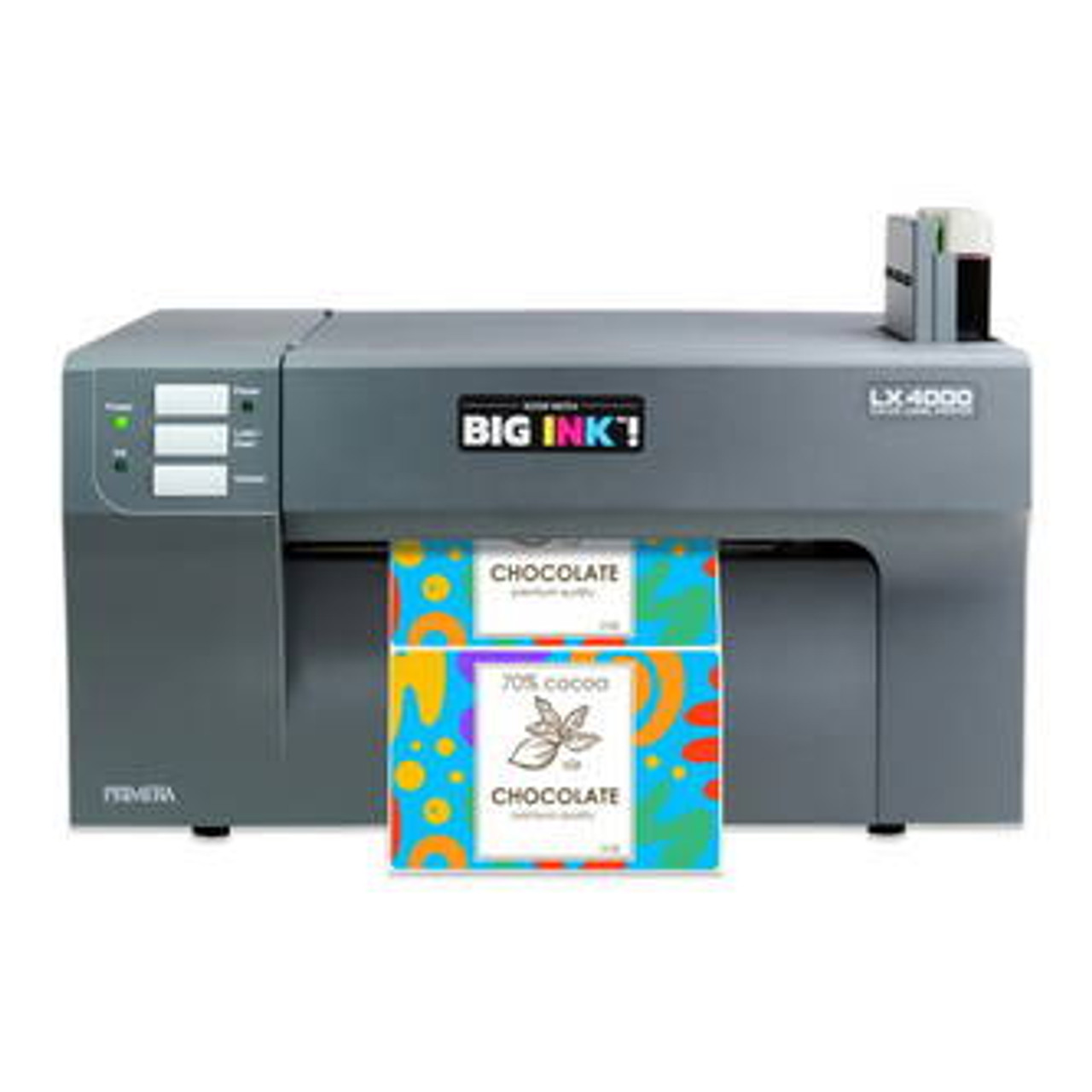
1. Primera LX4000 Dye Inkjet Color Label Printer
View Product ›
Produces stunning, photo-quality labels ideal for retail, gourmet food, and beauty products. Perfect for applications demanding vibrant colours and high-gloss finishes.
2. Primera LX4000 Pigment Inkjet Color Label Printer
View Product ›
Delivers water-resistant, UV-stable labels suited for industrial and outdoor applications. Its pigment-based system ensures long-lasting, colour-accurate results under any condition.
3. Afinia L701 Inkjet Colour Label Printer with Unwinder
View Product ›
A robust choice for businesses handling long print runs. Paired with an unwinder system, it guarantees consistent tension and precise colour reproduction across extended jobs.
4. UW6000A Label Unwinder for Epson C6000A
View Product ›
Ideal for maximizing efficiency in high-volume operations. This accessory ensures smooth label feeding, helping maintain uniform ink application and colour balance from start to finish.
Colour accuracy is the cornerstone of professional label printing. Whether you’re creating premium retail packaging or industrial safety labels, maintaining consistent, vibrant colours communicates trust, quality, and attention to detail.
At DuraFast Label Company, we help businesses achieve flawless results by pairing advanced printing technology with expert guidance. From inkjet color label printers like the Primera LX4000 series to pigment-based systems like the Afinia L701, our lineup offers precision, flexibility, and reliability for every need.
For best results, we always recommend combining high-quality color label printers and custom thermal transfer labels tailored to your workflow. This combination ensures vibrant, consistent prints that stand the test of time.
Our team provides personalized consultations to help you calibrate your printers, select the right materials, and maintain peak colour performance.
If you’re ready to take your colour printing to the next level, reach out today. Let’s help you build a label printing setup that delivers accuracy, durability, and consistency — every single time.
Contact DuraFast Label Company to learn more about our professional colour label printing solutions and expert support for your business.