The Complete Guide to Thermal Barcode Printers: Types, Uses, and Maintenance Tips
11th Feb 2026
In today’s fast-paced, technology-driven world, barcode printing is the invisible backbone of countless industries — from retail and logistics to healthcare and manufacturing. Barcodes enable efficiency, accuracy, and traceability. Behind every clear, scannable barcode label is a piece of hardware that does more than just print—it streamlines operations, reduces costs, and improves customer satisfaction.
That hardware is the thermal barcode printer — a modern solution that relies on heat rather than ink to create durable, high-quality barcodes. Unlike traditional printers, thermal printers are built for speed, clarity, and volume. They’re used to produce shipping labels, asset tags, wristbands, and more, with incredible precision and consistency.
Whether you’re managing a warehouse, printing patient IDs in a hospital, or running a retail store, understanding how thermal barcode printers work—and how to choose the right one—can make a world of difference in your productivity.
In this comprehensive guide, we’ll explore:
- How thermal printing technology works
- The key differences between direct thermal and thermal transfer printing
- The main types of printers (desktop, industrial, and mobile)
- Maintenance and troubleshooting tips to extend your printer’s lifespan
If you’re just starting out or considering upgrading your labeling system, models like the GoDEX G530 Thermal Transfer Barcode Printer are popular choices for small and mid-sized businesses seeking reliability and precision.
This guide will help you navigate everything from basic terminology to practical advice, ensuring you get the most out of your thermal barcode printers online—whether you’re printing hundreds or thousands of labels a day.
Understanding Thermal Barcode Printing Technology
What Is Thermal Barcode Printing?
At its core, thermal barcode printing is a heat-based printing process that transfers images or text onto specially coated labels or tags. The printer doesn’t use traditional ink or toner. Instead, it uses a thermal printhead that selectively heats specific areas of the material to create barcodes, logos, or text.
This method is favored for its speed, accuracy, and low maintenance, making it ideal for businesses that need to print high volumes of labels daily. The printed images are crisp, scannable, and resistant to smudging, ensuring smooth barcode scanning across operations.
Thermal printing technology is most commonly used for:
- Shipping and logistics labels
- Retail price tags
- Warehouse inventory management
- Healthcare wristbands and specimen labels
- Manufacturing compliance tags
Depending on your application, you’ll typically choose between direct thermal printing or thermal transfer printing—each offering distinct advantages and suited for specific environments.
Direct Thermal vs. Thermal Transfer Printing
Direct Thermal Printing
Direct thermal printing uses heat-sensitive labels that darken when exposed to the printer’s heat. There’s no ink, ribbon, or toner involved—just the label material itself reacting to heat.
Advantages:
- Simple operation with minimal supplies (no ribbons or cartridges).
- Ideal for short-term labeling applications.
- Lower running costs and fewer moving parts.
Disadvantages:
- Labels can fade when exposed to heat, sunlight, or friction.
- Not suitable for long-term or outdoor use.
Best for: Shipping labels, receipts, temporary tags, and inventory tracking in controlled environments.
If you frequently print short-life labels, you can find direct thermal labels for sale in multiple sizes and adhesives tailored to specific thermal printers.
Thermal Transfer Printing
Thermal transfer printers use a ribbon coated with wax, resin, or a combination of both. The printhead heats the ribbon, transferring ink onto the label surface, creating a durable, long-lasting image.
Advantages:
- Produces labels resistant to chemicals, abrasion, and extreme temperatures.
- Suitable for long-term applications (years of legibility).
- Works with a wide variety of materials including polyester, polypropylene, and vinyl.
Disadvantages:
- Requires ribbons, adding to consumable costs.
- Slightly more complex setup than direct thermal.
Best for: Product labeling, asset tracking, outdoor use, and industrial compliance tags.
Thermal transfer technology is also ideal for custom thermal transfer labels, enabling branding, color coding, and specialty finishes that stand up to rugged environments.
Types of Thermal Barcode Printers
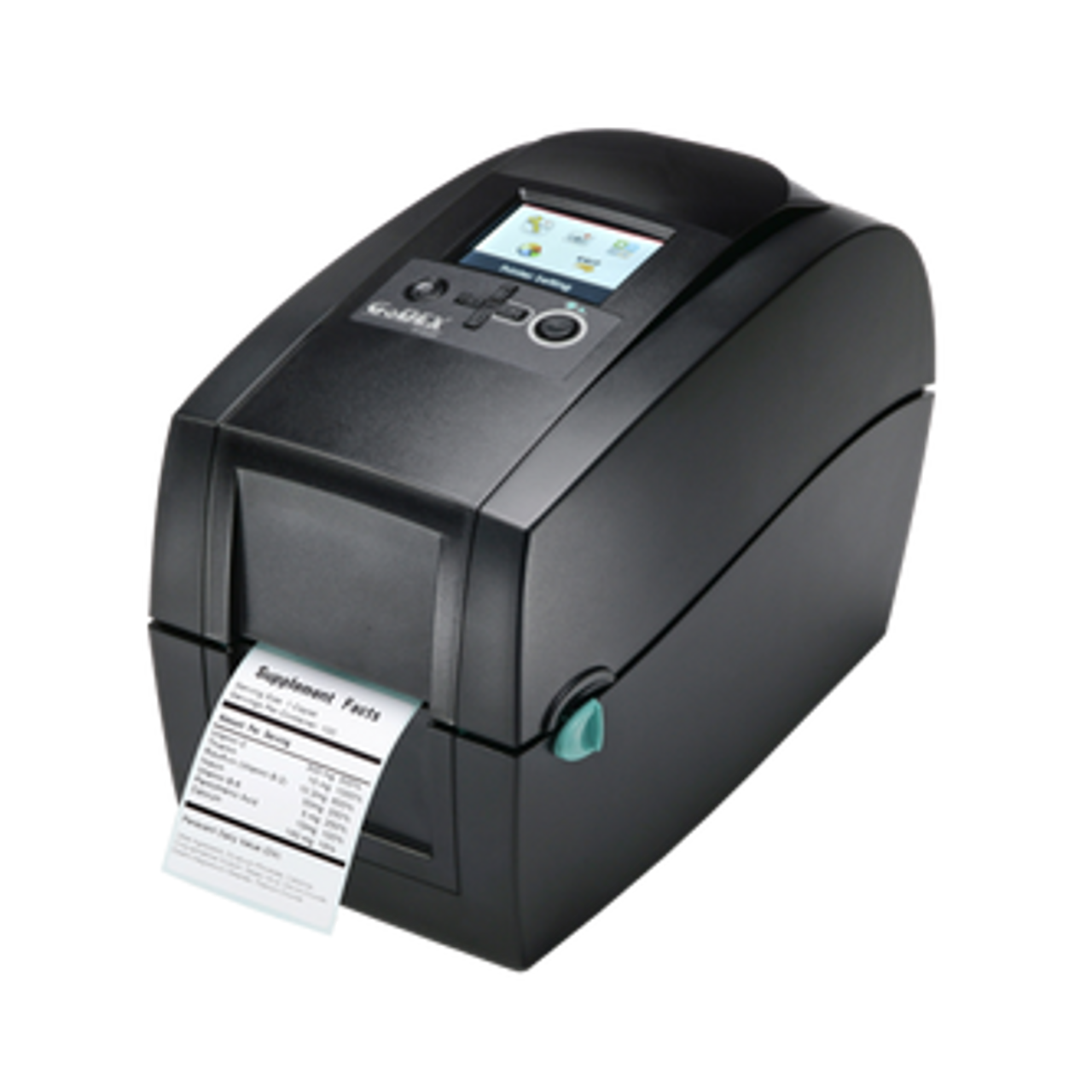
Thermal barcode printers come in a variety of sizes and capacities, each tailored to specific business needs. Choosing the right type ensures that your labeling process is both efficient and scalable.
Desktop Thermal Barcode Printers
Desktop printers are compact, affordable, and designed for small to medium-volume printing tasks. They’re perfect for offices, retail counters, healthcare facilities, and small warehouses.
These printers are easy to use, energy-efficient, and often come equipped with multiple connectivity options like USB, Ethernet, and Wi-Fi.
A great example is the Brother TD-4420TN 4-Inch Network Desktop Thermal Transfer Barcode Printer. This model is compact yet powerful, offering fast printing speeds and exceptional clarity—ideal for shipping and asset labels.
Advantages of desktop models:
- Small footprint for limited spaces
- Quick setup and user-friendly interfaces
- Affordable consumables and replacement parts
- Great for offices and small operations needing flexibility
Common Applications:
- Office asset tags
- Shelf and price labels
- Small parcel shipping
- Healthcare wristbands
For small businesses, these printers strike the perfect balance between cost and performance, allowing them to scale operations without investing in heavy-duty industrial hardware.
Industrial Thermal Barcode Printers
When your business demands high-volume, high-durability printing, an industrial printer is the way to go. Built with rugged metal frames and designed to handle continuous operation, these printers are common in manufacturing, distribution centers, and logistics hubs.
Industrial printers are engineered for speed, reliability, and endurance—printing thousands of labels per day with consistent precision. They accommodate larger label rolls and ribbon spools, reducing downtime for media changes.
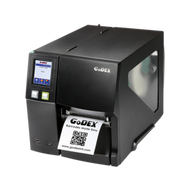
One powerful example is the GoDEX ZX1300i 4” Thermal Transfer Barcode Printer, which delivers 300 DPI resolution at speeds up to 7 inches per second. It’s a workhorse ideal for factories, warehouses, and large-scale operations that demand both quality and throughput.
Key Advantages of Industrial Printers:
- High-duty cycle and long operational life
- Support for wide label rolls and ribbon spools
- Advanced connectivity (Ethernet, Wi-Fi, serial ports)
- Integration with ERP or warehouse management systems
Common Applications:
- Pallet labeling and shipping logistics
- Compliance and safety labeling
- Automotive and electronics manufacturing
- Pharmaceutical and medical device packaging
Industrial printers also support advanced features like internal rewinding, peel-and-present functions, and compatibility with label applicators and label cutters in Canada, automating the entire labeling process from print to application.
Mobile & Portable Thermal Printers
In industries that demand on-the-go labeling, such as field service, healthcare, or delivery operations, mobile thermal printers are indispensable. These compact, battery-powered devices can print receipts, tickets, and labels wherever the work happens—no tethering required.
Mobile printers use Bluetooth or Wi-Fi connectivity and are lightweight enough to be clipped onto belts or carried in the field. They increase mobility and eliminate the need to return to a workstation for printing, streamlining workflows in time-sensitive environments.
Benefits of Portable Label Makers:
- Enhanced mobility and real-time printing capabilities
- Battery-operated for hours of use
- Ideal for mobile ticketing, delivery, and patient ID labeling
- Reduces administrative errors and manual entry
For flexible, field-ready labeling, businesses often explore portable label makers online, where options vary from compact handheld devices to rugged industrial-grade models.
Key Features to Look for in a Thermal Barcode Printer
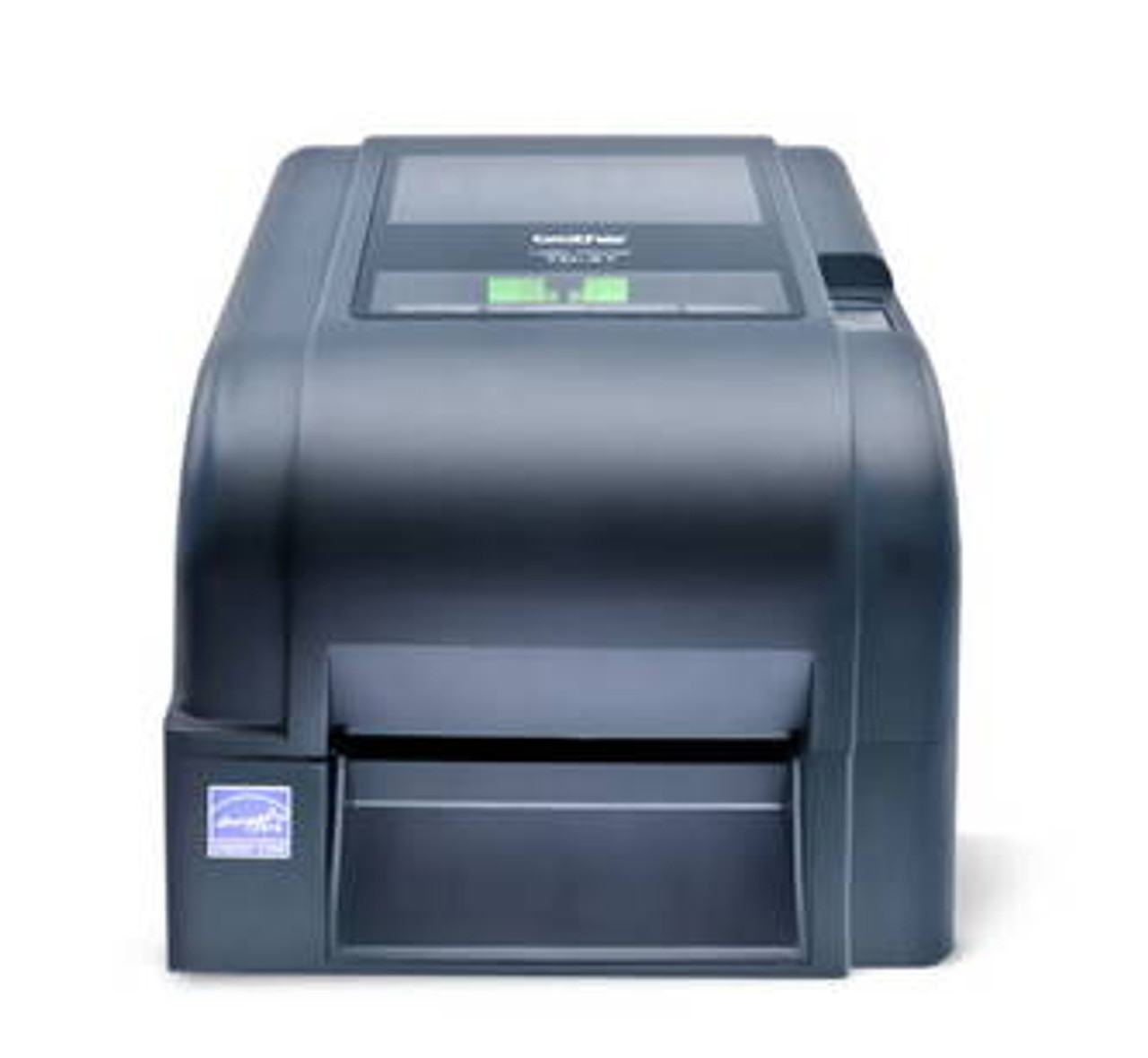
Choosing the right thermal barcode printer isn’t just about speed or price—it’s about finding a machine that fits seamlessly into your workflow and produces consistent results under pressure. Whether you’re labeling thousands of boxes a day or creating custom tags for healthcare or retail, the features you prioritize will determine your system’s reliability and efficiency.
One of the first aspects to consider is print resolution and speed. Print resolution, measured in dots per inch (DPI), dictates how sharp and scannable your barcodes will be. A 203 DPI printer may suffice for standard shipping or inventory labels, but for small barcodes or labels containing fine text, a 300 DPI or 600 DPI printer ensures better legibility. Speed is equally critical—measured in inches per second (IPS)—and determines how fast a printer can handle continuous runs without sacrificing quality. For instance, a model like the GoDEX ZX1300i offers both high resolution and speed, making it suitable for industrial use where precision meets productivity.
Next comes connectivity and software compatibility. A printer that can communicate with multiple devices—whether via USB, Ethernet, Wi-Fi, or Bluetooth—offers greater operational flexibility. Compatibility with leading label design tools like Bartender label software and NiceLabel software also ensures you can create, customize, and automate labels without technical friction. These software platforms simplify compliance with barcode standards such as GS1 and make it easy to integrate variable data, logos, or QR codes into your labels.
Another essential feature is media versatility. The best thermal printers handle a wide range of materials including paper, polypropylene, polyester, and vinyl. Businesses printing in harsh conditions, like automotive or outdoor applications, often rely on weatherproof labels and oil change labels designed to resist moisture, heat, and abrasion. A high-quality printer must also support a variety of label formats—continuous rolls, fanfold stock, and tags with different adhesives. Advanced media handling features, such as automatic calibration and sensor adjustment, save time during changeovers and reduce label waste.
The final consideration is long-term durability and support. Industrial models typically have a metal chassis and components built for 24/7 operation, while desktop versions prioritize compactness and user-friendly interfaces. In both cases, investing in reliable hardware pays off through lower maintenance costs and fewer downtimes. Printers that are compatible with accessories like label counter machines for sale or automatic applicators can further enhance efficiency in production environments where speed and precision are non-negotiable.
Common Uses and Industry Applications
Thermal barcode printers have become indispensable across sectors where traceability, accuracy, and speed define success. Their versatility lies in their ability to adapt to diverse workflows, producing high-quality labels that withstand the unique conditions of each industry.
In retail and point-of-sale environments, thermal printers are the unsung heroes of everyday transactions. They produce product labels, shelf tags, and receipts with remarkable speed and clarity. Devices such as thermal POS receipt printers provide dependable output that keeps queues moving, ensuring smooth customer experiences. Compact desktop models like the Brother TD-4420TN are a popular choice for retailers who value ease of integration with existing POS systems. The crisp text and barcodes these printers generate also make inventory reconciliation and reordering far more efficient.
The logistics and warehousing sector depends on thermal barcode printers to maintain operational flow. Every package, pallet, or container carries a barcode label that tells a story of movement, location, and destination. Industrial-grade machines, capable of high-volume output, allow logistics companies to meet tight shipping deadlines while minimizing errors. The ability to print RFID label printers in Canada adds another layer of control and traceability. RFID-enabled labels can store detailed information, enhancing visibility across complex supply chains and reducing the likelihood of misplaced inventory.
In healthcare, precision is non-negotiable. From patient wristbands to specimen and medication labels, every printed barcode must be accurate and durable. Thermal printers ensure data integrity and patient safety through consistent, smudge-resistant printing. Hospitals often rely on mobile thermal printers for bedside labeling, ensuring that identification and record keeping happen in real time. Similarly, manufacturing and automotive industries use thermal printing for compliance, safety, and asset tracking. Labels must often endure heat, chemicals, and rough handling—conditions where wash care label printers and industrial thermal transfer systems excel by producing resilient, long-lasting tags.
Finally, e-commerce and small businesses are increasingly adopting in-house thermal printing to save time and money. Instead of outsourcing label production, online retailers can print shipping and return labels on demand, customizing them with logos and branded details. For these users, cost-effective solutions like desktop or mid-range printers deliver professional-grade output without the overhead of outsourcing.
Across every sector, the appeal of thermal printing remains consistent: it’s fast, precise, and cost-efficient. It eliminates the mess of ink cartridges, reduces maintenance downtime, and supports continuous productivity. Whether it’s a factory floor or a boutique store, thermal printers adapt seamlessly to the demands of modern business.
Thermal Barcode Printer Maintenance and Troubleshooting Tips 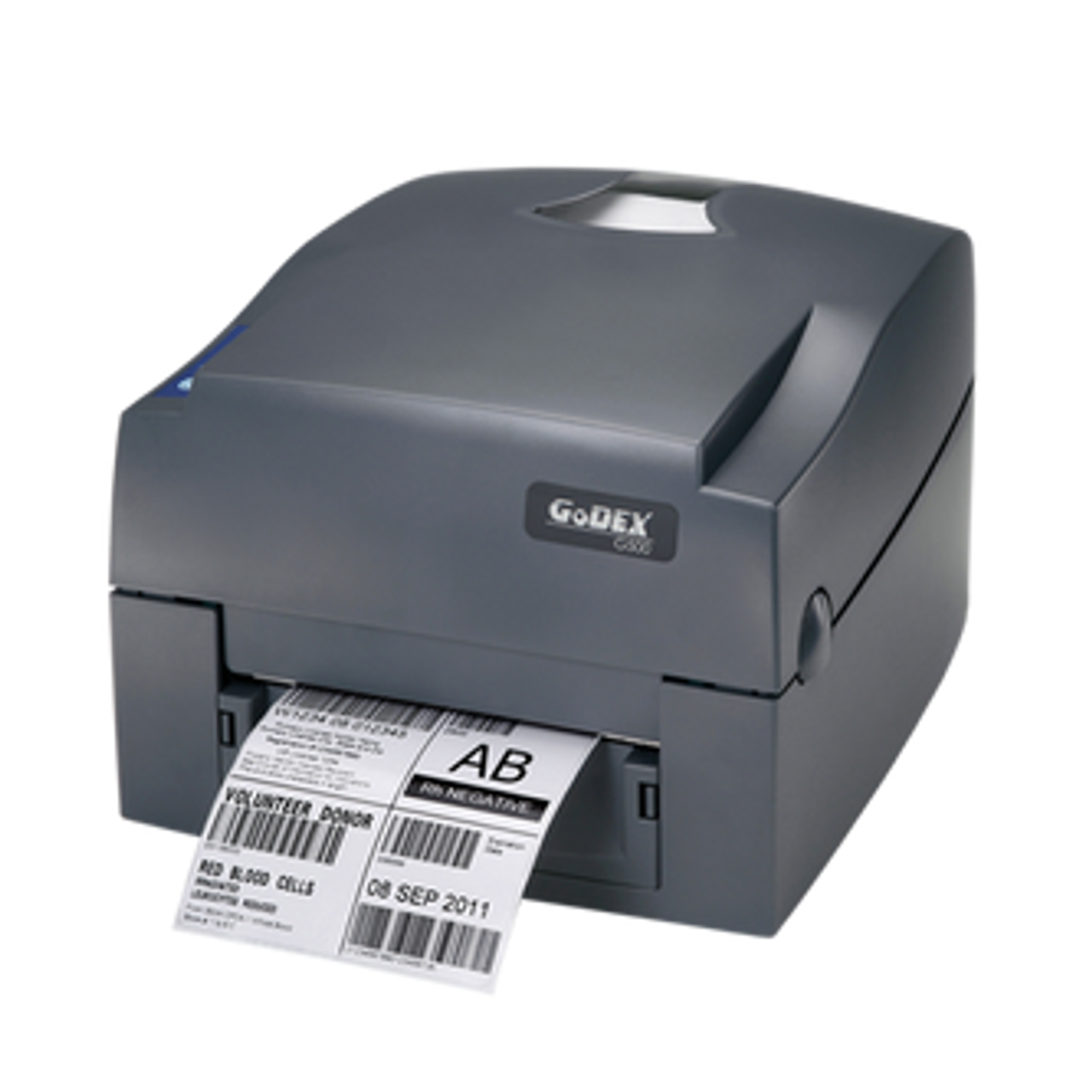
Like any precision device, thermal barcode printers perform best when properly maintained. Regular upkeep ensures consistent print quality, reduces wear on critical components, and extends the lifespan of your equipment. A few straightforward habits can keep your printer operating at peak performance for years.
The most fundamental aspect of maintenance is printhead cleaning. The printhead is the heart of your thermal printer, and even a small buildup of dust, adhesive, or label residue can cause streaks or faded printing. Using a manufacturer-approved cleaning pen or isopropyl alcohol wipe after every few rolls helps preserve image quality and prevents damage. Regularly cleaning the platen roller—the rubber surface that feeds labels through the printer—also ensures smooth movement and prevents label slippage or misalignment.
Choosing quality consumables is equally critical. Inferior ribbons or label stock can leave behind residues that degrade print quality and shorten component life. Investing in premium supplies like buy SATO printer ribbons online or Intermec thermal ribbons for sale ensures optimal performance. Genuine ribbons are designed to melt at precise temperatures, ensuring clean transfers without buildup. Similarly, for businesses that rely on thermal transfer technology, selecting the right combination of ribbon and label material prevents smudging and improves durability under challenging conditions.
Troubleshooting thermal printers often begins with diagnosing print quality issues. Faded or patchy prints can result from worn-out printheads, incorrect heat settings, or incompatible label materials. Adjusting the printer’s darkness level, ensuring proper ribbon tension, and performing a self-test print can often resolve such issues. Misalignment or skewed printing usually points to improper label calibration; running the printer’s auto-calibration feature helps realign sensors to the media width. In rare cases, persistent issues might indicate the need for replacement parts, such as rollers or sensors, which should only be installed according to manufacturer guidelines.
Environmental conditions also play a significant role in printer health. Thermal printers should be kept in a clean, temperature-controlled environment, away from direct sunlight, moisture, or excessive dust. Labels and ribbons should be stored in their original packaging to prevent humidity from affecting their coatings. By maintaining ideal storage and operating conditions, users can minimize downtime and costly repairs.
Another common issue is ribbon wrinkling, which can cause uneven printing or smudges. This typically occurs when the tension settings are incorrect or when using low-quality ribbons. Re-threading the ribbon carefully and ensuring it’s tightly wound can often fix the problem. In some cases, updating the printer’s firmware or drivers—especially when using third-party software—can resolve compatibility issues or print delays.
For businesses that handle large volumes, routine inspection schedules are invaluable. Regularly checking wear components such as printheads, rollers, and sensors helps prevent unexpected failures. Keeping spare parts and maintenance kits on hand reduces operational disruption. Many industrial-grade printers, including buy Zebra ribbons online compatible models, have built-in diagnostic tools that alert users to potential problems before they escalate.
Finally, proper usage practices contribute immensely to printer longevity. Avoid touching the printhead surface directly, as oils from fingers can interfere with heat transfer. Always power off the printer before replacing ribbons or labels, and allow it to cool before cleaning. These small but essential habits reduce thermal stress on components and preserve the integrity of the print mechanism.
Ultimately, printer maintenance isn’t just about keeping a device running—it’s about preserving the accuracy and professionalism of your labeling process. Clear, scannable barcodes are vital for operations that depend on data accuracy and compliance. With the right supplies, environment, and care routine, your thermal printer will consistently deliver the quality and reliability your business depends on.
Choosing the Right Printer for Your Business
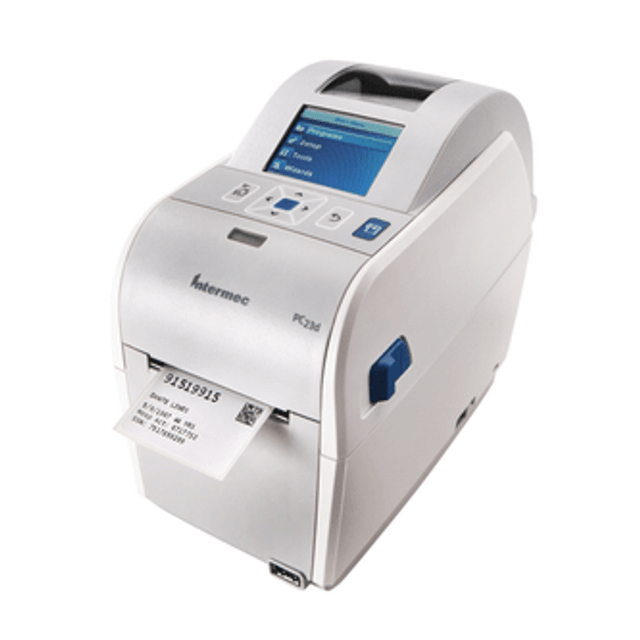
In the modern economy, where every product, shipment, and asset needs to be identified, tracked, and verified, thermal barcode printers play a crucial role. They are the silent enablers of efficiency—turning data into readable, reliable, and durable labels that keep operations moving.
What sets thermal printing apart from other methods is its precision and practicality. There are no ink cartridges to dry out, no toner to replace, and no downtime caused by smudging or fading. The combination of heat, quality materials, and advanced software ensures every barcode is printed clearly and consistently, no matter the volume or environment.
When implemented correctly, these printers can dramatically streamline workflows, reduce manual errors, and save thousands in outsourcing costs. For example, retailers who bring label printing in-house can produce customized product tags or promotional labels within minutes. Manufacturers can automate compliance labeling and traceability across their production lines. Logistics and e-commerce operators can generate shipping and return labels instantly—accelerating delivery and enhancing customer satisfaction.
But even the most advanced equipment requires a trusted source for supplies and support. This is where DuraFast Label Company distinguishes itself. Known for our commitment to quality and service, we provide one of the most comprehensive ranges of high-quality color label printers, barcode systems, and printing accessories in North America. With its roots in professional labeling since 2012, DuraFast has built a reputation for empowering businesses to print smarter, faster, and more reliably.
Beyond just printers, DuraFast also supplies compatible consumables such as ribbons, label rolls, and specialty media designed to work flawlessly with leading printer brands like Zebra, Epson, Brother, and GoDEX. Whether you’re looking for compact desktop printers for your small business or robust industrial models capable of continuous operation, you’ll find reliable options that deliver performance and value.
For those looking to invest in more durable, high-volume machines, our range of thermal transfer printers provides dependable long-term labeling solutions. Thermal transfer systems are ideal for sectors that demand resistance to moisture, abrasion, or chemicals—ensuring barcodes remain legible even under tough conditions. For short-term needs or flexible on-demand printing, DuraFast also carries direct thermal options that deliver clarity and efficiency at lower costs.
To explore the full range of DuraFast Label Company’s products, from barcode printers to ribbons and accessories, visit our solutions page. For personalized guidance or to discuss your business’s labeling needs, reach out to us. Our expert team is always ready to help you find the right printing solution—so you can focus on what matters most: running your business efficiently.