The Complete Guide to Building an In-House Label Printing Setup
27th Jan 2026
When a business transitions from outsourcing its label production to doing it internally, it’s not just a minor operational change; it’s a strategic decision that enhances control over quality, reduces costs, accelerates time-to-market, and improves supply chain efficiency. Whether you’re running a retail brand with complex SKU structures or managing a warehouse that ships thousands of orders weekly, owning your label printing process has measurable advantages.
In this guide, we’ll walk you through what you actually need, why each element matters, and how to choose the right tools, providing practical pointers on printers, consumables, software, and scanners so your setup doesn’t become another sunk cost.
Why In-House Label Printing Makes Sense
The decision to shift label printing in-house isn’t just a feel-good operational choice. Multiple industry sources confirm clear business advantages:
Real Cost Savings Over Time
Outsourcing commercial label printing usually means:
- Minimum order quantities
- Setup fees
- Third-party markups
- Freight charges
Studies show businesses can cut per-label costs dramatically when printing internally rather than buying printed labels from external vendors. For many companies, the initial purchase of a label printer pays for itself within a year through reduced costs alone.
On-Demand Flexibility and Reduced Waste
In-house printing eliminates:
- Minimum order requirements
- Overstocked unusable labels
- Rush-order premium charges
Outsourced printing of thousands of labels often leads to obsolete rolls sitting in storage once designs change, and sometimes deteriorating adhesive or yellowing before they’re used. On-demand printing solves this waste problem.
Improved Quality, Branding, and Compliance
Printing internally lets you manage every detail, from the exact Pantone color for your logo to barcode clarity required for regulatory compliance. In industries like food or pharmaceuticals, the ability to update labels immediately when regulations shift is a competitive necessity.
Choosing the Right Printer Technology
The heart of your setup is the hardware: the actual printer. The right choice depends on what you’re printing, how often, and in what environments.
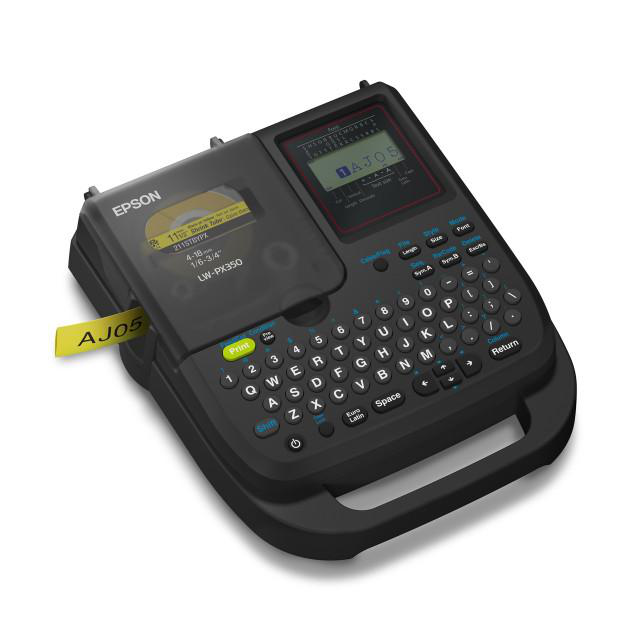
Thermal Label Printers: The Everyday Business Workhorse
Thermal label printers are the most common backbone of in-house label workflows.
Thermal technology uses heat instead of ink to produce labels, which means:
- Sharp, high-contrast text and barcodes
- Durable prints that resist smudging and abrasion
- No drying time or messy ink cartridges
- Fewer moving parts, reducing maintenance
Thermal printing excels where high volumes of reliable, readable barcodes and labels are needed, such as shipping labels, compliance tags, and asset tracking.
Thermal printers can also handle synthetic media and specialty substrates, which makes them suitable for environments where labels face moisture, cold, or physical abrasion.
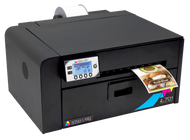
Color Label Printers: For Branding and Packaging Impact
Not all labels are “just text.” Primary product labels, nutritional panels, and retail packaging benefit from vibrant, full-color printing. For these needs, color label printers are a smart investment. Their benefits include:
- Strong brand identity and professional presentation
- Custom graphics, promotional messaging, and packaging design
- Full-color QR codes and barcodes integrated into product visuals
Unlike thermal printers, color label printers handle rich graphics and complex layouts, making them ideal for direct-to-consumer goods or lifestyle brands that rely on visual appeal.
Consumables: Don’t Neglect the Essentials
A printer is only as good as what it prints on.
Ribbons, Labels, and Ink
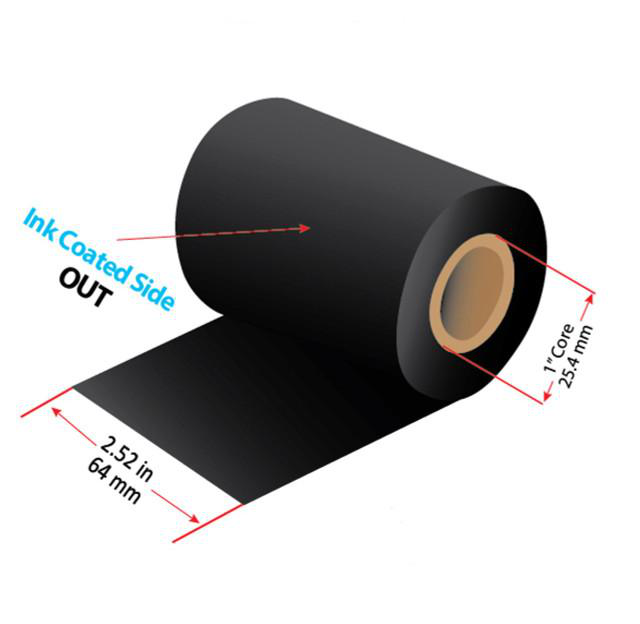
- Printer Ribbons: Quality ribbons ensure consistency and durability in thermal transfer printing.
- Custom Thermal Transfer Labels: pre-cut labels tailored to your SKU sizes and materials.
- Ink Cartridges: needed if you choose color or laser printing.
The right ribbon and label media combination has a major impact on longevity, scannability, and environmental resistance. Thermal transfer ribbons, especially resin-enhanced ones, hold up under outdoor exposure, chemicals, and abrasion.
Barcode Scanners & POS Integration
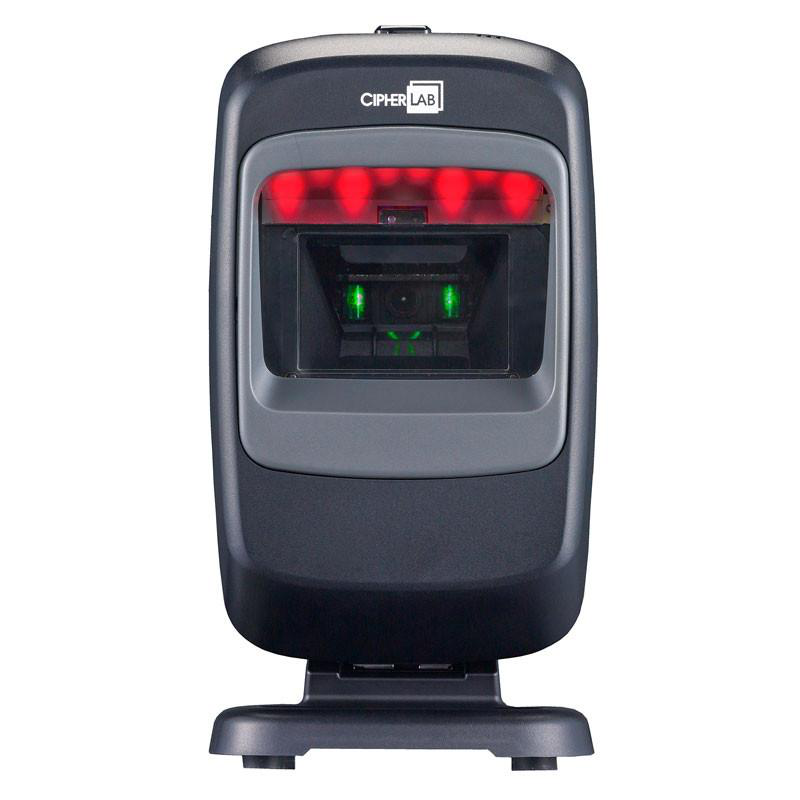
Once labels are printed, they must read accurately. Scanner choices don’t need to be exotic to be effective, but they must be reliable and fit your use case.
POS and Receipt Printers
If your label setup intersects with front-of-store or checkout processes, consider POS receipt printers. These integrate directly with retail systems to provide:
- Quick receipts
- On-the-fly promotional stickers
- SKU-linked price tags
Workflow Best Practices for Sustainable Operations
Owning the technology is one thing; using it well is another.
Standardize Your Templates
Treat every label design as a version-controlled asset. When a SKU changes, update the central template instead of making ad-hoc adjustments.
Test Every New Printer and Scanner
Quality checks, especially scan-read tests, before applying labels prevents errors that could disrupt shipping, checkout, or compliance.
Train Your Team
Even intuitive setups benefit from standard operating procedures. Train staff on:
- Loading media and ribbons
- Running test prints
- Updating software
- Troubleshooting jams or misalignment
How In-House Printing Improves the Entire Business
Let’s look at a few things research and industry observations confirm:
Reduced Lead Times and Faster Market Entry
In the current e-commerce era, agility is everything. In-house label printing lets you revise and produce labels immediately, without waiting days or weeks for external suppliers.
Better Inventory Control and Traceability
Labels aren’t just branding. They’re data carriers. Accurate barcodes and tracking labels improve inventory visibility, which in turn reduces stockouts and improves fulfillment accuracy.
Enhanced Branding and Professional Presentation
Labels are often the first point of contact a customer has with your product. Crisp color, high-resolution graphics, and consistent packaging enhance perceived quality, which drives repeat purchases.
Common Pitfalls (and How to Avoid Them)
Even with great tools, avoid these common traps:
Buying the Wrong Printer Class
High-end industrial printers can be overkill for small batch runs, and inexpensive desktop printers may struggle under heavy loads. Choose based on actual throughput and media needs.
Ignoring Consumable Quality
Cheap labels or ribbons can wreak havoc with printheads and scanners over time, leading to replacement costs that wipe out any upfront savings.
Not Planning for Scale
If your business is likely to grow, choose modular solutions so you can scale print volume, media width, or color capabilities without replacing everything.
With a well-planned setup, you not only reduce dependency on third parties but also improve quality, responsiveness, and branding consistency across every SKU and barcode you produce.
That’s where DuraFast Label Company steps in. With a comprehensive range of solutions, from desktop and industrial barcode printers to color label printers, we have built our offerings around exactly the needs you’d encounter when bringing label production in-house.
We provide not just products, but a complete labeling ecosystem, from thermal label printers to custom blank stocks and consumables, backed by knowledgeable support to help you choose systems tailored to your needs.
Contact us today to browse printing solutions and get expert guidance on your next label printing investment.