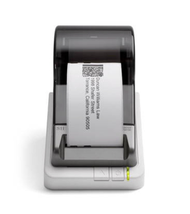
How to Choose Between Seiko SLP-620 / SLP-650 / SLP-650SE Printers?
29th Jan 2026
Key Highlights
-
Seiko Smart Label Printers offer fast, clean, and reliable labeling without ink or toner.
-
Direct thermal technology keeps printing affordable and maintenance-free.
-
Three models serve different needs, from home offices to industrial workflows.
-
SLP-620 handles everyday labeling tasks with compact, simple performance.
-
SLP-650 delivers sharper prints and faster speed for business and retail environments.
-
SLP-650SE supports high-volume teams with network connectivity and industrial durability.
-
Choosing the right model depends on print volume, speed requirements, and workflow setup.
Struggling to stay organized with handwritten labels, messy files, or slow printing tools? Many homes and workplaces waste time and energy trying to manage labeling manually, only to end up with inconsistent results and unnecessary frustration.
If you are looking for a faster, cleaner, and more affordable way to streamline organization, Seiko Smart Label Printers offer a simple and reliable solution. Designed for efficiency and clarity, they help you create professional labels in just seconds without complicated setups or expensive supplies.
In this blog, we will explore the Seiko Smart Label Printer lineup, including the SLP-620, SLP-650, and SLP-650SE, compare their features, and help you choose the right model for your needs.
What Makes Seiko Smart Label Printers a Trusted Choice for Businesses?
Seiko label printers are known for delivering consistent, hassle-free performance, exactly what small businesses need when handling daily labeling tasks. Their technology and software make printing faster, cleaner, and far more convenient than traditional label solutions.
Here’s what makes Seiko printers such a dependable choice
-
Direct Thermal Printing Reliability: Seiko Instruments technology eliminates ink, toner, and ribbons entirely, giving you predictable, low-maintenance printing that stays cost-effective over time.
-
Perfect for Busy Offices: The included Smart Label software integrates with popular word processors and databases, making it easy to create file labels, shipping labels, address labels, and general office tags.
-
Model Differences That Matter:
-
SLP-620: Prints at 2.76 inches/second with a clean 203 dpi, great for everyday office labeling.
-
SLP-650: Faster at 3.94 inches/second with sharper 300 dpi resolution, ideal for shipping labels and detailed prints.
-
SLP-650SE: Built for high-volume environments with 300 dpi quality, network connectivity, and advanced material compatibility for continuous, heavy-duty printing.
-
Seiko’s combination of speed, clarity, and maintenance-free technology makes these printers a dependable choice for any small business.
To explore essential tools for modern retail operations, read What Retail Store Equipment Do Retailers Need In 2025?
What Are the Key Features of the Seiko Instruments Smart Label Printer 620?
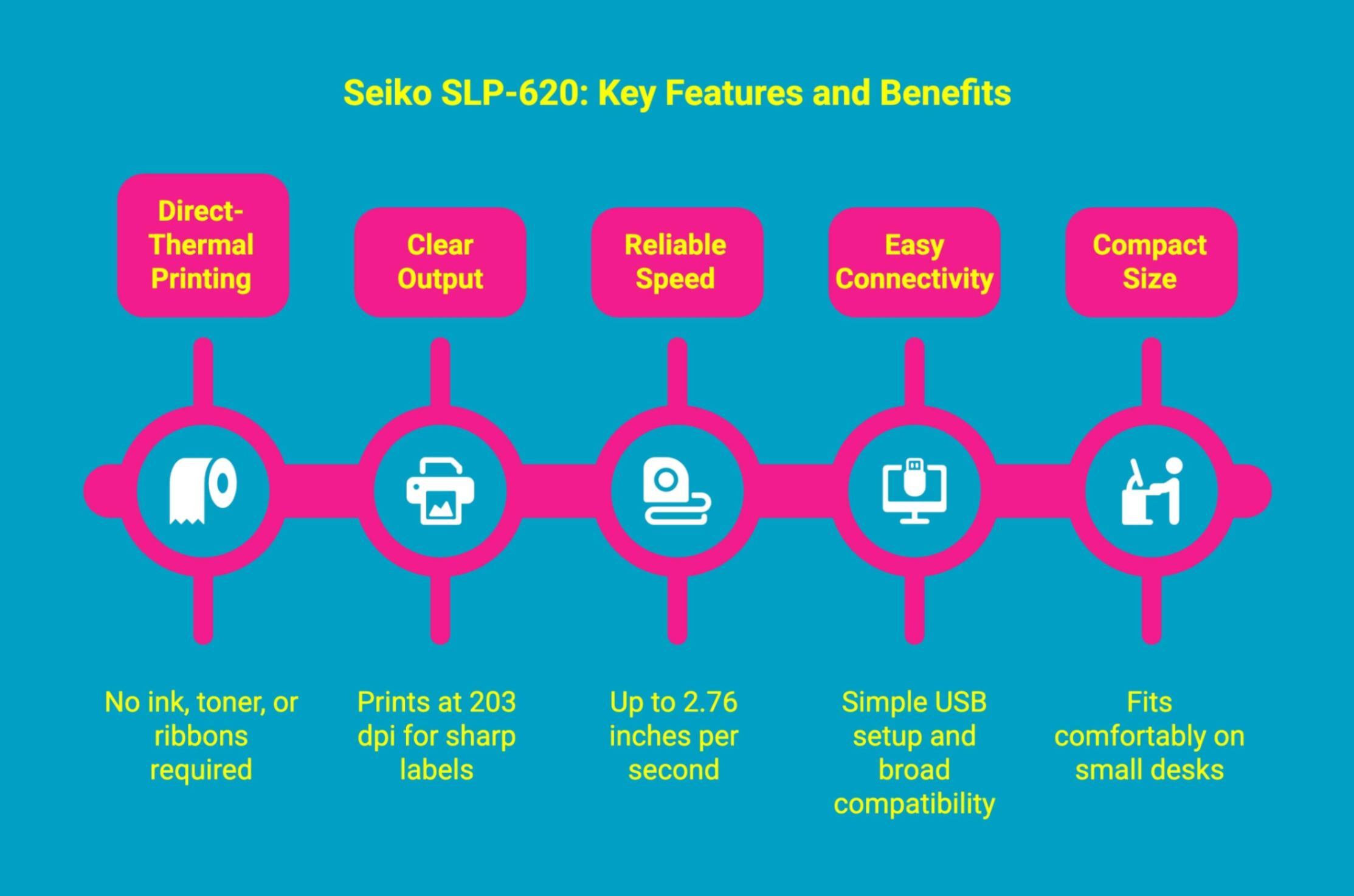
The Seiko SLP-620 is a compact, efficient label printer designed for everyday office needs, offering clean print quality and effortless usability without the cost of ink or toner.
Here’s what makes the SLP-620 a strong choice:
-
Direct-Thermal Printing: No ink, toner, or ribbons required, reducing long-term costs.
-
Clear Output: Prints at 203 dpi, ideal for address, file, and shipping labels.
-
Reliable Speed: Up to 2.76 inches per second for quick daily labeling tasks.
-
Easy Connectivity: Simple USB setup and broad compatibility with Windows and Mac.
-
Compact Size: Fits comfortably on small desks or shared office spaces.
How Does the Seiko Smart Label Printer 650 Improve on the SLP-620?
The Seiko Seiko SLP-650 builds on the strengths of the SLP-620 by offering faster performance and sharper print quality, ideal for users who need cleaner, more detailed labels or handle higher print volumes.
Here’s how the SLP-650 upgrades your labeling experience:
-
Higher Resolution: Jumps from 203 dpi to a crisp 300 dpi, giving you sharper barcodes, clearer text, and more professional labels.
-
Faster Printing: Speeds up from 2.76 inches/second to 3.94 inches/second, reducing wait times for batches or shipping runs.
-
Better for High-Detail Labels: Ideal for small-format labels, product tags, and shipping labels requiring precision and readability.
-
Enhanced Versatility: Handles a wider range of label types while maintaining consistent thermal print quality.
What Advanced Features Does the Seiko Smart Label Printer 650SE Offer?
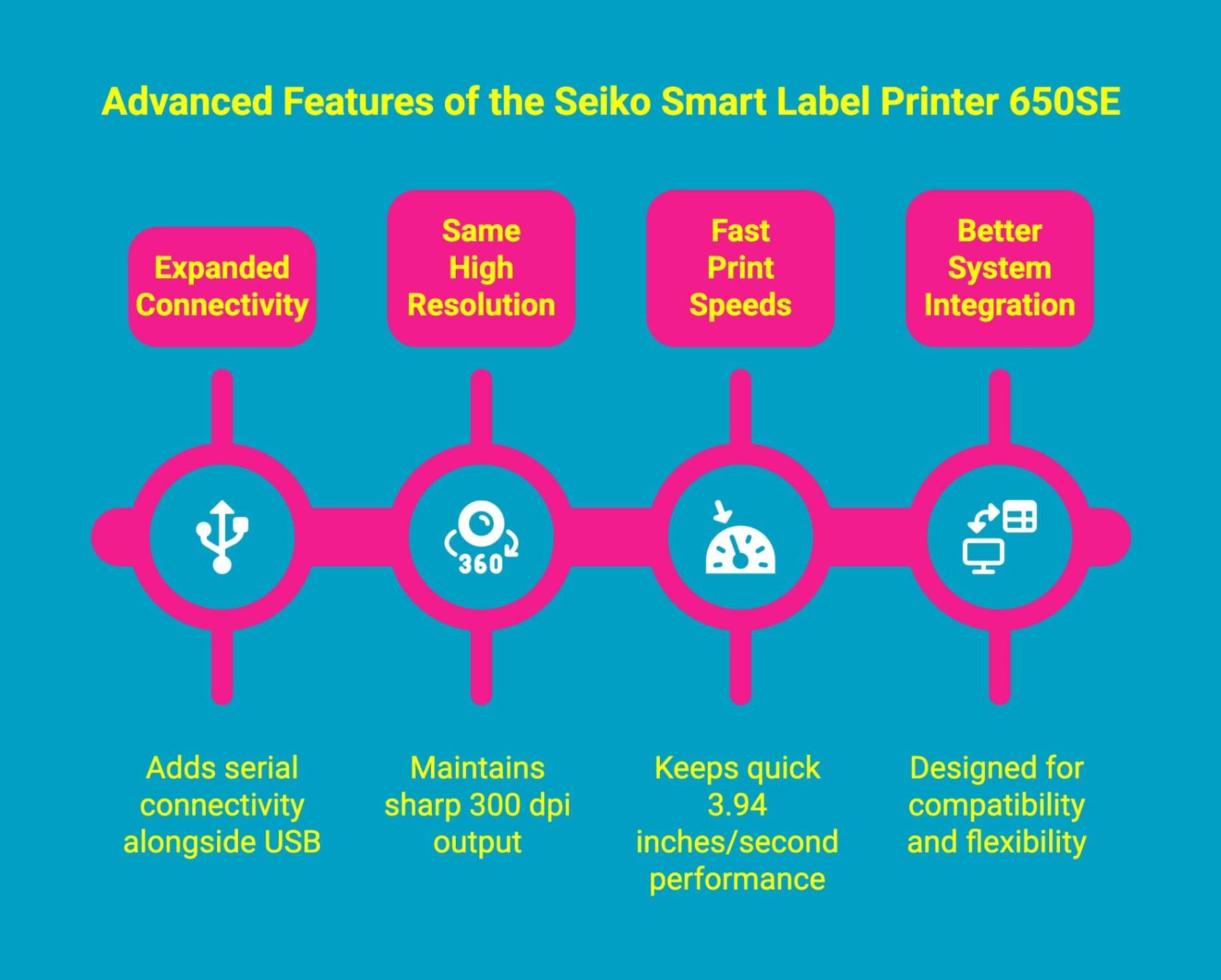
The Seiko SLP-650SE takes everything great about the SLP-650 and pushes it further with added connectivity and improved integration, perfect for users who need a more flexible, professional-grade labeling solution.
Here’s what sets the SLP-650SE apart:
-
Expanded Connectivity: Adds serial connectivity alongside USB, making it easier to integrate with POS systems, specialty software, or enterprise hardware.
-
Same High Resolution: Maintains the same sharp 300 dpi output for clean, scannable, professional labels every time.
-
Fast Print Speeds: Keeps the quick 3.94 inches/second performance of the SLP-650, ideal for high-volume workflows.
-
Better System Integration: Designed for environments where compatibility and flexibility matter, from retail counters to office setups.
If your thermal printer is producing unclear results, read Thermal Printer Not Printing Clearly? Causes & Solutions.
How Do SLP-620, SLP-650, and SLP-650SE Compare Side by Side?
|
Feature |
SLP-620 |
SLP-650 |
SLP-650SE |
|---|---|---|---|
|
Print Resolution |
203 dpi |
300 dpi |
300 dpi |
|
Print Speed |
Up to 2.76 in/sec |
Up to 3.94 in/sec |
Up to 3.94 in/sec |
|
Label Width Support |
Up to ~2.25 in (58 mm) |
Up to ~2.25 in (58 mm) |
Up to ~2.25 in (58 mm) |
|
Connectivity |
USB |
USB |
USB + Serial/Network |
|
Printing Technology |
Direct-thermal, no ink/toner |
Direct-thermal, ribbonless |
Direct-thermal, industrial compatible |
|
Software / Support |
Text, graphics, barcodes, Windows/Mac compatible |
Enhanced flexibility for complex labels |
Networked printing, industrial workflow support |
|
Ideal Use |
Home / Small Office basic labeling |
Business / Storefront shipping & product labels |
Industrial / Logistics high-volume batch printing |
Choosing the right Seiko Smart Label Printer becomes much easier when you understand how each model differs in speed, print clarity, and connectivity. Each printer serves a slightly different need, whether you're labeling files in a small business office or preparing a thermal shipping label for outgoing packages.
Understanding these variations makes it much easier to select the ideal model for your business, so let’s take a closer look at what to consider next.
SLP-620
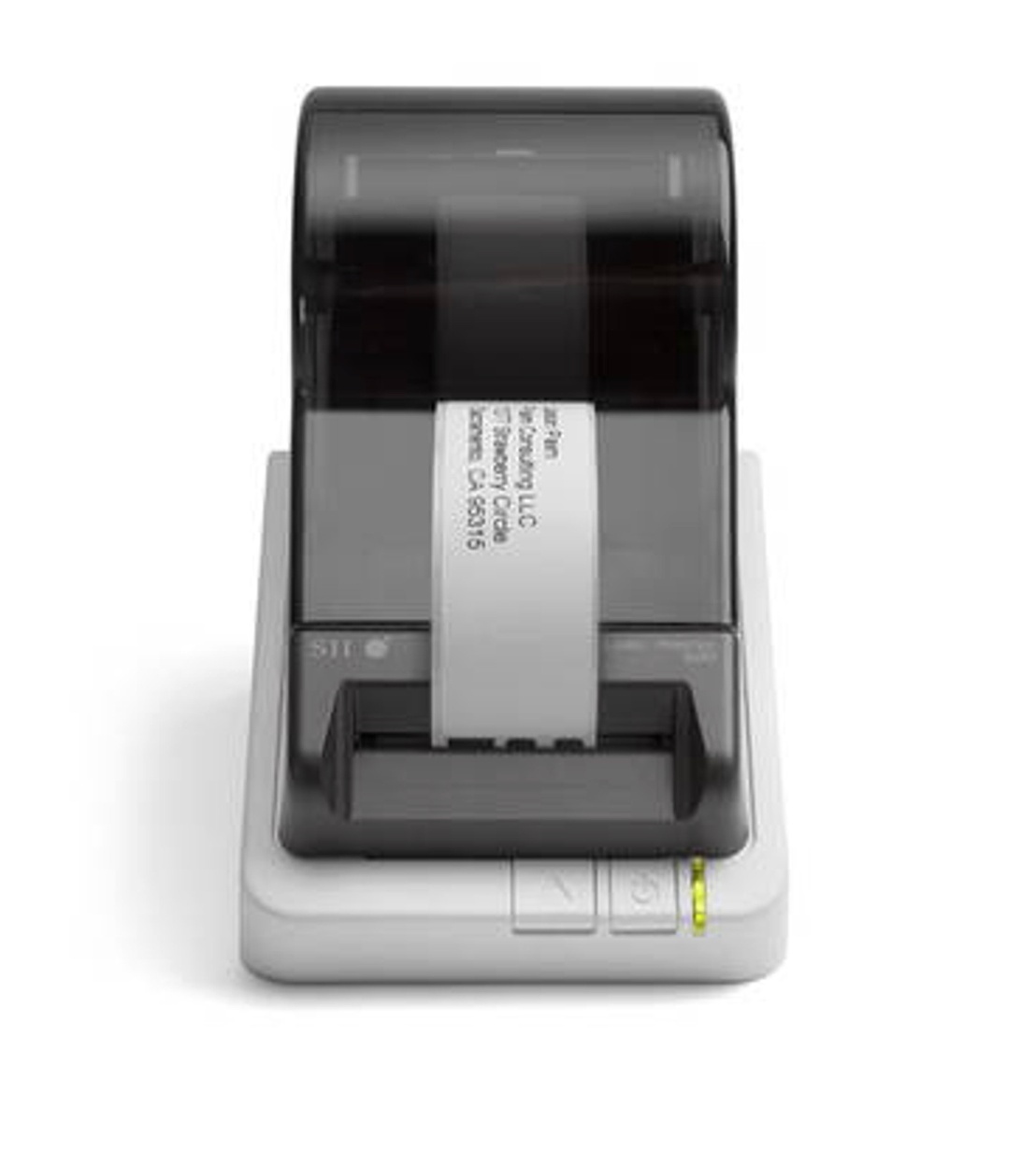
The SLP-620 delivers dependable everyday performance with 203 dpi resolution and a print speed of 2.76 inches per second. Ideal for routine tasks like folder labels, office supplies, and home organization, it integrates smoothly with word processing tools and database software, helping you stay organized without taking up valuable space on your desk.
SLP-650
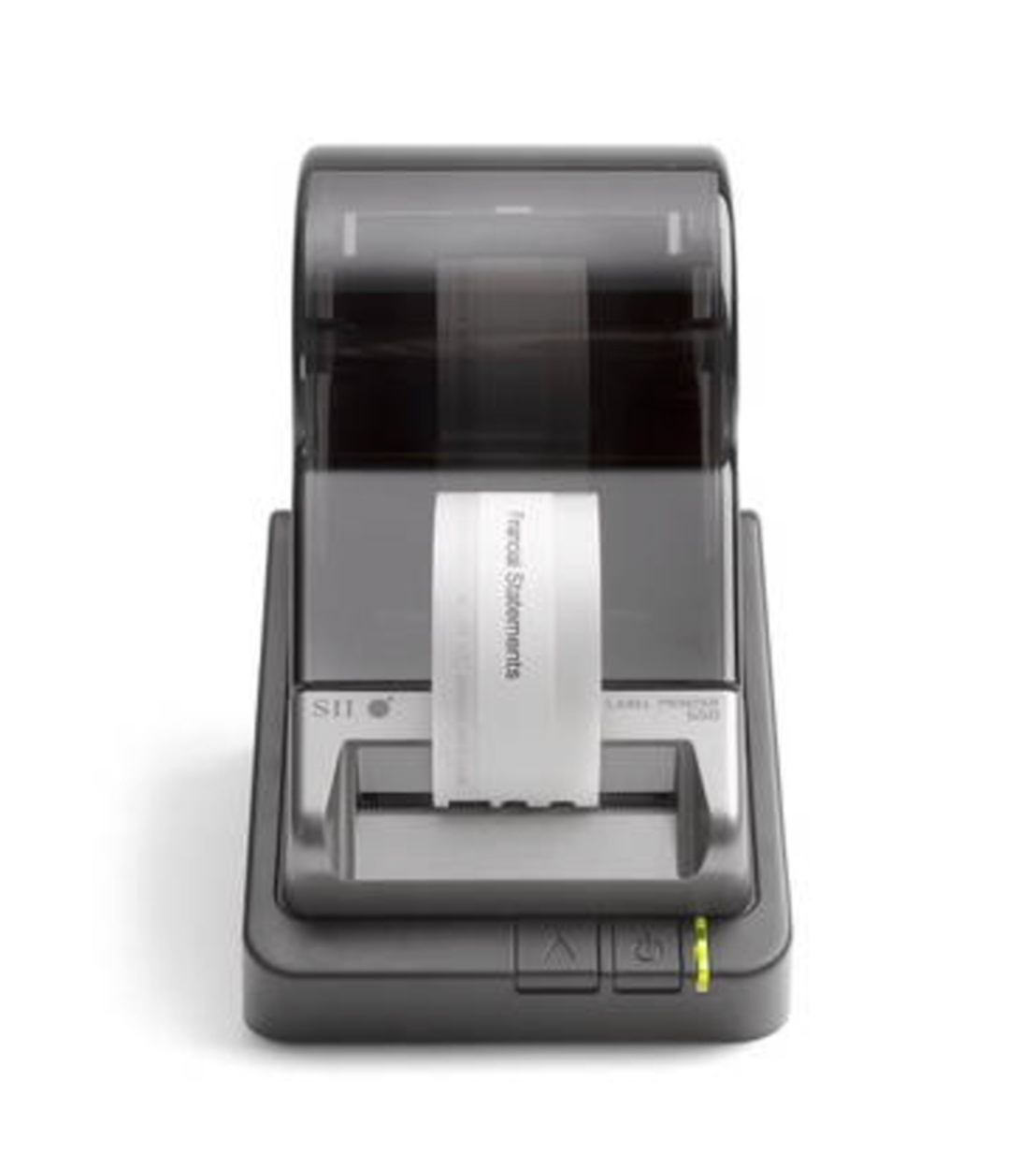
The SLP-650 elevates clarity and speed with 300 dpi resolution and a faster 3.94 inches per second output. This makes it excellent for detailed product tags and barcode labels, especially when you need a reliable thermal shipping label printer for fulfillment tasks. Its sharper prints and efficiency offer clear advantages for growing workflows.
SLP-650SE
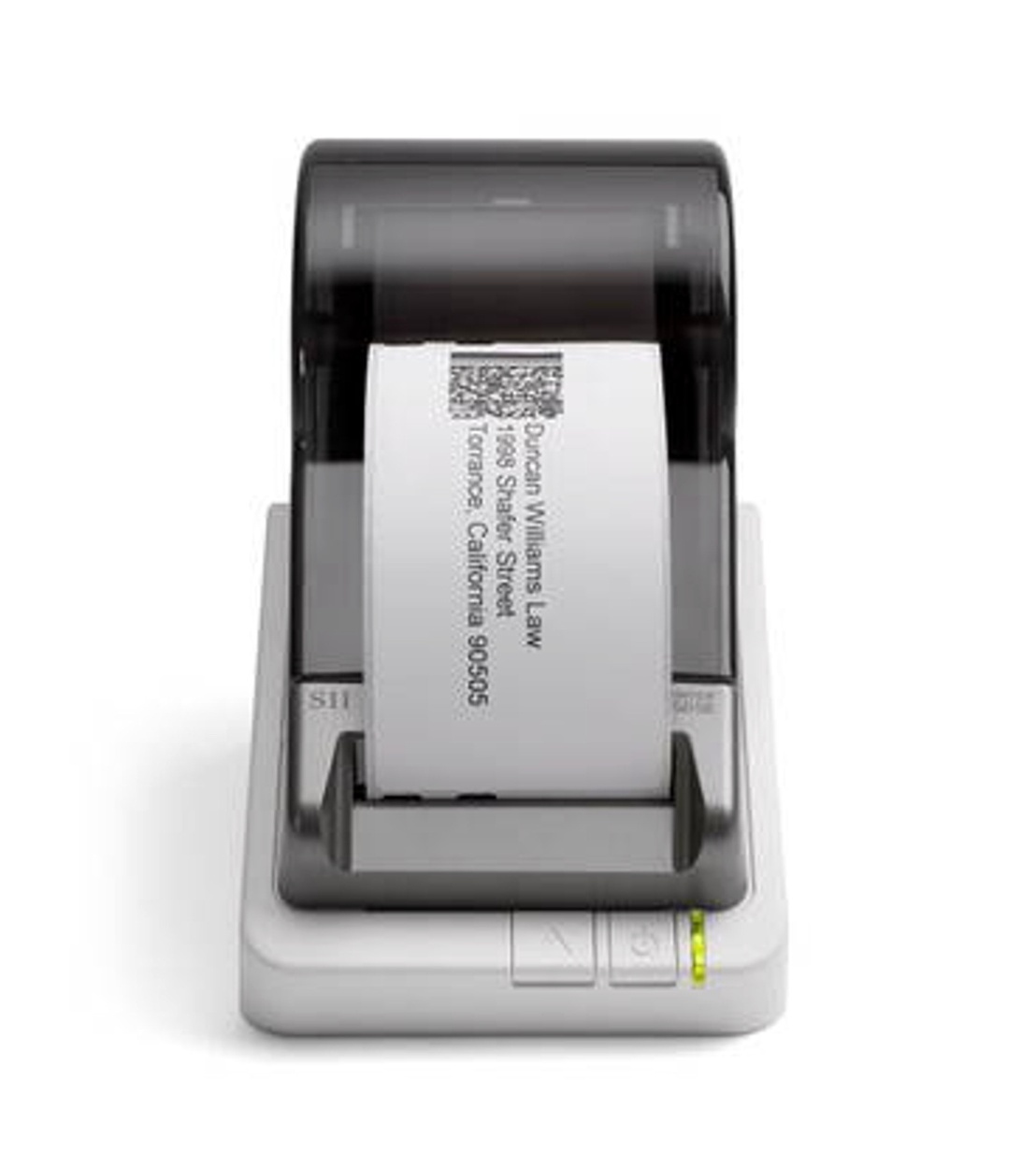
The SLP-650SE matches the speed and resolution of the SLP-650 but adds serial connectivity, making it perfect for more advanced business environments or POS systems. It's especially valuable in settings where precise tracking, such as preparing parcels for Canada Post, requires consistent, predictable label printing without interruption.
The SLP-620 is perfect for everyday organization, the SLP-650 delivers sharper and faster prints to keep growing businesses running smoothly, and the SLP-650SE supports heavy workloads and team-based, high-volume environments. Choosing the right model simply comes down to how you work and what level of efficiency you need.
How Do These Printers Perform in Real-Life Business Scenarios?
Choosing the right Seiko Smart Label Printer depends on how and where you plan to use it. Each model performs differently in everyday business environments, based on speed, durability, and workflow needs.
-
SLP-620: Reliable for small offices or home businesses printing address, file, or folder labels. Delivers consistent results without maintenance costs thanks to ink-free thermal printing, making it budget-friendly long term.
-
SLP-650: A strong fit for retail counters, healthcare clinics, shipping stations, and warehouses that need clear barcodes and daily label batches. Faster output and sharper print quality improve workflow efficiency and reduce reprints.
-
SLP-650SE: Designed for environments that require serial connectivity for legacy systems, while maintaining the same reliable print quality and performance as other models in the series. Ideal for operations that need compatibility without changing existing infrastructure.
Each model provides strong reliability and print consistency. The best choice depends on your printing volume, connectivity needs, and long-term workflow goals.
To compare top printer choices for small businesses, read our guide on the 7 Best Product Label Printers for Small Businesses.
Which Seiko Smart Label Printer Should You Choose for Your Needs?
Choosing the right label printer doesn’t have to be complicated. It helps to think about your daily workflow, how many labels you print, and the level of speed and detail you expect. Each model is designed for a different type of user, so finding the best fit is really about matching the printer to your routine.
|
Feature |
SLP 620 |
SLP 650 |
SLP 650SE |
|
Positioning |
Reliable convenience for everyday use |
More speed and higher resolution |
Added serial connectivity for legacy systems |
|
Print Resolution |
203 DPI |
300 DPI |
300 DPI |
|
Print Speed |
2.76 inches per second |
Up to 3.94 inches per second |
Up to 3.94 inches per second |
|
Connectivity |
USB |
USB |
USB and Serial |
|
Label Type |
Direct thermal |
Direct thermal |
Direct thermal |
|
Ink or Toner Required |
No |
No |
No |
|
Warranty |
3-year limited warranty |
3-year limited warranty |
3-year limited warranty |
|
Best For |
Home offices, light retail, basic labeling |
Retail, barcodes, higher-volume labeling |
Legacy systems requiring serial connection |
|
Typical Use Cases |
Address labels, file folders, home organization |
Barcode labels, product tags, shipping |
Same as SLP 650 with serial-based systems |
|
Price (as shown) |
$139.99 |
$179.99 |
$249.99 |
Once you consider your pace of work and the kind of labels you produce, choosing the right model feels natural and straightforward.
What Labels and Accessories Work Best With These Seiko Printers?
To get the most out of your Seiko printer, using the right labels and accessories ensures smooth printing, clean results, and long-lasting performance. Each model supports a wide range of supplies, but the best choice depends on how you plan to use your printer.
With that in mind, let’s take a closer look at which labels and accessories pair best with each Seiko printer.
1. Compatible Label Rolls
Seiko printers work best with high-quality thermal labels designed to produce crisp, smudge-free prints. These labels come in various sizes, making them perfect for everything from small file tags to larger product or storage labels. Choosing the correct size for each task helps maintain clarity and consistency.
2. Specialty Labels
For more specific needs, like name badges, file folders, or organizational tabs, specialty label rolls offer the right shape and finish. These labels help produce cleaner, more durable results, especially when you want a polished, professional appearance.
3. Additional Accessories
Optional accessories, such as replacement cutter blades or label holders, help maintain smooth operation and extend the life of your printer. Keeping these on hand ensures you never experience downtime during busy labeling tasks.
The Seiko Smart Label Creator software works seamlessly with any thermal printer, making it simple to design and print custom labels in seconds. Paired with a thermal label printer featuring a sleek new design and a smaller footprint, it helps you save space while keeping your workspace organized and efficient.
Where Can You Buy Genuine Seiko Smart Label Printers and Supplies?
DuraFast Label Company is the trusted destination to buy genuine Seiko Smart Label Printers and premium, long-lasting label supplies built for professional performance. Every printer and label roll is carefully selected for compatibility and durability, so you get crisp print results, fewer misprints, and a smoother workflow from day one. With hands-on industry knowledge and real support from a team that understands labeling challenges, you receive practical guidance instead of guesswork when choosing the right printer for your needs.
Fast shipping, dependable customer care, and guaranteed authentic products make upgrading your labeling setup simple and stress-free.
Ready to simplify your labeling process with SLP-620 / SLP-650 / SLP-650SE printers? Contact DuraFast Label Company today and let us help you find the perfect fit.
Conclusion
Choosing the right Seiko Smart Label Printer can genuinely improve the way you handle labeling day to day. Now that you have a clear sense of what each model offers, take a moment to think about what your workspace really needs. Consider how many labels you print, how quickly you need them, and whether multiple people will be using the printer. Once you match those needs with the strengths of the SLP-620, SLP-650, or SLP-650SE, the right choice usually becomes obvious, and you’ll feel confident moving forward.
Frequently Asked Questions
Is the Smart Label Printer 650 compatible with both PC and Mac?
Yes. The SLP-650 works with PC and Mac via USB and supports Windows, Mac OS, and Linux. The Smart Label software runs smoothly across systems for fast, flexible, cross-platform label printing.
How do I install drivers and download software for the SLP 650?
Simply visit the official Seiko Instruments website and download the latest Smart Label Printer software along with the correct Windows or Mac drivers. This ensures the cleanest setup, best performance, and full feature compatibility.
What types of labels and maximum label width can each Seiko model print?
Seiko printers handle address, shipping, file, badge, and multipurpose labels. The SLP-620, for example, supports widths up to 2⅛ inches, making it suitable for everyday labeling and many small shipping label needs.
Do all Seiko Smart Label Printers use thermal technology?
Yes. Every Seiko Smart Label Printer in this series uses direct thermal printing, producing images with heat instead of ink or toner. This makes printing cleaner, more predictable, and much more cost-efficient long term.
Are Seiko label printers compatible with Windows and Mac?
Yes. All models operate smoothly on Windows and Mac systems, including older versions. The Smart Label software ensures reliable performance, making setup simple regardless of your operating system or computer environment.
Can I use non-Seiko labels with these printers?
Sometimes. Third-party labels may work, but consistency varies. For the most reliable performance, especially with thermal printing and proper label feeding, genuine Seiko labels are recommended to avoid compatibility or quality issues.
Which Seiko printer model is best for high-volume printing?
The SLP-650 and SLP-650SE handle high-volume work best, offering faster speeds and support for large label rolls. Their performance makes them ideal for businesses requiring frequent, rapid, and reliable label output.
Where can I download the software for my Seiko Smart Label Printer?
You can download the updated Smart Label Printer software directly from the Seiko Instruments website. Their support page provides the correct Windows and Mac files, ensuring a smooth installation and full compatibility with your model.
Can I print labels from different devices and keep my printer running smoothly?
Yes. You can print labels directly from an Android device, save or share designs as PDF files, compare output with Dymo printers if needed, and keep print quality sharp by regularly cleaning your printer’s printheads.
Are there troubleshooting steps for common issues with the Smart Label Printer 650?
Yes. If file folder labels misprint or fail, reinstall the Windows driver, even on Windows Vista or Vista systems. Avoid inkjet sheets, confirm support for major label formats, and check wireless connectivity on iPhone, iPad, or Amazon-bought supplies.