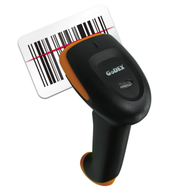
How to Choose the Right Barcode Scanner for Your Business
8th Jan 2026
Choosing the right barcode scanner is a decision that can directly affect the speed, accuracy, and reliability of business operations. Whether it’s for a retail store, warehouse, or manufacturing facility, barcode scanners help streamline data entry, reduce human error, and enhance productivity. With countless models available, understanding which one fits a company’s workflow and budget is essential. This guide breaks down the key factors—ranging from scanning technology to pricing—that every business should consider when shopping for affordable barcode scanners online.
Step 1: Understand How Barcode Scanners Work
Before selecting a scanner, it’s important to understand what it does and how it functions. A barcode scanner reads printed codes on products and converts that information into digital data. This data is then sent to a computer or inventory management system for tracking and recording.
The most common types of barcodes are one-dimensional (1D) and two-dimensional (2D). A 1D barcode scanner reads linear barcodes typically found on retail products, while 2D scanners can capture QR codes and complex patterns containing more data. Depending on the business type, one may be more suitable than the other.
Optical precision is another key factor. Laser scanners use a focused beam to read barcodes, offering fast and accurate results, while imaging scanners capture the entire barcode in one shot, allowing them to scan damaged or faded codes more easily. Understanding this technology ensures businesses invest in equipment that matches their operational environment.
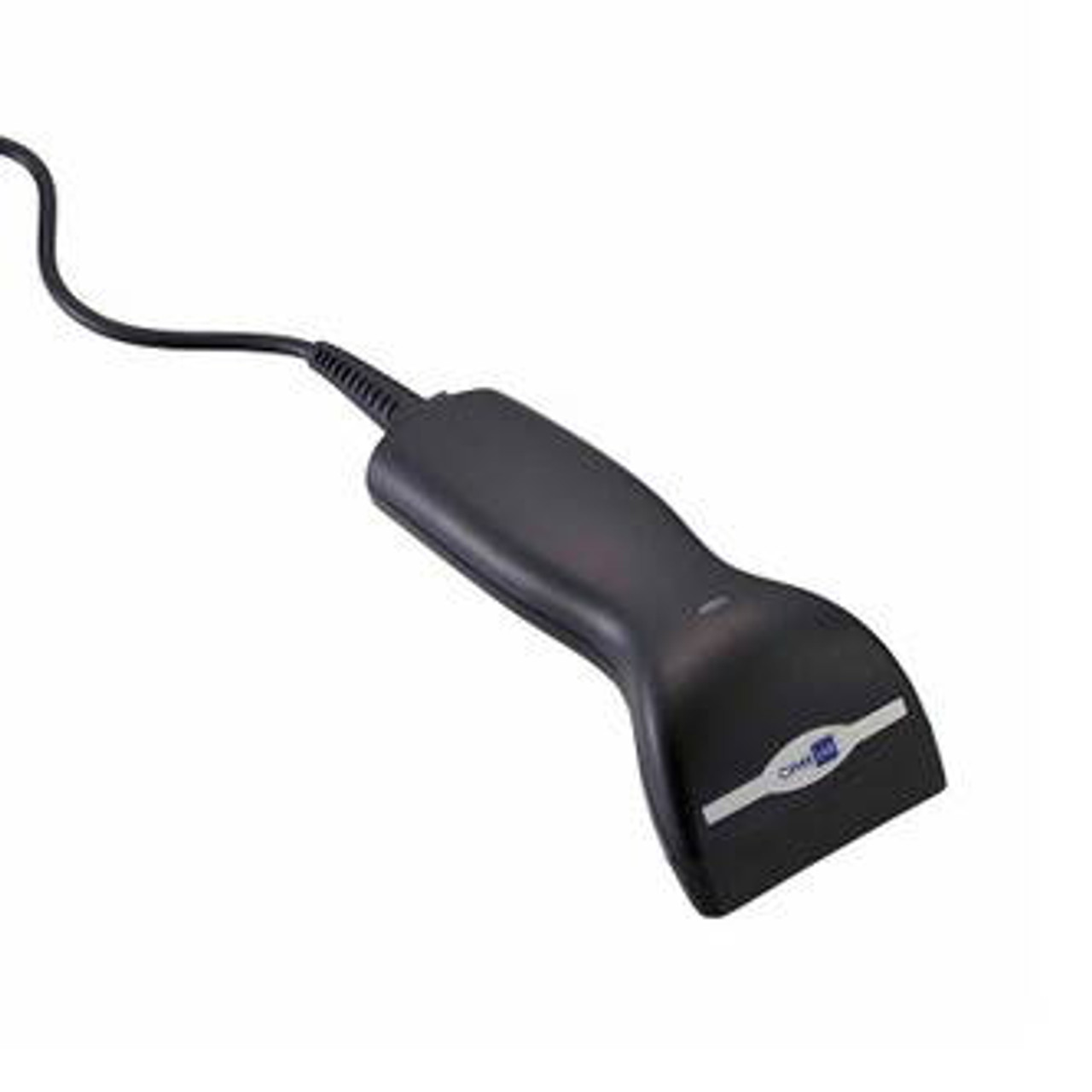
Step 2: Identify the Type of Barcode Scanner Needed
Barcode scanners come in several formats, each designed for specific purposes. Handheld scanners are versatile and easy to use, making them ideal for retail or small-scale operations. Presentation scanners sit on a counter, automatically detecting and scanning barcodes without needing to press a trigger—perfect for high-traffic checkout lanes.
Wireless or Bluetooth-enabled scanners are excellent for warehouse operations where employees move between aisles and need flexibility. Fixed-mount scanners, on the other hand, are often used in production lines for automated scanning.
By evaluating where and how the scanner will be used, businesses can determine whether they need mobility, high-speed automation, or compact design.
Step 3: Evaluate Connectivity Options
Connectivity plays a vital role in how efficiently data flows within an organization. USB scanners are the most common, offering plug-and-play functionality for computers and point-of-sale systems. For operations needing mobility, wireless models are ideal, offering Bluetooth or Wi-Fi connectivity that transmits data to a host system without cables.
Some modern scanners integrate with cloud-based inventory platforms, allowing data to sync automatically across departments. This is especially beneficial for companies that manage multiple locations or use advanced management software like Bartender label software or Nicelabel software, ensuring seamless communication between labeling and scanning functions.
When comparing options, businesses should also check compatibility with their existing devices—whether that’s tablets, desktop systems, or POS terminals—to avoid connection issues.
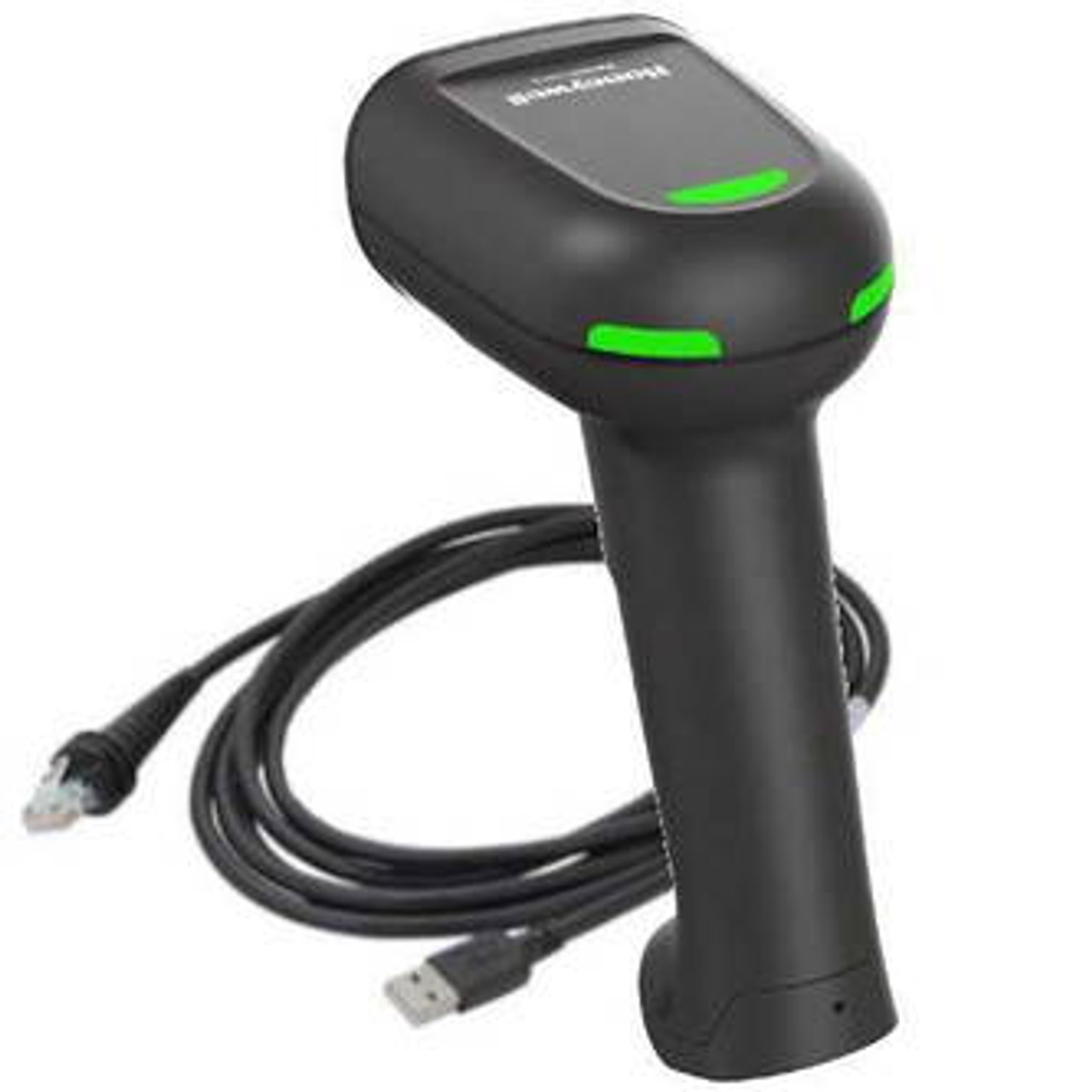
Step 4: Consider Durability and Environment
The durability of a barcode scanner is directly tied to its environment. Retail stores may not require heavy-duty models, but warehouses, factories, and outdoor operations need scanners designed to withstand impact, dust, and moisture.
Scanners with rugged casings and IP (Ingress Protection) ratings offer added resilience. For example, an IP54-rated scanner can resist dust and occasional splashes, while an IP67-rated one can endure more demanding conditions. Investing in durability upfront can prevent frequent replacements and maintenance costs later on.
Battery life is another critical consideration for wireless units. Long-lasting batteries ensure uninterrupted operation throughout the workday, improving productivity and reducing downtime.
Step 5: Compare Scanning Speeds and Performance
Efficiency is determined not only by accuracy but also by how quickly a scanner can process barcodes. Scanning speed is typically measured in scans per second (SPS). A higher SPS means faster data capture, ideal for environments that handle large volumes of products.
Scanners with advanced decoding technology can read barcodes even when they are poorly printed or damaged. This capability reduces scanning errors, which can delay operations. For example, in logistics or production facilities where barcode labels may become worn, investing in a high-performance scanner ensures reliable data capture every time. Additionally, modern models can process both 1D and 2D barcodes simultaneously, improving workflow flexibility. This allows businesses to manage various label formats without constant equipment adjustments, leading to smoother transitions, reduced downtime, and more consistent throughput across scanning stations.
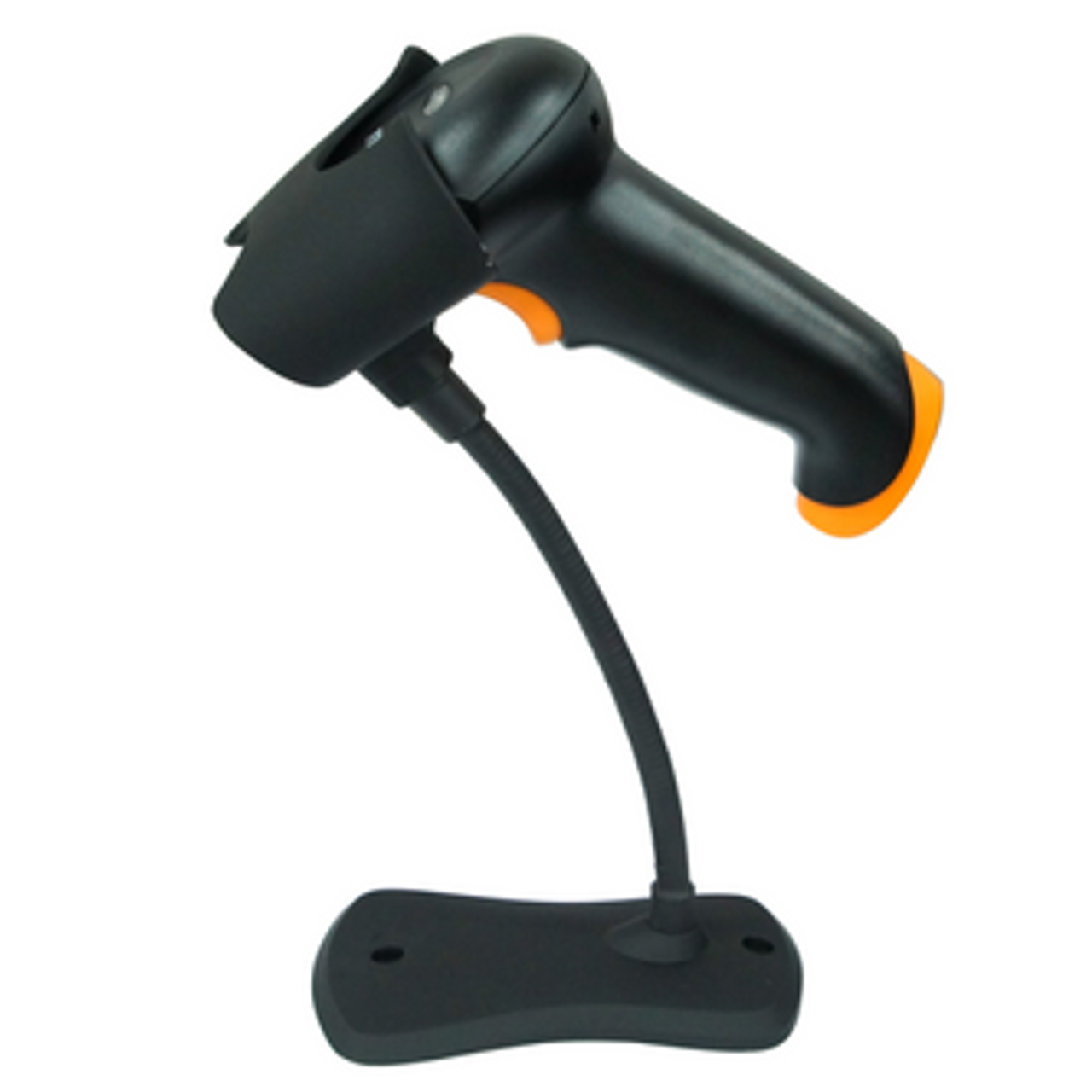
Step 6: Evaluate Compatibility with Labeling and Printing Systems
Barcode scanners rarely operate in isolation. They are part of a broader system that includes label printers and software for tracking and product identification. When selecting a scanner, it’s essential to ensure it integrates smoothly with existing printing systems, such as buy thermal label printers online or labeling tools like color label printers for sale.
This integration allows staff to print new labels and scan them immediately for real-time inventory updates. A unified setup improves workflow and minimizes manual data entry errors. Companies that use affordable blank inkjet labels or custom thermal transfer labels can benefit from scanners that support multiple barcode formats and label materials.
Step 7: Review Cost and Long-Term Value
Price is always an important factor, but the lowest price doesn’t always mean the best deal. Businesses should weigh the total cost of ownership, including maintenance, replacement parts, and potential downtime.
A low-cost scanner that frequently breaks down or lacks compatibility features can end up costing more in the long run. On the other hand, investing in a reliable, well-built device ensures smoother operations and greater return on investment.
Shopping for affordable barcode scanners online allows buyers to compare specifications, read reviews, and find models that fit both their needs and budget. Many online suppliers offer warranties and customer support, adding further value to the purchase.
Step 8: Assess Support, Software, and Warranty
Customer support and software updates can significantly impact the user experience. Reliable manufacturers often provide driver downloads, firmware updates, and troubleshooting guides to ensure smooth operation. A solid warranty also indicates confidence in product quality.
When comparing brands, it’s wise to look for scanners that are compatible with modern inventory software and can be updated easily. This ensures the device remains functional and secure even as technology evolves.
Additionally, businesses that rely on labeling programs like Bartender label software benefit from scanners that can read custom codes generated by those platforms, maintaining accuracy between digital and printed data.
Step 9: Test and Train Before Full Implementation
Before rolling out new scanners across an entire facility, businesses should test a few units to ensure they integrate properly with existing systems. This phase helps identify any compatibility issues and allows staff to become familiar with the device’s operation.
Training employees on correct scanning techniques also boosts efficiency. Proper handling minimizes errors and extends the life of the scanner. Providing quick reference guides or short sessions can make the transition smoother, especially in environments with multiple users.
Step 10: Scale and Optimize as the Business Grows
Barcode technology should grow with the business. As operations expand, adding new scanners or upgrading to more advanced models becomes necessary. Choosing scanners that can adapt to changing workflows ensures longevity and flexibility.
For instance, a business that begins with handheld scanners may later need fixed-mount or wireless units as volume increases. Selecting models compatible with scalable software systems makes this evolution seamless.
Continuous assessment and adaptation help maintain peak efficiency and data accuracy across all departments.
Find the Perfect Scanner for Your Needs
Selecting the right barcode scanner requires careful consideration of technology, connectivity, and environment. From speed and accuracy to long-term durability, every feature contributes to smoother inventory control and better decision-making. Businesses that prioritize compatibility and performance will enjoy long-term operational efficiency.
Those ready to modernize their workflow can benefit by investing in affordable barcode scanners, integrating with thermal label printers online, and supporting their system using affordable blank inkjet labels for custom labeling needs.
For professional-grade scanning solutions that improve accuracy and streamline operations, DuraFast Label Company offers a wide range of products and expert guidance to help businesses choose the ideal equipment. Contact us today to find the best barcode scanning system that aligns with your goals and budget.