How Portable Printers Can Save Time in Remote Work Environments
12th Dec 2025
In today’s fast-moving business world, teams are no longer tethered to desks and fixed printing stations. Whether servicing equipment on-site, managing deliveries in transit, or performing inspections in the field, professionals need printing solutions that keep pace with their mobility. That’s why mobile printers have become indispensable for remote workforces. With on-the-spot printing, workers can close tasks faster, reduce errors, and eliminate delays caused by returning to base just to hit print. At DuraFast Label Company, we recognise that enabling real-time, remote printing is increasingly a strategic advantage—not just a convenience.
By leveraging rugged, wireless, battery-powered devices, businesses can print labels, receipts, and tags anywhere. This blog explores how portable printers save time in remote work, the key features to look for, and specific product examples that lead the market.
Why Portable Printing Matters in Remote Environments
Remote work introduces unique challenges for printing: no fixed network, variable power supply, limited space, and demand for on-the-spot documentation. Portable printers offer solutions to these challenges in several ways:
1. On-the-Spot Printing Means Less Travel, More Time
Field workers often must return to a central location simply to get labels, receipts, or tags printed. Portable printers eliminate this inefficiency, allowing print jobs to be completed on-site. This saves travel time and speeds up workflows. For example, in logistics or service calls, being able to issue a receipt or tag before leaving the location dramatically improves service turnaround.
2. Wireless Connectivity for Real-Time Action
Modern portable printers come equipped with Wi-Fi, Bluetooth, or NFC connectivity, enabling devices like tablets, smartphones, or laptops to send print jobs directly. As one industry article notes, mobile printing enables workers to print “from anywhere, without physical connections,” which boosts productivity and flexibility.
3. Rugged Design for Field Conditions
Remote environments can be harsh—heat, cold, vibration, dust, or moisture may be present. Portable printers built for mobile work are designed with durability in mind, ensuring they operate reliably no matter where the job takes the team. As one analysis of mobile printers put it: “Compact, rugged and versatile, designed to perform in challenging conditions while enhancing productivity and convenience.”
4. Reduced Administrative Delay and Errors
When label/receipt printing is done centrally, it often means manual data re‐entry, mislabelled items, or delays in documentation flowing into the system. With portable printers, you reduce lag, capture information immediately, and feed it into workflow systems without delay. This improves accuracy and frees up time for other value-adding tasks.
5. Cost and Waste Savings
Portable printing on demand means less overstock of pre-printed labels waiting for use and fewer costly reprints. It also means staff time isn’t wasted travelling to print stations. Such efficiency gains are particularly important when remote teams are operating under tight margins or in high-velocity environments.
Key Features to Look for in a Portable Printer
If you’re considering portable printers for a remote workforce, here are the must-have features to ensure you get maximum time savings and reliability:
Wireless Connectivity Options
Look for printers that support multiple connectivity modes—Bluetooth, Wi-Fi, USB, NFC—so they can integrate with mobile devices and field systems. The ability to print directly from tablets or phones is critical when you don’t have a desktop PC handy.
Battery Life and Portability
Field staff may be out for extended shifts or move between locations frequently. A long-life battery and lightweight design will help avoid downtime for recharging or cumbersome equipment. Some units also offer vehicle-mount or belt-clip configurations.
Durable Build and Environmental Resilience
The unit should handle drops, vibration, dust, moisture, or temperature swings. Rugged casing, sealed media compartments, and robust mechanisms ensure dependable operation even under tough conditions.
Label/Receipt Media Support
Ensure the printer can handle the types of media you need: receipt paper, labels, tags, and linerless materials. The right media support means you won’t be limited in field scenarios. On-demand label printing for asset tags, inspection labels, delivery receipts, or service orders is key.
Swift Print Speed & Good Resolution
Since field personnel often need fast output, print speed matters. Also, ensure the print resolution is suitable for labels/receipts involving barcodes or QR codes—blurry prints undermine scanning and traceability.
Compact Size + Simple Operation
Field workers shouldn’t need extensive training to use the printer. Simple media loading, intuitive interfaces (even via mobile apps), and minimal setup promote adoption and save time.
Secure and Integrated
With mobile printing, security and integration with back-end systems matter. Secure wireless connections, mobile management apps, and integration with workflow/asset management systems reduce vulnerability and ensure print data syncs into enterprise systems.
Real-World Applications Across Industries
Remote printing is valuable across many industries. Here are some specific use cases:
Logistics & Delivery
Drivers can print delivery receipts or shipping labels in the vehicle, confirm drop-offs on the spot, and issue proof of service without returning to base. This reduces delays, increases transparency, and enhances customer satisfaction.
Field Service / Inspections
Technicians in utilities, telecom, HVAC, or inspection services can print inspection labels, service reports, or tags immediately after completing onsite work, rather than back at the office. This means data is captured while fresh, and paperwork is eliminated.
Retail & Pop-Up Events
Retail teams operating outside standard store locations—trade shows, pop-ups, mobile kiosks—can print price tags, receipts, or labels onsite. This allows them to adapt to situational demands and serve customers without delays.
Manufacturing & Asset Tagging Outside the Office
Mobile label printers are used for tagging machines, parts, or finished goods across shop floors, assembly lines, or outside storage areas. Instead of returning to office printers, staff print at the point of use.
Healthcare & Emergency Services
Mobile printers enable printing of wristbands, patient labels, medication tags, or service reports during mobile care visits, home health service calls, or remote clinics—improving patient traceability and reducing risk of error.
The recurring theme: printing where the work happens, rather than waiting for work to return to the printer.
Spotlight on Three High-Performance Portable Printers
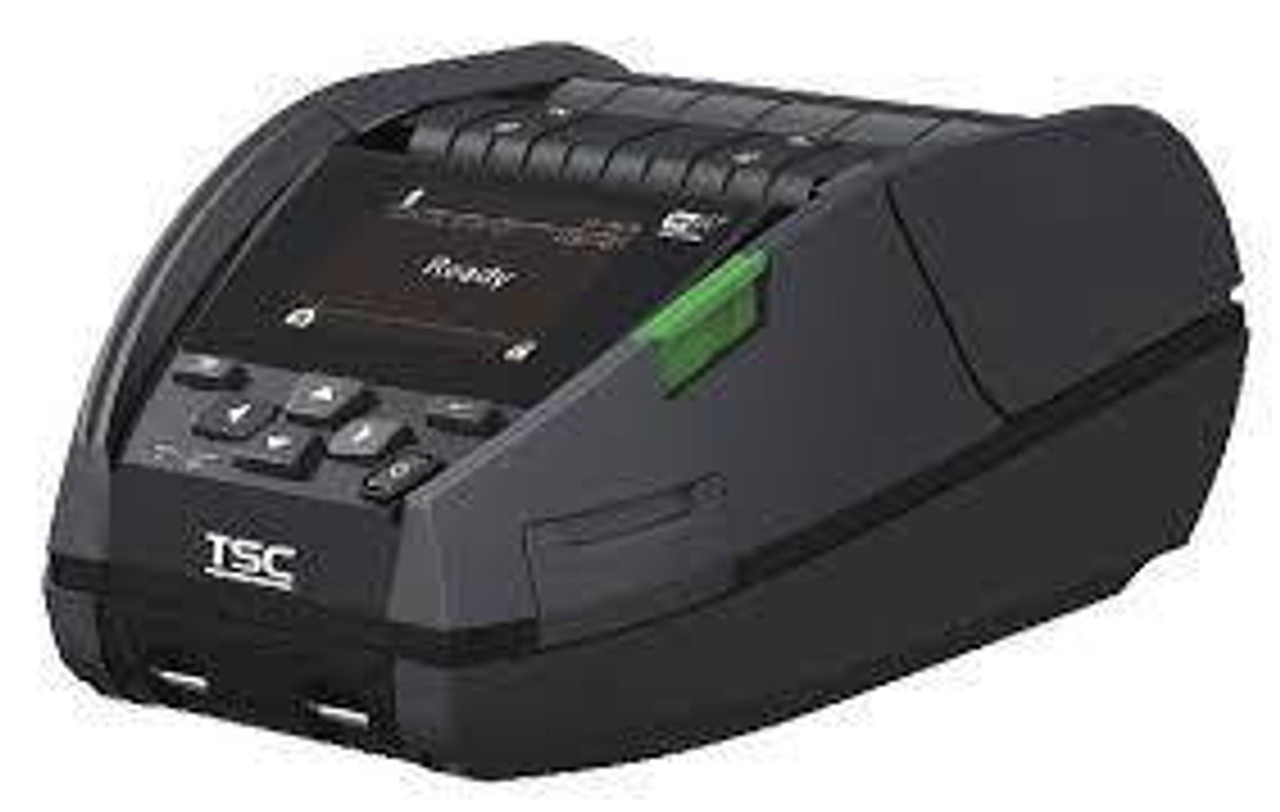
Here are three standout models offered by DuraFast Label Company that demonstrate how portable printing brings time savings to remote teams:
- TSC Alpha 40L Mobile Direct‑Thermal Label Printer – A compact 4.0″ direct-thermal mobile label printer (203 dpi, 5 ips) with Bluetooth connectivity designed for mobile printing tasks. Ideal for logistics, field service,and mobile asset tagging.
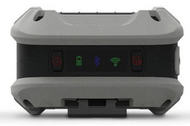
- Honeywell RP4 Direct‑Thermal Linerless Mobile Label & Receipt Printer – A top-tier linerless mobile printer (USB/Bluetooth/NFC) that offers on-vehicle or field printing of labels and receipts without traditional liner waste. Efficient and built for mobile performance.
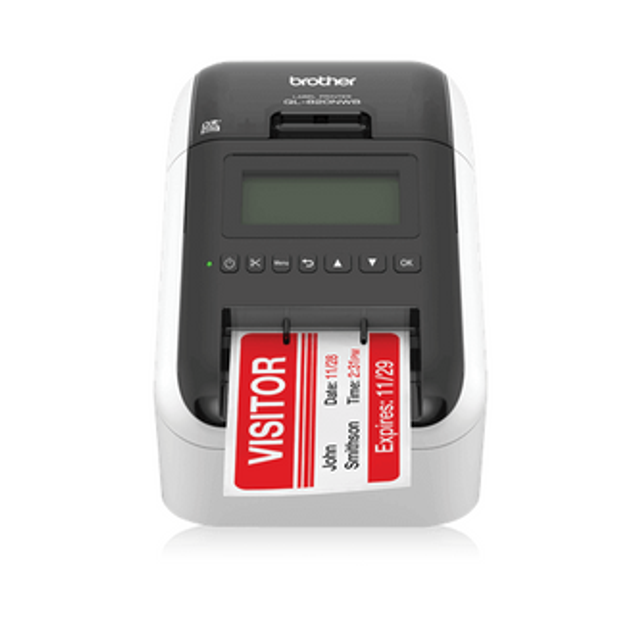
- Brother QL‑820NWB Direct‑Thermal Label Printer (USB‑LAN‑WiFi‑Bluetooth) – A versatile wireless label printerwith multiple connectivity options, suitable for mobile teams needing flexibility between field and semi-fixed locations.
Each of these units exemplifies how mobility, connectivity, and ruggedness combine to deliver printing at point-of-need—saving time and keeping operations moving.
Best Practices for Deployment and Time Savings
To maximise the time-saving potential of portable printers in remote environments, follow these best practices:
1. Pre-Configure Label Templates and Workflows
Define standard templates for field receipts, asset tags, or inspection labels ahead of deployment. This speeds up printing and reduces decision fatigue in the field.
2. Ensure Device Integration and Connectivity
Pair the printers with field devices (smartphones/tablets) and ensure wireless drivers, mobile apps, or SDKs are installed and tested before deployment. Seamless print initiation matters.
3. Train Field Staff on Media Loading & Maintenance
Although portable printers simplify printing, field staff should know how to replace media rolls, charge batteries, and troubleshoot basic issues. Minimal downtime leads to maximal time saved.
4. Maintain Consumables and Spare Units
Carry spare label rolls and battery packs. In remote settings, a dead battery can cost hours. Also, carry a spare printer if feasible for high-critical operations.
5. Monitor Performance & Media Usage
Track printer uptime, print counts, and media consumption. Mobile printing systems offer analytics that help you identify usage bottlenecks, thereby optimising deployment further.
6. Adopt On-Site Printing Wherever Possible
Whenever tasks allow, print labels/receipts onsite rather than returning to base. This single decision drastically reduces travel time and speeds job closure.
7. Align with Inventory and Asset Systems
Ensure printed labels are immediately captured into inventory or asset management systems (via barcode/QR), reinforcing data integrity and eliminating later re-entry.
Overcoming Challenges & Ensuring Success
Deploying mobile printers isn’t without challenges—here’s how to address them:
- Connectivity Challenges: In remote locations, Wi-Fi may be unavailable. Ensure printers support Bluetooth or NFC and mobile device tethering. Some remote workflows may benefit from “offline mode” and sync when reconnected.
- Media & Consumable Logistics: Keep field media supply chains robust. Label rolls must be rugged and suited for harsh conditions (temperature, moisture, dirt) to avoid field failures.
- Battery Life & Charging: Field printers must have long-life batteries or accommodate vehicle power adapters for on-the-go charging. Establish protocols for charging at shift end.
- Durability & Environmental Conditions: Select printers rated for shock, vibration, temperature extremes,or wet conditions. Field environments degrade lesser devices quickly.
- Security & Data Capture: Ensure mobile print jobs are secure and integrate with traceability systems. Use encrypted connections and timestamped labels where compliance demands.
The Time-Savings Equation in Practice
When implemented well, portable printers deliver measurable time savings:
- Reduced travel: Field staff no longer return to headquarters just to pick up printed labels, saving hours per week.
- Faster job closure: Receipts or labels generated on the spotmean tasks are closed immediately rather than waiting for paperwork.
- Less rework: Real-time printing reduces manual transcription errors and avoids reprints or field revisits.
- Improved customer service: Real-time printed documentation enhances client satisfaction and streamlines billing, inspection,or delivery operations.
- Enhanced asset tracking: On-the-spot asset tags accelerate inventory updates and reduce lag between physical work and system updates.
Altogether, mobile printers help shift from reactive workflows to proactive field operations—cutting delays, lowering costs, and improving operational agility.
Why DuraFast Label Company is Your Partner for Field-Ready Printing
At DuraFast Label Company, we understand that remote work demands reliable tools, not just printers. That’s why we offer a curated selection of portable printing solutions tailored to mobile professionals. From robust mobile label printers to compatible media and accessories, we provide end-to-end support to deploy field-ready printing systems.
Whether you’re equipping a mobile service team, a delivery fleet, a pop-up retail kiosk, or any remote workforce, we have the expertise to match printer models, media types, and workflows to your operational needs. Contact us for consultation, and we’ll help you select the right portable printer that will actually save time and deliver ROI in your remote environment.
Contact us to explore how mobile printing can boost your team’s productivity and transform field workflows today.