Choosing Between Desktop and Mobile Thermal Printers
27th Jan 2026
In a world that moves at the speed of data, labelling has become more than just a finishing touch—it’s a crucial part of accuracy, traceability, and efficiency. Whether you’re shipping products across the country, tracking inventory in a warehouse, or managing compliance in healthcare, your choice of printer can significantly influence performance and productivity.
Two of the most popular options in today’s market are desktop thermal printers and mobile thermal printers. Both rely on the same core technology—using heat to create sharp, scannable barcodes and text—but their form factors, features, and intended uses differ significantly.
At DuraFast Label Company, we understand that choosing between these two printer types can be challenging. Each offers unique benefits that cater to different environments and workflows. In this guide, we’ll help you understand how desktop and mobile thermal printers compare, what each does best, and which one might be the right fit for your business.
Understanding Thermal Printing Technology
Before diving into the comparison, it’s worth revisiting how thermal printers work. Unlike inkjet or laser printers, thermal printers use heat to create images on specially coated labels or tags. This process eliminates the need for ink or toner, resulting in faster printing, reduced maintenance, and lower operating costs.
There are two main types of thermal printing methods:
- Direct Thermal Printing – This method uses heat-sensitive paper or labels that darken when heated by the printhead. It’s cost-effective and requires fewer supplies, but the prints can fade over time if exposed to heat or sunlight.
- Thermal Transfer Printing – This process uses a ribbon coated with wax, resin, or a combination of both. The ribbon transfers ink onto the label material, creating durable, long-lasting images. Thermal transfer printing is ideal for labelling applications that require longevity or exposure to harsh environments.
Both methods are used in desktop and mobile thermal printers—the key difference lies in how and where these printers operate.
What Are Desktop Thermal Printers?
Desktop thermal printers are stationary devices designed to handle medium to high-volume label printing. They’re ideal for environments like retail counters, warehouses, healthcare facilities, and offices where consistent, high-quality printing is essential.
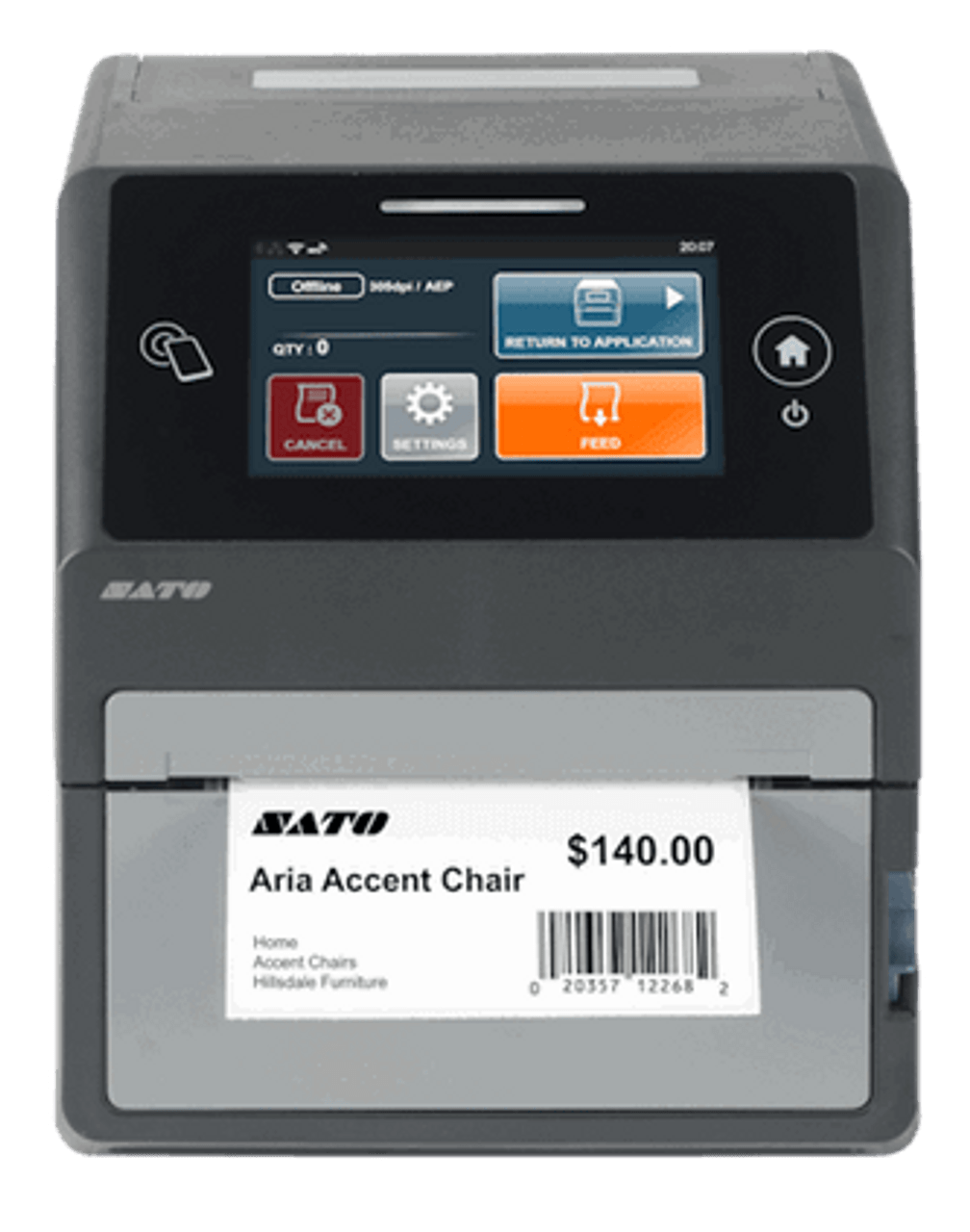
A great example is the SATO WWCT01041 CT4-LX Direct Thermal Desktop Printer. This compact yet powerful model combines speed, clarity, and connectivity in one durable package. It’s engineered for reliability in busy environments where precision and uptime matter most.
The advantages of desktop thermal printers extend far beyond print speed. They support larger label rolls and ribbons, reducing the frequency of media changes. This allows operators to print continuously with minimal downtime. Desktop printers also tend to support wider labels and multiple printing modes, including high-resolution options for small barcodes, fine text, and logos.
Another model worth noting is the SATO WWCT02041 CT4-LX Direct Thermal Desktop Printer, which brings smart operation to the desktop form factor. It includes a touchscreen interface, advanced connectivity options, and compatibility with multiple media types, making it ideal for manufacturing, retail, and healthcare labelling.
Where Desktop Thermal Printers Excel
Desktop thermal printers shine in environments that demand steady, high-volume label production. They’re often used in:
- Warehousing and Logistics: Printing shipping labels, inventory tags, and pallet identifiers.
- Retail: Generating price tags, shelf labels, and barcodes for POS systems.
- Healthcare: Printing patient wristbands, laboratory samples, and medication labels.
- Manufacturing: Creating product identifiers, safety labels, and compliance tags.
Their stationary design provides stability, higher print speeds, and long print runs, which are essential for productivity in fixed workstations.
Because desktop printers can accommodate larger rolls and ribbons, they’re cost-efficient over time and perfect for batch printing. They also deliver higher print resolutions—typically 300 or 600 DPI—allowing for sharper images and more detailed text, which is vital for labels containing small fonts or intricate graphics.
Limitations of Desktop Thermal Printers
The primary limitation of desktop thermal printers is their lack of mobility. They require a power source and fixed setup, which makes them less suitable for fieldwork or mobile operations. Additionally, while compact, they still occupy desk or counter space, which may be a constraint in crowded work areas.
For businesses that need on-the-go labelling—such as delivery services, field maintenance, or mobile healthcare—desktop printers can’t provide the flexibility required. That’s where mobile thermal printers come in.
What Are Mobile Thermal Printers? 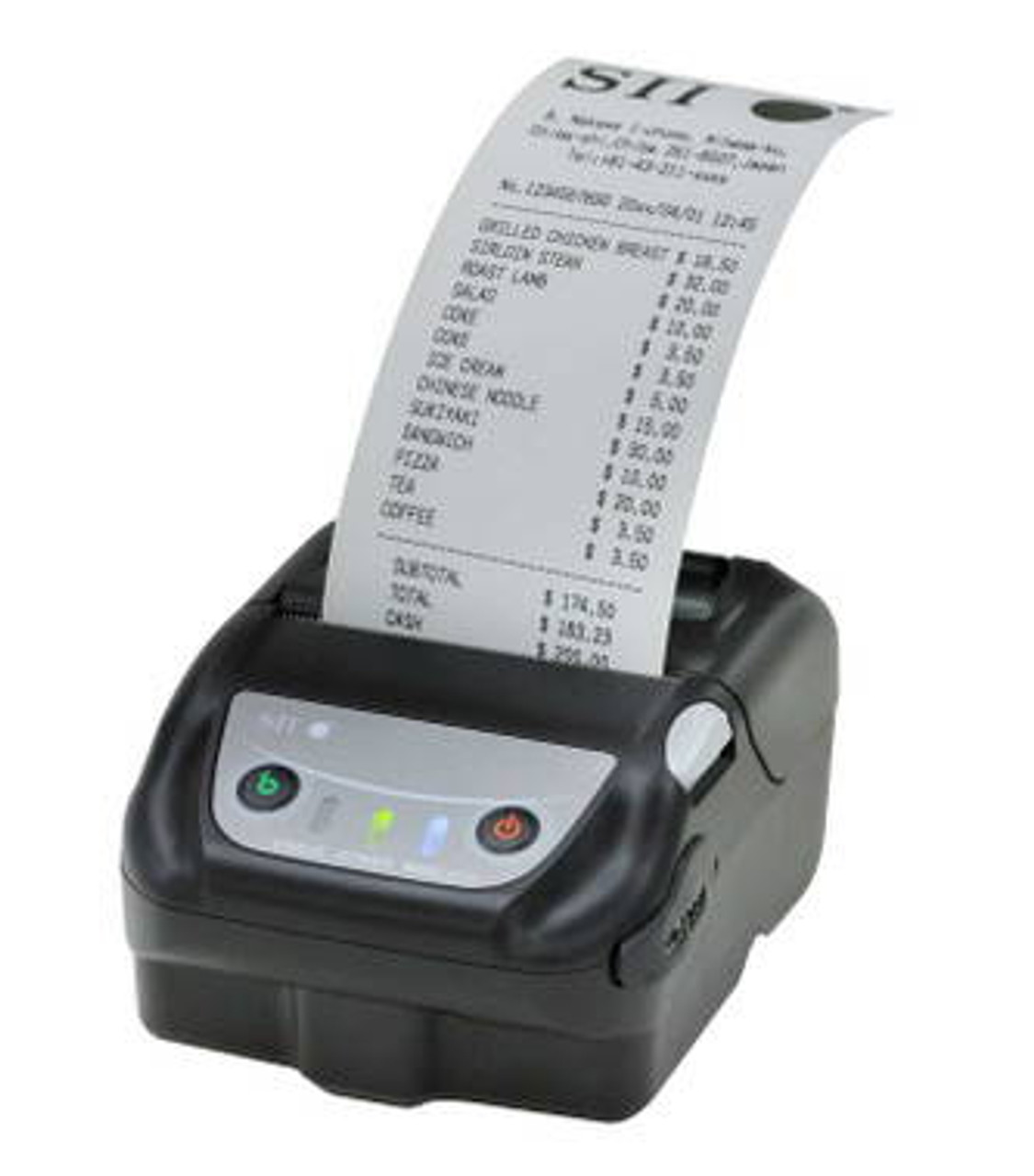
Mobile thermal printers are compact, lightweight, and battery-powered devices designed for printing labels, receipts, or tickets on the move. They provide ultimate flexibility for workers who need to generate labels in real time, wherever they are.
A standout example is the Seiko MP-21L 2-Inch Wireless Mobile Label Printer Kit, a compact device that connects wirelessly via Bluetooth and Wi-Fi. Despite its small size, it delivers fast and reliable printouts for mobile professionals in logistics, field service, and retail.
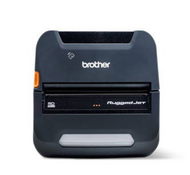
Another powerful option is the Brother RJ-4250WBL-C RuggedJet 4-Inch Rugged Mobile Label & Receipt Printer. Built for durability, it’s shock-resistant, portable, and ideal for demanding field operations. The printer supports wireless communication, enabling teams to print invoices, receipts, or barcode labels directly from handheld devices or tablets.
Where Mobile Thermal Printers Excel
Mobile printers thrive in dynamic work environments where speed and flexibility are key. They are particularly valuable for:
- Delivery and Logistics: Drivers can print shipping labels, delivery confirmations, or return slips instantly.
- Field Service: Technicians can label equipment or parts on-site for accurate tracking.
- Retail and Hospitality: Staff can print receipts, price labels, or promotional stickers directly on the floor.
- Healthcare: Mobile printers support bedside labelling, reducing the risk of patient identification errors.
Their portability allows for instant label generation, reducing trips back to workstations and minimizing delays. This mobility translates to faster service, improved accuracy, and higher operational efficiency—especially in time-sensitive industries.
Limitations of Mobile Thermal Printers
While convenient, mobile thermal printers are not designed for heavy-duty or high-volume applications. Their smaller print widths, limited media capacity, and battery dependency mean they’re best suited for short runs and field use rather than production lines.
They also typically print at lower resolutions compared to desktop units, which can affect print clarity for detailed barcodes or small text. For long-term or continuous use, battery maintenance and connectivity management also require attention.
Comparing Desktop vs. Mobile Thermal Printers
|
Feature |
Desktop Thermal Printers |
Mobile Thermal Printers |
|
Portability |
Fixed |
Highly portable |
|
Print Speed |
Faster (up to 10 ips) |
Moderate (2–6 ips) |
|
Label Capacity |
Large rolls and ribbons |
Small rolls only |
|
Power Source |
AC powered |
Battery powered |
|
Durability |
Stationary but robust |
Rugged, drop-resistant designs |
|
Best Use |
Warehouses, retail, and manufacturing |
Logistics, delivery, healthcare, and field service |
|
Connectivity |
USB, Ethernet, Wi-Fi |
Bluetooth, Wi-Fi |
|
Maintenance |
Minimal, long-term |
Frequent battery charging |
The right printer depends on your workflow. If your staff works at fixed stations and prints in bulk, a desktop printer offers the speed and cost efficiency you need. But if your operations are mobile and demand on-the-go flexibility, mobile thermal printers are unbeatable in responsiveness.
When to Choose a Desktop Thermal Printer
Choose a desktop thermal printer if your primary goals are speed, volume, and durability. Desktop models are built to handle repetitive, high-volume tasks with minimal intervention.
At DuraFast Label Company, we recommend desktop printers for:
- Businesses printing hundreds or thousands of labels daily.
- Environments where power supply and workspace are fixed.
- Applications that require high resolution and precision.
- Operations where label sizes vary or require customization.
The SATO CT4-LX series, for instance, is a top choice for businesses needing dependable output with advanced features. With touch control panels, multi-language support, and scalable connectivity, it represents the new generation of intelligent desktop label printers.
Desktop models also make integration easier with software like NiceLabel or Bartender, allowing teams to automate labelling processes across multiple departments.
When to Choose a Mobile Thermal Printer
Choose a mobile thermal printer if your work involves constant movement, on-site servicing, or real-time labelling. These devices give your workforce independence from workstations and the ability to print instantly where action happens.
Industries that benefit most include:
- Courier and logistics companies needing proof-of-delivery labels.
- Field technicians labelling parts or assets on-site.
- Healthcare organizations implementing bedside labelling to improve patient safety.
- Retail businesses that require quick re-labelling on the shop floor.
Mobile printers like the Seiko MP-21L and Brother RuggedJet 4250WBL are designed to perform under tough conditions while remaining lightweight and easy to use. Wireless connectivity ensures compatibility with smartphones, tablets, and laptops, creating seamless workflows between mobile and central systems.
Integration and Ecosystem Compatibility
At DuraFast Label Company, we emphasize that printing hardware is only as powerful as the ecosystem supporting it. Whether you choose a desktop or mobile thermal printer, seamless integration with your software and devices is crucial.
Both printer types integrate easily with leading label management software like NiceLabel and Bartender. They also support multiple connectivity options—USB, Wi-Fi, Ethernet, or Bluetooth—ensuring they work smoothly in hybrid environments.
For businesses managing complex operations, our team helps configure printers with data-driven labelling systems. This setup enables automated printing based on orders, inventory updates, or ERP triggers—reducing human error and ensuring every label is accurate and compliant.
Maintenance and Total Cost of Ownership
Thermal printers are known for their low operating costs, but understanding the total cost of ownership helps make an informed decision.
Desktop printers have a higher upfront cost but lower per-label expenses. Their robust components and ability to use larger media rolls mean fewer interruptions and reduced consumable costs over time.
Mobile printers have a lower entry cost but higher maintenance and consumable turnover. Frequent battery replacements and smaller rolls can increase operational expenses slightly, though they’re offset by time saved through mobility.
At DuraFast, we help clients calculate lifetime costs by factoring in print volume, consumables, and replacement cycles—ensuring you choose a solution that fits both your workflow and budget.
Our Recommendation
Ultimately, the best choice depends on your business priorities. If precision, speed, and volume are central to your operations, desktop thermal printers offer a powerful, cost-effective solution. For organizations prioritizing agility, responsiveness, and mobility, mobile thermal printers deliver unmatched flexibility.
At DuraFast Label Company, we offer both categories—from compact, high-performance desktop units like the SATO CT4-LX Series to rugged, portable options like the Seiko MP-21L and Brother RJ-4250WBL-C RuggedJet.
Our experts work with you to analyze your workflow, label volume, and environmental conditions before recommending the ideal printer. We don’t just sell printers—we help design complete labelling systems that integrate hardware, software, and supplies for peak performance.
Choosing between desktop and mobile thermal printers isn’t just about size or portability—it’s about matching technology to your workflow. Desktop printers bring consistency, scalability, and professional-grade performance to fixed environments. Mobile printers, on the other hand, empower field teams and on-the-go professionals with flexibility and speed.
At DuraFast Label Company, we take pride in helping businesses in Canada make confident, informed choices. Our range includes the latest Seiko MP-21L 2-Inch Wireless Mobile Label Printer Kit, the rugged Brother RJ-4250WBL-C RuggedJet 4-Inch Printer, and the dependable SATO CT4-LX Series Desktop Printers.
We understand that every operation is unique, and the right printer can be the difference between a smooth-running system and daily bottlenecks. That’s why our team provides expert consultation, hands-on support, and end-to-end solutions tailored to your labelling goals.
If you’re unsure which printer is right for you, reach out to us today. Let’s build a labelling system that boosts productivity, ensures accuracy, and keeps your operations moving efficiently—wherever your work takes you.
Contact DuraFast Label Company to speak with one of our specialists and discover the best thermal printing solution in Canada for your business.