Barcode Labels Not Scanning? The Mistakes You’re Making and How to Fix Them
21st Jan 2026
Few situations are more frustrating than a barcode that refuses to scan. Whether it happens at a retail counter, in a shipping line, or inside a warehouse, unreadable barcodes cause unnecessary delays and increase operational costs. In industries where speed and accuracy are essential, even a single failed scan can slow an entire workflow.
The truth is, most barcode issues trace back to small printing mistakes. Poor contrast, incorrect sizing, or low print resolution can all make a barcode impossible for a scanner to read. The good news is that these problems are easy to fix once you understand what causes them.
1. Poor Contrast Between Bars and Background
Every barcode scanner reads contrast, not color. It relies on light reflection from the white spaces and absorption from the dark bars. When the difference between them is too weak, scanners struggle to detect the pattern.
Common causes include:
- Printing on colored or glossy labels.
- Faded ink or ribbons that reduce darkness.
- Using materials with reflective coatings.
How to fix it:
Use black bars on a matte white background. Replace faded supplies promptly and buy ink cartridges for printers that match your printer model to ensure strong saturation. For long-term durability, weatherproof labels provide excellent contrast while resisting smudging and moisture.
Maintaining high contrast is especially important for logistics and retail applications where scanners must capture codes quickly from various angles.
2. Incorrect Barcode Size or Spacing
Scaling a barcode incorrectly or printing it at the wrong dimensions can make it unreadable. Each barcode type follows precise width-to-height ratios. Stretching or compressing it, even slightly, changes how scanners interpret the pattern.
How to fix it:
Design and test every barcode using professional tools such as BarTender label software, which automatically preserves correct sizing and spacing. Avoid resizing barcode images manually in design software. Maintain proper “quiet zones,” or blank margins, around each barcode to ensure accurate light reflection.
If your production involves large quantities, label applicators and automated printers help maintain consistent label placement and uniform spacing throughout the batch.
3. Low Print Resolution
Barcode clarity depends heavily on resolution. When printers output at a low DPI (dots per inch), the fine edges of bars blur together, making the barcode appear smudged.
How to fix it:
Use at least 300 DPI for standard one-dimensional barcodes. For smaller or 2D codes, opt for 600 DPI to maintain edge definition. Slower print speeds often improve quality because the printhead has more time to transfer ink or heat evenly.
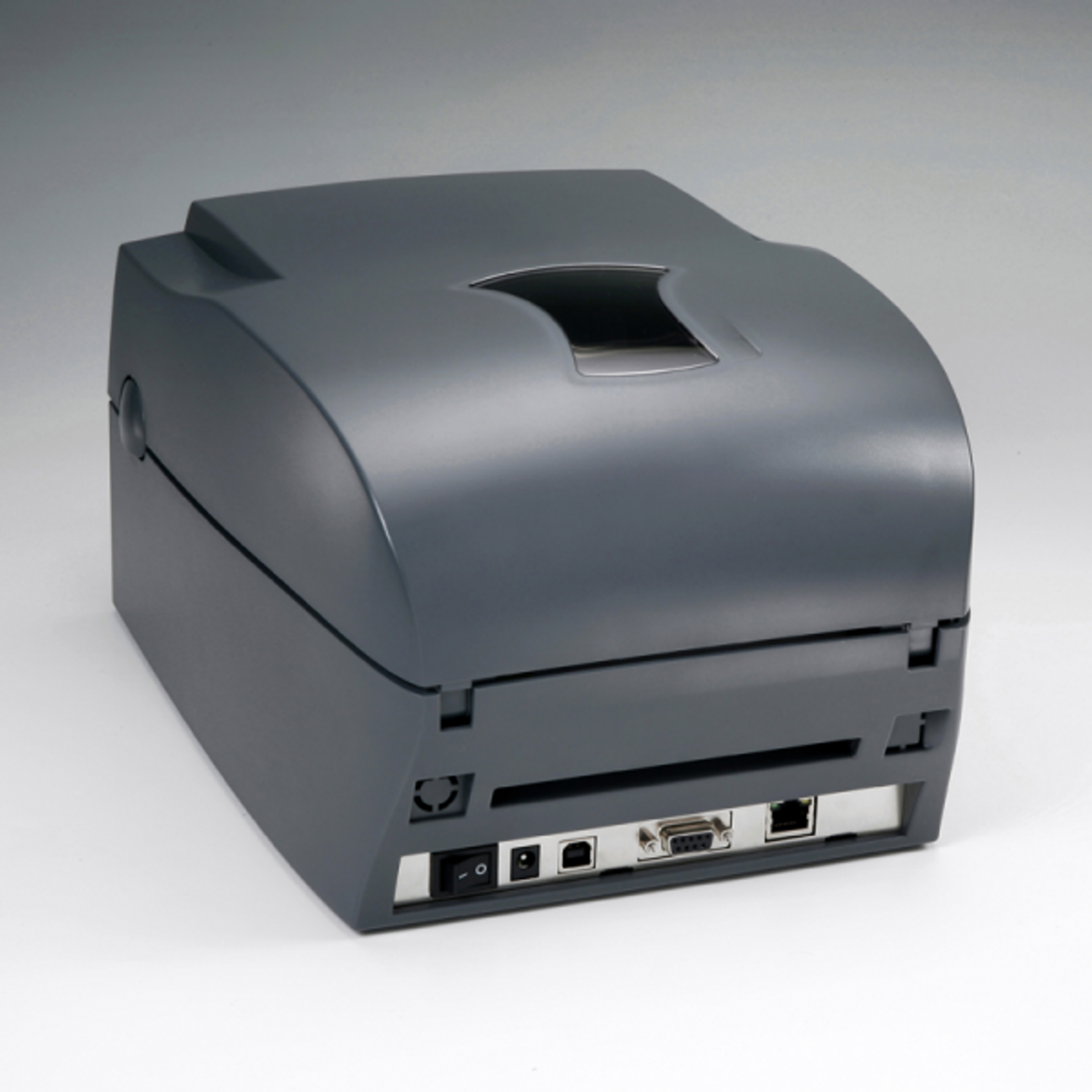
Modern high-quality thermal label printers setup can handle these precision requirements easily. High DPI printing ensures clean separation between bars and consistent width, which directly improves scan reliability.
4. Inconsistent Print Density
Uneven print density produces faded or patchy barcodes. This usually happens when the printhead is dirty, the ribbon tension is off, or the darkness setting is incorrect.
How to fix it:
Clean your printhead regularly using alcohol-based wipes or manufacturer-approved cleaning kits. Replace worn ribbons and use compatible options such as Zebra ribbons for Zebra printers. Adjust the printer’s heat or darkness setting until the bars appear solid black without excessive gloss.
When properly maintained, thermal printers create crisp, high-contrast barcodes that scan on the first try. Regular cleaning also extends printhead life and reduces ribbon waste.
5. Wrong Label Materials
Not every label material supports the same print quality. Using incompatible labels can lead to smudging, fading, or poor adhesion, all of which interfere with scanning.
How to fix it:
Match your label material to your printing method.
- Direct thermal labels work best for short-term use such as shipping or retail receipts.
- Custom thermal transfer labelsare more durable and resist abrasion and chemicals.
If you use inkjet systems, stick with materials designed for them. Buy blank inkjet labels online that are specifically rated for pigment or dye-based inks to prevent bleeding. Choosing the right material ensures your barcode maintains legibility throughout its intended lifespan.
6. Incorrect Ink or Ribbon Compatibility
Low-grade or mismatched inks and ribbons can distort the barcode pattern. When ink spreads unevenly or ribbon transfer is inconsistent, the bars lose their sharpness.
How to fix it:
Use ribbons designed for your printer model and label stock. Thermal transfer users should ensure the ribbon matches the substrate type, such as paper or polyester. If you use inkjet printers, rely on manufacturer-approved cartridges to maintain even color density.
Proper ink and ribbon pairing guarantees clean, durable barcodes that meet industry verification standards.
7. Poor Label Placement
Even a perfect barcode can fail to scan if placed incorrectly. Labels applied over seams, curves, or glossy packaging surfaces can reflect light in unpredictable ways, preventing the scanner from reading the code.
How to fix it:
Place barcodes on smooth, flat areas whenever possible. Avoid wrapping labels around corners or curves. Maintain clear spacing from text and graphics to prevent interference with scanner sensors.
For mass production, automated label applicators help ensure consistent placement and orientation across all products. This consistency is essential for supply chains that rely on high-speed scanning equipment.
8. Neglecting Barcode Verification
Many companies assume a barcode that looks fine to the eye will scan correctly, but that’s not always the case. Minor distortions invisible to humans can cause repeated scan failures.
How to fix it:
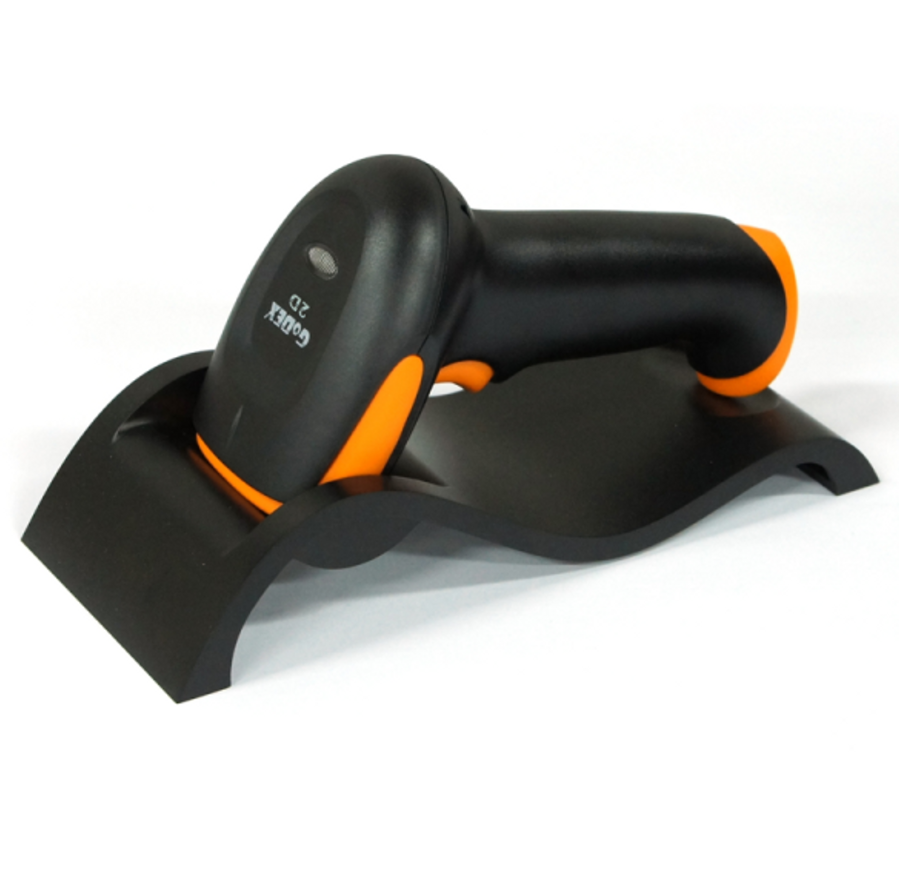
Regularly test printed barcodes using a handheld scanner or verifier. You can buy barcode scanners online to check readability from multiple angles and distances. Verification software grades barcodes according to international standards, helping identify printing problems before labels go into full production.
A small investment in verification can prevent costly disruptions later in the workflow.
9. Ignoring Printer Maintenance
Printers accumulate dust, adhesive residue, and ribbon fragments over time. Without routine cleaning, printheads become obstructed, producing faded or incomplete barcodes.
How to fix it:
Follow a maintenance schedule that includes cleaning after every ribbon or media roll change. Check platen rollers for wear and ensure the printer is properly calibrated after replacing supplies.
Regular maintenance keeps your equipment performing like new. Well-maintained printers such as those used with thermal label printers can deliver consistent output for years without degradation in barcode clarity.
10. Designing Barcodes with Outdated Software
Design errors are just as common as mechanical ones. Using outdated templates or the wrong file format can distort barcode proportions when printed.
How to fix it:
Use up-to-date software like BarTender label software to generate barcodes that meet GS1 and ISO/IEC standards. Avoid resizing or exporting barcode images from generic design programs. Proper software ensures every element—the data encoding, quiet zones, and check digits—is accurate and compliant.
Integrating your design process with reliable printing systems minimizes data entry errors and ensures professional presentation on every label.
11. Overlooking Environmental Factors
Barcodes can degrade when exposed to extreme conditions. Heat, sunlight, and humidity can all reduce contrast or warp label surfaces.
How to fix it:
Store label rolls in controlled conditions, ideally between 20–25°C with moderate humidity. Use weatherproof labels for outdoor or industrial environments. For applications such as automotive service, oil change labels printed on durable materials withstand grease and temperature variations.
By choosing labels suited to their environment, you ensure barcodes remain readable for their entire intended use.
12. Using the Wrong Printer for Your Needs
Not every printer is built for barcode precision. Some are designed for office use, while others handle high-volume industrial output.
How to fix it:
Evaluate your operational scale and printing requirements before purchasing. For retail or office environments, compact models like a thermal label printer provide reliability without excess cost. For long-term or heavy-duty use, invest in high-quality thermal label printers that maintain consistent density across thousands of labels.
For branding applications, color-capable devices complement barcode functionality while producing attractive packaging designs.
Accuracy Comes from Attention to Detail
When barcode labels fail to scan, the problem almost always lies in the details. Small mistakes in contrast, sizing, or maintenance can quickly add up to large operational inefficiencies. The most reliable barcodes come from a disciplined workflow: correct material selection, proper calibration, clean printing equipment, and verified designs.
Improving barcode quality doesn’t require a complete overhaul. It only requires consistent habits and the right tools. By addressing each factor, you can eliminate scan failures, reduce reprints, and strengthen your overall labeling process.
Get Perfectly Scannable Barcodes
At DuraFast Label Company, we help businesses produce reliable, professional-grade barcode labels that scan accurately every time. Whether you need high-quality thermal label printers for outdoor durability, we carry everything required to create sharp, compliant barcodes.
Our catalog includes compatible inks, ribbons, and materials designed to meet the demands of modern printing systems. We also supply advanced printing software, scanners, and accessories to complete your workflow from design to application.
Reach out to us today to explore our complete range of printing solutions and learn how to achieve flawless barcode readability on every label you produce.