A Guide to Ordering Thermal Ribbons Online Without Errors
6th Feb 2026
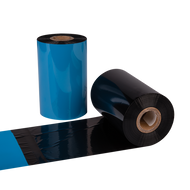
Thermal transfer printing remains one of the most reliable methods for producing durable, high-quality labels. However, the process depends heavily on choosing the right ribbon type and specifications for each printer. For many professionals, the challenge begins when they order Datamax ribbons online and encounter a wide range of options, from wax to resin types. Selecting the wrong ribbon can cause print inconsistencies, excessive wear, and wasted costs. Understanding the essential steps in ribbon selection ensures every order supports productivity and quality.
Additionally, assessing factors such as ribbon width, ink formulation, and label material compatibility helps prevent costly reprints and machine downtime. By identifying these key elements early, businesses can maintain consistent output, extend printhead life, and ensure every printed label meets professional standards.
Step 1: Understand the Thermal Ribbon Types
Before making any purchase, it’s vital to understand the three main categories of thermal ribbons—wax, wax-resin, and resin. Each serves a distinct purpose and printing environment.
Wax ribbons are the most common and cost-effective choice. They are ideal for paper labels used in retail, shipping, and general inventory applications. Wax produces sharp black prints but lacks resistance to smudging or heat.
Wax-resin ribbons combine the benefits of both materials. They offer moderate durability and print clarity, making them suitable for coated paper or synthetic labels exposed to handling or mild environmental conditions.
Resin ribbons, on the other hand, deliver the highest level of resistance to abrasion, moisture, and chemicals. They are essential for industrial or outdoor labeling, particularly on synthetic materials like polyester or polypropylene.
Knowing which type matches the label surface and environment prevents errors during ordering and improves print consistency.
Step 2: Match Ribbon Compatibility with the Printer
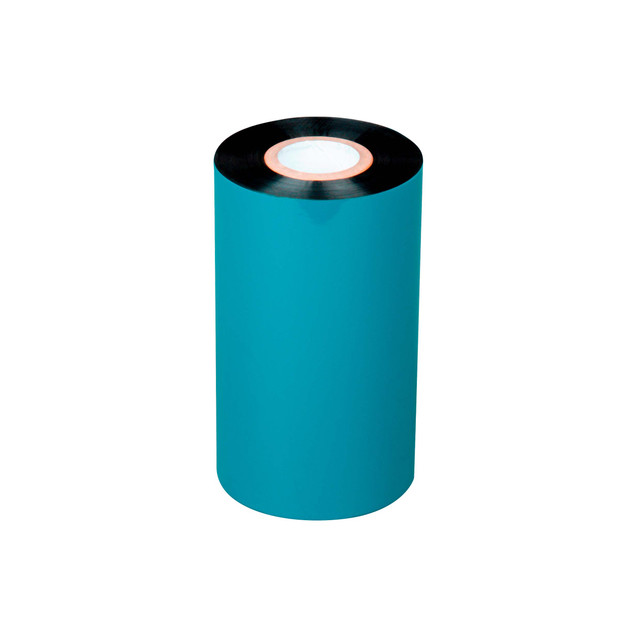
A common mistake occurs when buyers overlook printer compatibility. Thermal transfer ribbons are not universal; each model requires specific widths, core sizes, and winding directions. When placing an online order, users should refer to their printer’s manual or technical sheet to confirm specifications.
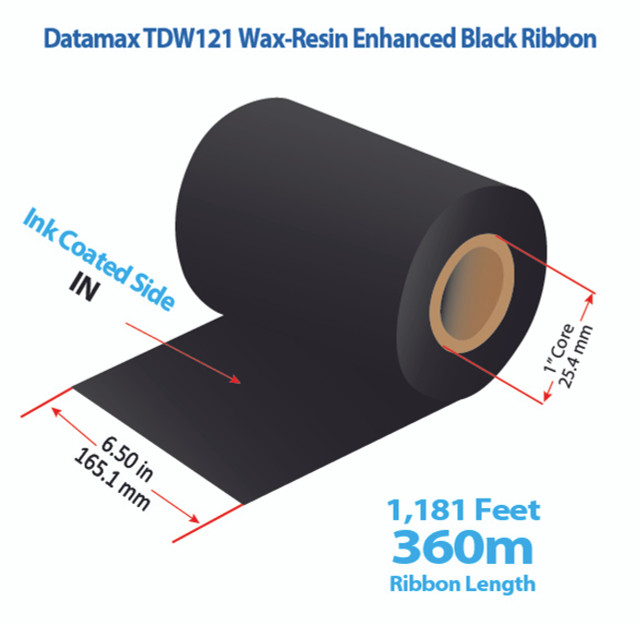
For instance, Datamax printers may differ in how ribbons are wound—ink side out or ink side in. Ordering the wrong configuration can cause print failures or ribbon damage. Similarly, ribbon width should always be slightly larger than the label width to protect the printhead from direct contact with label edges.
Matching specifications ensures smooth feeding, proper ink transfer, and minimal wear on print components, ultimately reducing downtime and ensuring more reliable, cost-efficient performance during extended labeling operations.
Step 3: Identify Label Material and Application
The type of label used plays a major role in selecting the correct ribbon. Paper labels require ribbons designed for softer surfaces, while synthetic labels demand stronger formulations.
For short-term labeling—like shipping tags or retail price stickers—a standard wax ribbon suffices. However, applications in manufacturing, outdoor logistics, or healthcare may need wax-resin or resin ribbons. Choosing based on the label environment ensures durability and legibility even under extreme temperatures or exposure to moisture.
Businesses using thermal transfer labels for sale should consider their end-use conditions. The correct pairing between ribbon and label material ensures professional-grade printing that withstands wear, handling, and exposure.
Step 4: Consider Print Quality and Durability Needs
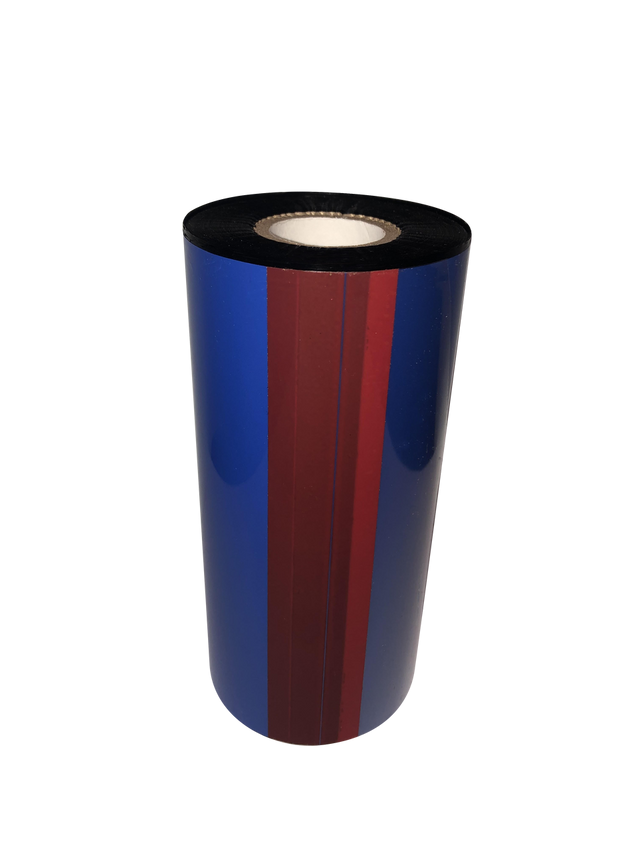
When evaluating which ribbon to buy, print quality expectations should guide the decision. If the goal is to produce barcodes with high contrast and scannability, ribbon formulation must match the desired resolution and darkness level.
Resin ribbons provide superior edge definition, essential for serial numbers and fine text. Wax ribbons, while more affordable, may not perform as well for long-term storage labels or heavily handled items. For labels requiring full colour or branding elements, businesses may also benefit from color label printers for sale that offer vibrant, consistent printing.
Factoring in durability needs at this stage prevents the inconvenience of premature fading or smudging that leads to reprinting and downtime.
Step 5: Verify Core Size, Length, and Ribbon Width
Incorrect sizing is one of the most common ordering mistakes. Each printer model supports specific ribbon dimensions, and using the wrong size can cause feeding problems or uneven print coverage.
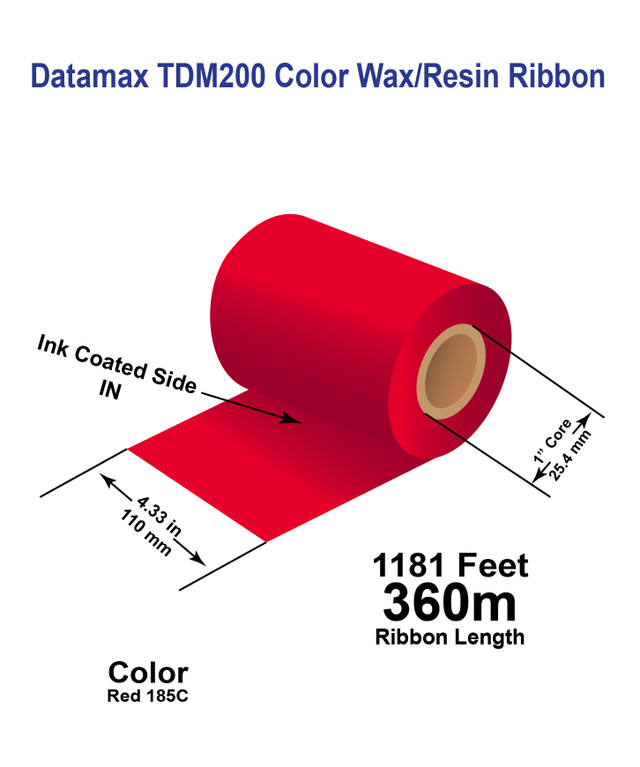
Core size typically ranges from 0.5 to 1 inch, depending on the printer type. Ribbon length should balance between minimizing frequent replacements and ensuring proper fit in the printer housing. Similarly, ribbon width should cover the entire label surface, slightly exceeding it to protect the printhead.
Most manufacturers, including Datamax, provide detailed product specifications. Verifying these details before ordering helps avoid mismatches and wasted materials.
Step 6: Check Ribbon Coating and Compatibility with Printhead Type
Not all ribbons are coated the same way. Some printers require ribbons coated on the outside, while others use an inside coating. Selecting the wrong coating direction can prevent ink transfer altogether.
The printhead type—flat head or near-edge—also influences ribbon choice. Flat head printers use ribbons with slower ink release, ideal for standard label printing. Near-edge printers need faster-releasing formulations to match high-speed output.
Paying attention to coating and printhead design helps maintain consistent quality and prolongs the life of the printer.
Step 7: Review Performance Ratings and Storage Conditions
Before confirming the purchase, users should review the ribbon’s performance specifications, including its resistance to heat, chemicals, and friction. Resin ribbons often score highest across these categories, while wax ribbons perform best under controlled environments.
Proper storage is another often-overlooked aspect. Ribbons should be stored in a cool, dry environment away from direct sunlight or high humidity. Exposure to heat or moisture can cause ink degradation, affecting print consistency.
Understanding these performance and storage factors ensures ribbons retain optimal quality from delivery to printing.
Step 8: Compare Prices Without Sacrificing Quality
Price often influences buying decisions, but the lowest cost option is not always the best value. Buyers should compare suppliers not only on price but also on product authenticity, shipping reliability, and return policies.
Buying from reputable online retailers offering affordable barcode scanners online and other printing supplies guarantees consistent quality and customer support. Bulk purchases often provide discounts, but verifying compatibility before ordering large quantities is essential to avoid waste.
Choosing cost-effective yet reliable ribbons helps balance operational budgets and print performance.
Step 9: Check Return Policies and Warranty
Even with careful research, occasional errors can occur when ordering online. To safeguard against such issues, it’s important to choose suppliers that offer clear return and warranty policies.
A reliable vendor should allow exchanges or refunds for unopened, incorrectly ordered ribbons. This flexibility minimizes financial loss and ensures businesses can quickly replace incompatible items.
Warranties also reflect product confidence, ensuring ribbons meet specific quality and durability standards. Always review these terms before placing an order.
Step 10: Make the Purchase and Record Specifications
Once all details are confirmed—ribbon type, size, coating, and printer compatibility—the order can be confidently placed. It’s also beneficial to record all ribbon specifications used for successful print jobs. Keeping this information readily available simplifies future orders and helps standardize purchasing processes within the organization.
For businesses managing multiple printers, creating a reference chart for each model’s required ribbon specifications ensures consistency across departments and reduces ordering mistakes.
Ensuring Precision in Every Order
Ordering thermal ribbons online requires careful attention to detail, from material selection to printer compatibility. Each specification—whether core size, coating direction, or formulation type—affects print performance and efficiency. By understanding the full picture, businesses can prevent errors, improve label quality, and maintain smooth printing operations.
For those ready to streamline their printing setup, it’s worth sourcing products from trusted suppliers offering order Datamax ribbons online, buy thermal label printers online, and buy toners for label printers to support every stage of production.
For top-quality ribbons and dependable support, DuraFast Label Company provides the right tools and expertise to help ensure every label prints perfectly, every time. Contact us today.