A Beginner’s Guide to RFID Label Printing
14th Jan 2026
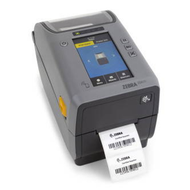
In recent years, RFID label printers in Canada have transformed how businesses manage data and track assets. RFID (Radio Frequency Identification) technology allows companies to print and encode labels containing tiny microchips and antennas that store and transmit information wirelessly. Unlike traditional barcodes, RFID labels can be scanned without direct line-of-sight, enabling faster and more accurate inventory and logistics operations.
An RFID printer works by embedding a small RFID inlay between layers of label material while simultaneously printing human-readable text, logos, or barcodes. The printer encodes data into the chip, linking it to the product’s unique identity within a company’s database. This process ensures seamless integration between physical assets and digital tracking systems. From manufacturing plants to retail stores, RFID label printing has become a cornerstone of automation and efficiency.
Step 1: Learn How RFID Label Printers Operate
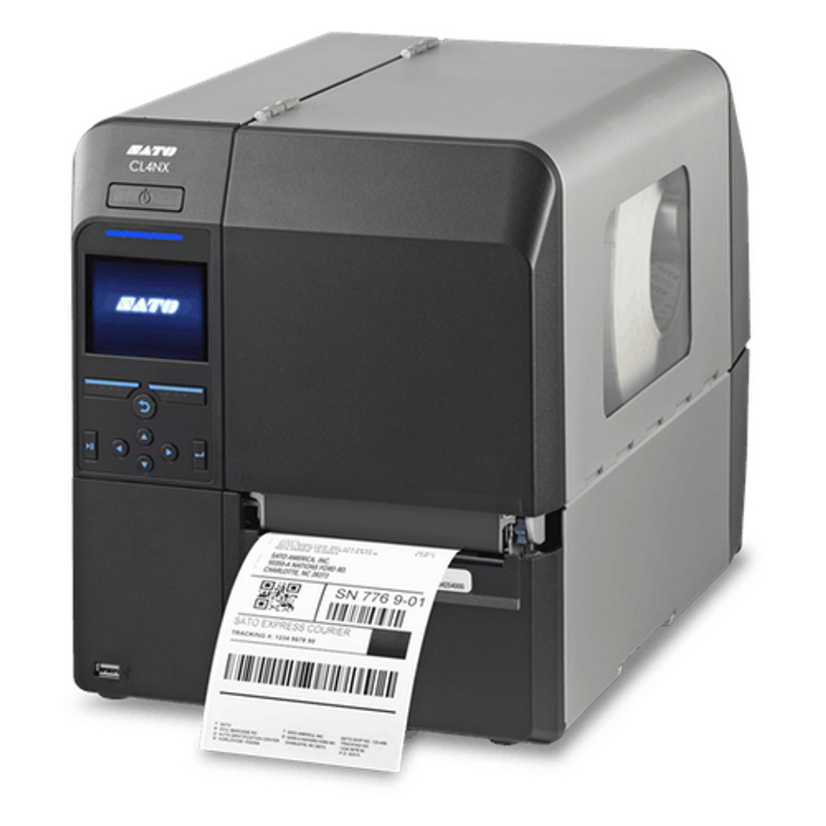
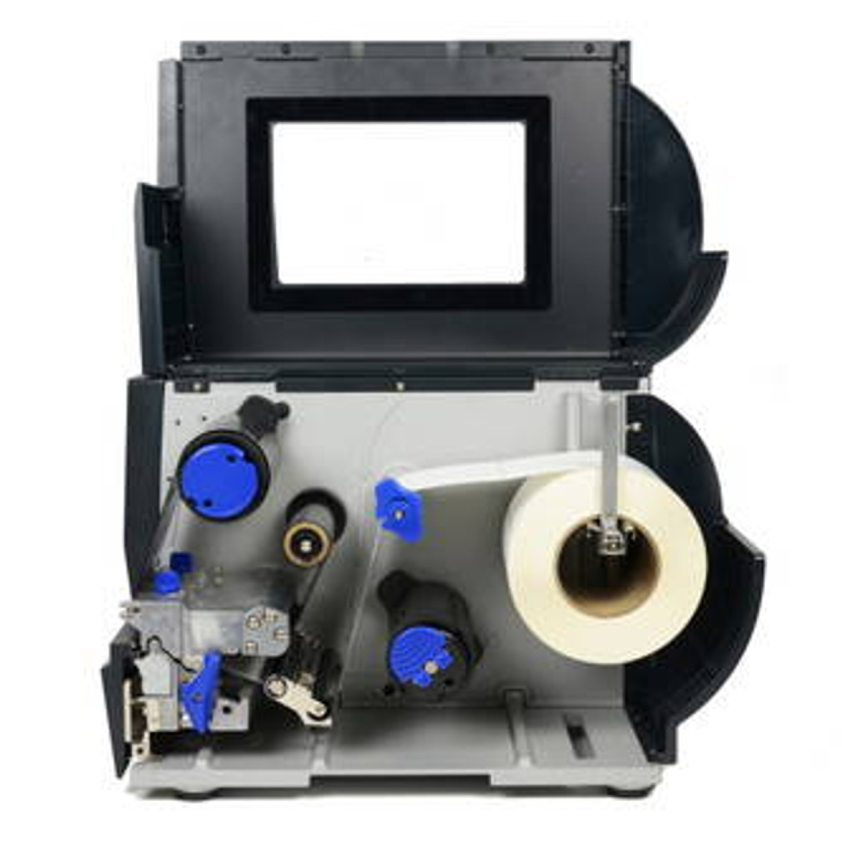
To understand how to use these systems effectively, one must first grasp how RFID printers function. At their core, these printers are similar to thermal barcode printers but include an encoding module. When printing, the machine transfers information through radio waves to the embedded microchip in each label.
The printer verifies that the chip is successfully encoded before advancing to the next label, ensuring data accuracy and preventing waste. This verification process is especially valuable in high-volume production, where hundreds of labels may be printed per minute. Compatibility with printing software such as Bartender label software further enhances workflow efficiency by enabling template creation, variable data input, and real-time encoding management.
RFID printers also differ by printing technology—direct thermal or thermal transfer. Direct thermal printing uses heat-sensitive materials, ideal for short-term use, while thermal transfer printing utilizes durable ribbons for long-lasting labels that can withstand moisture, heat, and abrasion.
Step 2: Select the Right Type of RFID Labels
Choosing the correct label material is as important as selecting the right printer. RFID labels come in a range of materials designed for various environmental conditions. For example, durable custom thermal transfer labels are ideal for warehouse or industrial settings, while flexible synthetic labels are preferred for consumer goods and packaging.
The label’s adhesive also plays a vital role. Permanent adhesives suit long-term asset tracking, while removable ones are useful for temporary labelling. Selecting the proper RFID inlay frequency—low, high, or ultra-high frequency—depends on the required read range and application environment. High-frequency tags are often used in retail, while ultra-high frequency tags perform well in large-scale inventory systems.
Step 3: Understand Printer Compatibility and Integration
When integrating RFID printers into an existing setup, compatibility with existing systems is key. Most modern RFID printers support standard network connections such as USB, Ethernet, and Wi-Fi, enabling smooth communication with warehouse management or enterprise resource planning systems.
Printers can be paired with devices like Brother scanners to streamline scanning and verification tasks. Advanced printing environments may also integrate RFID printers with ERP systems for automated data synchronization. To maintain smooth operations, businesses often refer to print compatibility charts provided by manufacturers to confirm that selected labels, ribbons, and chips are supported.
Additionally, many RFID printers are designed to handle both standard and RFID label printing, offering flexibility for businesses transitioning from barcode systems to RFID-based tracking.
Step 4: Optimize Printing Software for RFID Labelling
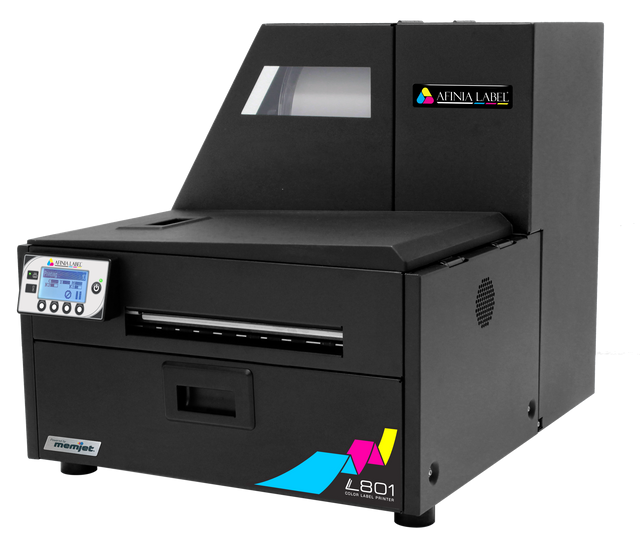
Effective RFID printing relies heavily on software that can handle variable data and encoding instructions. Using solutions like Nicelabel software allows businesses to design custom label templates that include barcodes, images, and encoded data fields. This software ensures each label is accurately linked to product details, reducing human error and enhancing traceability.
Through database connectivity, RFID label design software can pull live data from spreadsheets or inventory systems, automatically encoding each label during printing. This automation is particularly valuable for manufacturers and logistics companies managing thousands of SKUs daily.
Step 5: Maintain Consistency and Quality Control
Regular firmware updates also play a vital role in maintaining the efficiency of RFID label printers. Updated firmware enhances encoding accuracy, supports new tag types, and improves overall performance. Keeping printer drivers and associated Bartender label software current ensures compatibility with the latest systems and avoids printing errors that can occur with outdated versions.
In addition, storing RFID media properly helps prevent adhesive degradation or tag malfunction caused by heat and humidity. Training operators to handle both consumables and printers correctly minimizes accidental damage and ensures every printed tag performs as intended. By combining preventive maintenance with consistent monitoring, businesses can maximize the return on their investment and sustain optimal productivity in any printing environment.
Industries Benefiting from RFID Label Printing
RFID label printing has found widespread use across multiple industries because of its ability to improve traceability, reduce manual work, and ensure compliance with modern data standards.
- Retail and Apparel
Retailers use RFID technology to maintain accurate inventory counts, prevent stockouts, and support omnichannel operations. Tags on garments or packaging enable instant item-level tracking, making it easier to monitor supply levels and product movements.
- Manufacturing and Warehousing
Factories and logistics centers use RFID labels for component tracking, asset management, and shipment verification. These labels improve visibility across production lines and reduce errors caused by manual data entry.
- Healthcare and Pharmaceutical
In healthcare, RFID labels help track medical supplies, equipment, and even patient records. The technology ensures that sensitive materials are traceable throughout their lifecycle, meeting regulatory requirements.
- Transportation and Logistics
Freight companies benefit from RFID label printing by monitoring shipments in real time. Tags attached to containers or pallets transmit data during transit, enhancing visibility and reducing lost-item incidents.
- Government and Asset Management
Municipal departments and educational institutions employ RFID tags for asset tracking and equipment audits. This approach reduces losses, automates documentation, and simplifies maintenance scheduling.
Step 6: Evaluate Printer Models Based on Business Scale
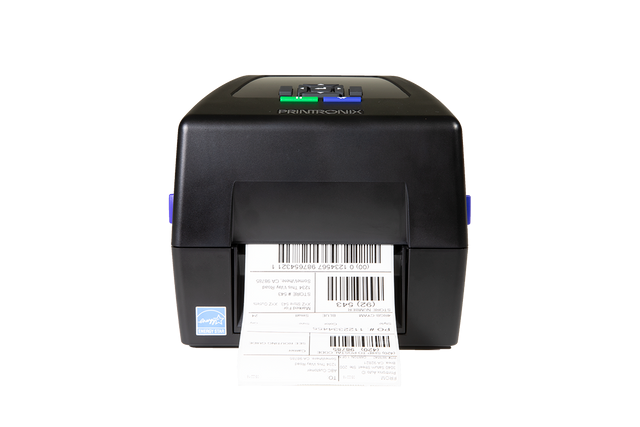
The right RFID printer depends on production volume and usage environment. Compact desktop models are suitable for small-scale operations such as retail labelling, while industrial-grade units can handle continuous, high-speed printing in factories or distribution centers.
Businesses producing durable outdoor labels may opt for printers compatible with thermal transfer labels, ensuring the output resists UV exposure and harsh conditions. Advanced models with encoding verification and integrated sensors provide greater accuracy and minimize waste.
Before finalizing a purchase, it’s advisable to test sample labels and review each printer’s media-handling specifications. Proper selection ensures consistent output and reliable data transfer between physical and digital systems.
Step 7: Plan for Future Expansion and Technology Updates
RFID technology continues to evolve, and future-ready systems allow for easy upgrades. Companies adopting RFID today can integrate it with automation solutions or Internet of Things (IoT) platforms later on, ensuring scalability, improved data sharing, seamless connectivity, and long-term compatibility with advancing warehouse, retail, and logistics technologies designed for smarter, more efficient operations..
Some RFID printers are compatible with accessories such as label applicators or label rewinders, improving production efficiency. Others connect with portable label makers for field labelling tasks. Investing in scalable solutions ensures long-term operational flexibility as demand and technology advance.
Achieving Precision and Efficiency in RFID Labelling
As RFID continues to reshape how industries manage identification and traceability, adopting reliable printing systems becomes essential for long-term efficiency. Modern RFID label printers in Canada empower organizations to produce accurate, scannable, and durable labels that simplify asset tracking and improve operational flow.
For businesses seeking to enhance productivity and maintain consistent labelling quality, access to compatible supplies and software is equally important. With dependable products like thermal label printers, custom thermal transfer labels, and affordable barcode scanners, maintaining data accuracy and professional printing results becomes seamless.
For companies ready to improve tracking efficiency and labelling precision, DuraFast Label Company provides professional solutions designed for accuracy, durability, and performance. Contact us today to learn more about available RFID label printers and supplies that help businesses operate smarter and faster.